
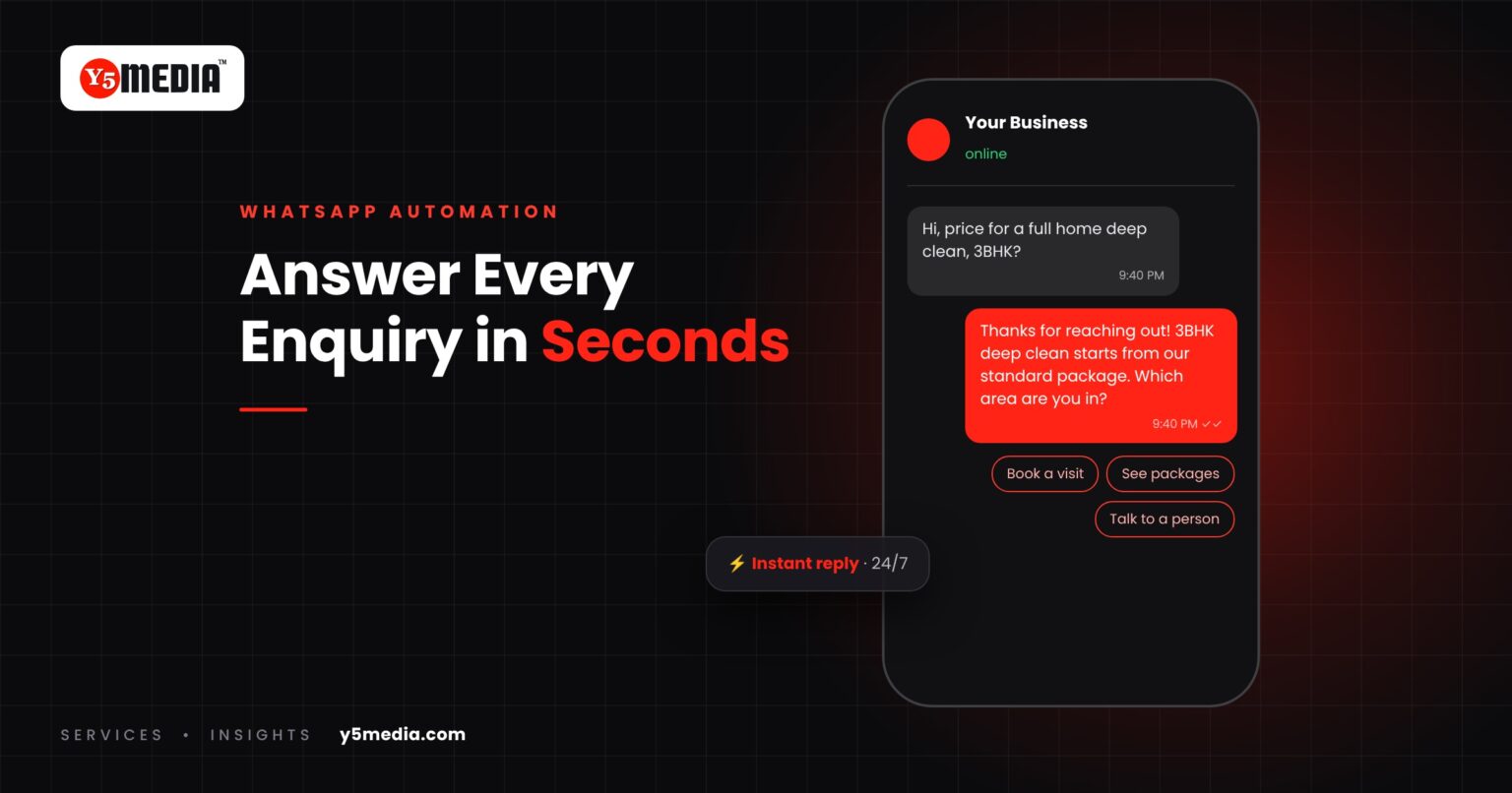
A customer finds your business, likes what they see and taps the WhatsApp button at 9:40 at night. They type: “Hi, what’s the price for a full home deep clean, 3BHK?” Then they message two of your competitors with the same question.
Whoever replies first with a useful answer usually gets the conversation. By the time your team sees the message the next morning, the customer may already have booked someone else.
WhatsApp automation for business closes that gap. Done well, it answers instantly, asks the right follow-up questions and hands a warm, qualified lead to a person – without making the customer feel they’re talking to a machine.
The Real Cost of a Slow Reply
Most businesses don’t lose enquiries to better competitors. They lose them to faster ones. A buyer contacting several providers tends to move forward with whoever makes it easiest – the first clear answer, the first price range, the first available slot.
The problem is rarely effort. It’s that enquiries arrive at all hours, across several team members’ phones, with no system for who replies, when, and what happens next.
WhatsApp Business App vs Business Platform
There are two official routes, and choosing the right one matters.
| WhatsApp Business app | WhatsApp Business Platform | |
|---|---|---|
| Best for | Sole traders and small teams with modest message volume | Growing businesses with multiple staff, higher volume or automation needs |
| Automation | Greeting messages, away messages, quick replies | Full conversational flows, lead qualification, integrations |
| Team access | Limited linked devices | Shared inbox for multiple agents |
| Integrations | Minimal | CRM, booking systems, payment links, website chat |
| Outbound messages | Manual | Pre-approved message templates to opted-in contacts |
If you’re still running business enquiries from someone’s personal number, moving to either official option is the first step. It protects the business if that person leaves and gives customers a verified profile to trust.
What to Automate – and What to Keep Human
| Automate | Keep human |
|---|---|
| Instant acknowledgement and a useful first answer | Custom quotes and negotiations |
| Business hours, location and directions | Complaints and sensitive conversations |
| Price ranges and standard packages | Complex technical questions |
| Qualifying questions (service, location, timing) | Anything where the customer asks for a person |
| Appointment booking and reminders | Relationship follow-ups with key accounts |
The rule of thumb: automate anything with a standard answer, and make it easy for the customer to reach a person the moment they need one.
A Sample Enquiry Flow
Here’s how a well-designed flow might look for a home services business:
- Instant reply: “Thanks for contacting us! I can help with pricing and bookings right now. What service are you interested in?” – with tappable options.
- Qualify: Ask for home size and location, with buttons wherever possible to reduce typing.
- Give a useful answer: Share the price range for that combination and what’s included.
- Offer the next step: “Would you like to book a visit? Here are the next available slots.”
- Hand over: Booked or not, the conversation, with all answers attached, lands in your CRM or shared inbox for a team member to follow up.
- Escape route at every step: “Talk to a person” is always an option.
Connecting WhatsApp to the Rest of Your Business
Automation delivers the most value when WhatsApp isn’t an island:
- Website: Click-to-chat buttons on service pages can start the conversation with context, such as which service page the visitor came from.
- CRM: Every conversation creates or updates a lead record, so nothing lives only in one person’s phone.
- Calendar: Bookings made in chat appear in your team’s schedule automatically.
- Follow-ups: Opted-in customers receive reminders, updates and feedback requests at the right moments.
This is also a conversion improvement. A visitor who won’t fill in a form will often send a WhatsApp message – see our guide to conversion optimisation for low-traffic websites.
Consent and Good Practice
WhatsApp’s Business Policy requires businesses to have the customer’s number and their opt-in permission before messaging them, and to respect opt-out requests. In practice:
- Only message people who contacted you or clearly agreed to receive messages.
- Say what they’ll receive when you ask for consent – order updates, reminders, offers.
- Make it simple to stop messages.
- Don’t buy contact lists or send bulk promotions to people who never opted in. It damages your reputation and can get your number restricted.
Common Mistakes
- Robotic menus with no escape – customers abandon flows that trap them.
- Automating the reply but not the handover – the bot answers instantly, then nobody follows up for a day.
- Over-messaging – too many promotional messages lead to blocks and reports.
- Set and forget – prices, services and hours change; the flow must change with them.
Frequently Asked Questions
Is WhatsApp automation expensive?
Costs depend on the route. The WhatsApp Business app is free and includes basic automated messages. The Business Platform involves provider and messaging charges that vary by volume and message type, so it's worth estimating your monthly conversations before choosing.
Will customers be annoyed by a WhatsApp bot?
Customers are generally annoyed by bots that trap them or give useless answers. A short flow that answers quickly, asks only what's needed and offers a person at any point is usually welcomed, especially outside business hours.
Can WhatsApp automation connect to our CRM?
Yes, when you use the WhatsApp Business Platform through a provider that supports integrations. Conversations and the answers customers give can create or update lead records automatically.
What to Remember
- Speed of a useful first reply often decides who wins the enquiry.
- Use the official app for small volumes, the Business Platform for teams and automation.
- Automate standard answers; keep negotiation and complaints human.
- Always offer a route to a person, and always follow up.
- Opt-in consent isn’t optional – it’s WhatsApp policy.
WhatsApp Automation by Y5MEDIA
Our WhatsApp Integration & Automations team sets up official WhatsApp Business profiles, designs instant-response and qualification flows, and connects conversations to your CRM – consent-first and tested on real phones. For businesses that want the same experience on their website, our Chatbot & Conversational Marketing service extends it there.
WhatsApp Integration & Automations
Every enquiry answered in seconds, on the app customers already use.
Learn more →Chatbot & Conversational Marketing
Conversational flows on your website and messaging channels.
Learn more →Conversion Rate Optimization
Pages that make it easy to start the conversation.
Learn more →How Fast Does Your Business Reply Today?
Tell us how enquiries reach you now and who answers them. We’ll map a flow that replies instantly, qualifies the lead and hands it to the right person. Request a proposal to get started.
Sources
- WhatsApp Business Policy (WhatsApp)