
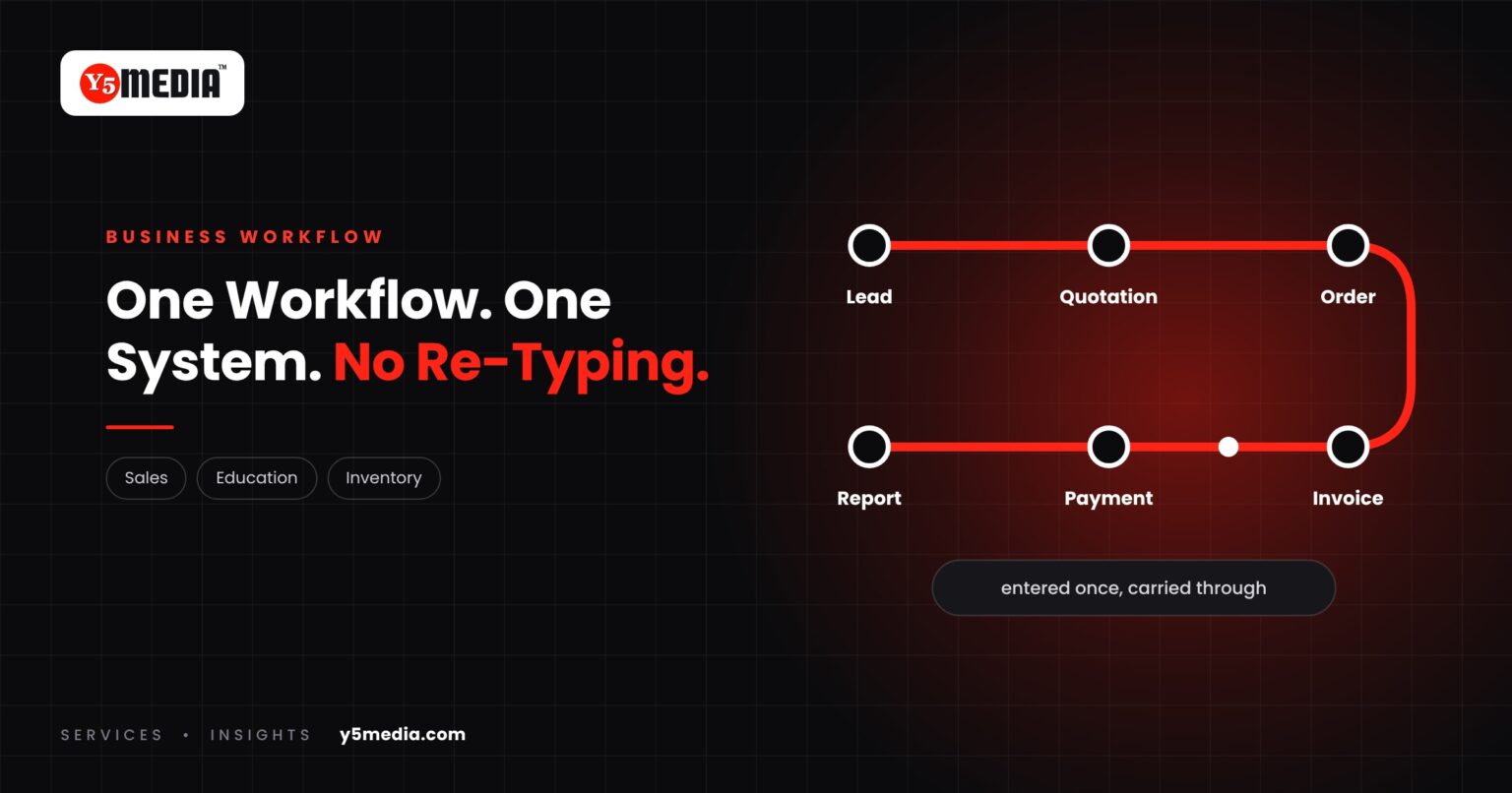
Every business runs on a sequence. Something comes in, passes through several hands, and ends as money received and a number in a report.
The trouble starts when each step lives in a different place. Business workflow automation means designing software around that sequence, so information entered once carries all the way through.
Three Workflows, Three Sectors
| Sector | Workflow |
|---|---|
| Trading or services | Lead → Quotation → Order → Invoice → Payment → Reporting |
| School or college | Student → Admission → Fees → Attendance → Examination → Reports |
| Retail or distribution | Inventory → Purchase → Stock → Sales → Billing → Reporting |
Where the Time Goes
In each chain, the arrows are the problem. Every arrow is a handover. If the two steps are in different tools, a person re-types the details, and each re-typing is a chance for delay or error.
- The quotation is prepared in a document, then entered again as an order.
- Fees are collected in one system and reconciled by hand in another.
- Stock is counted in a spreadsheet that billing never sees.
What Workflow-Based Software Does Differently
Software designed around a defined workflow treats the chain as one thing:
- Information entered once carries forward to every later step.
- Each step knows what must happen before it and what follows.
- The right person is prompted at the right stage.
- Reports come from the same data the work was done in.
What It Requires From You
A defined workflow. Before any development, the process has to be written down:
- The steps, in the order they really happen.
- Who does each step.
- What triggers the next step.
- Where the exceptions are, and who decides them.
- What each step needs to know from the ones before.
Not every workflow needs custom software. If yours matches a standard product, use the product. If the tools are fine but disconnected, integration may be enough. If neither fits, that mismatch is the specification.
Frequently Asked Questions
Do we need to map the whole business before starting?
No. Start with the one workflow that causes the most re-typing or delay. A single well-defined chain is a better first project than an attempt to cover everything.
What if our process changes often?
Then say so early. Software can be designed so that rules and steps are adjustable, but only if that need is known at the start. A process that is still being invented is better settled before it is built into a system.
Can workflow software connect to our accounting package?
Possibly. It depends on what the accounting package exposes and what your licence allows, so it has to be checked for your specific product before anyone promises it.
What to Remember
- Every business has a workflow; the handovers between steps are where time is lost.
- Workflow-based software carries information from the first step to the last.
- A written, agreed workflow is the precondition for building anything.
- Documenting the process often improves it before any code is written.
- If a standard product or an integration fits, use that.
How Y5MEDIA Designs Around a Workflow
We begin by documenting how the work really flows, exceptions included, and only then decide what the software should do.
Our ERP implementation case study describes this in education, where fee collection, accounting and reconciliation were brought into one connected system across many institutions.
ERP Implementation Case Study
Lessons from connecting a large, decentralised education network on one ERP ecosystem.
Learn more →Our Process
How an engagement runs, from first conversation to handover.
Learn more →WhatsApp Automation
Enquiry handling and messaging connected to the systems you already use.
Learn more →Have a Workflow That Doesn’t Fit Your Software?
Describe the chain from first step to last, and where the re-typing happens. We will tell you whether it calls for a product, an integration or software built around it.