
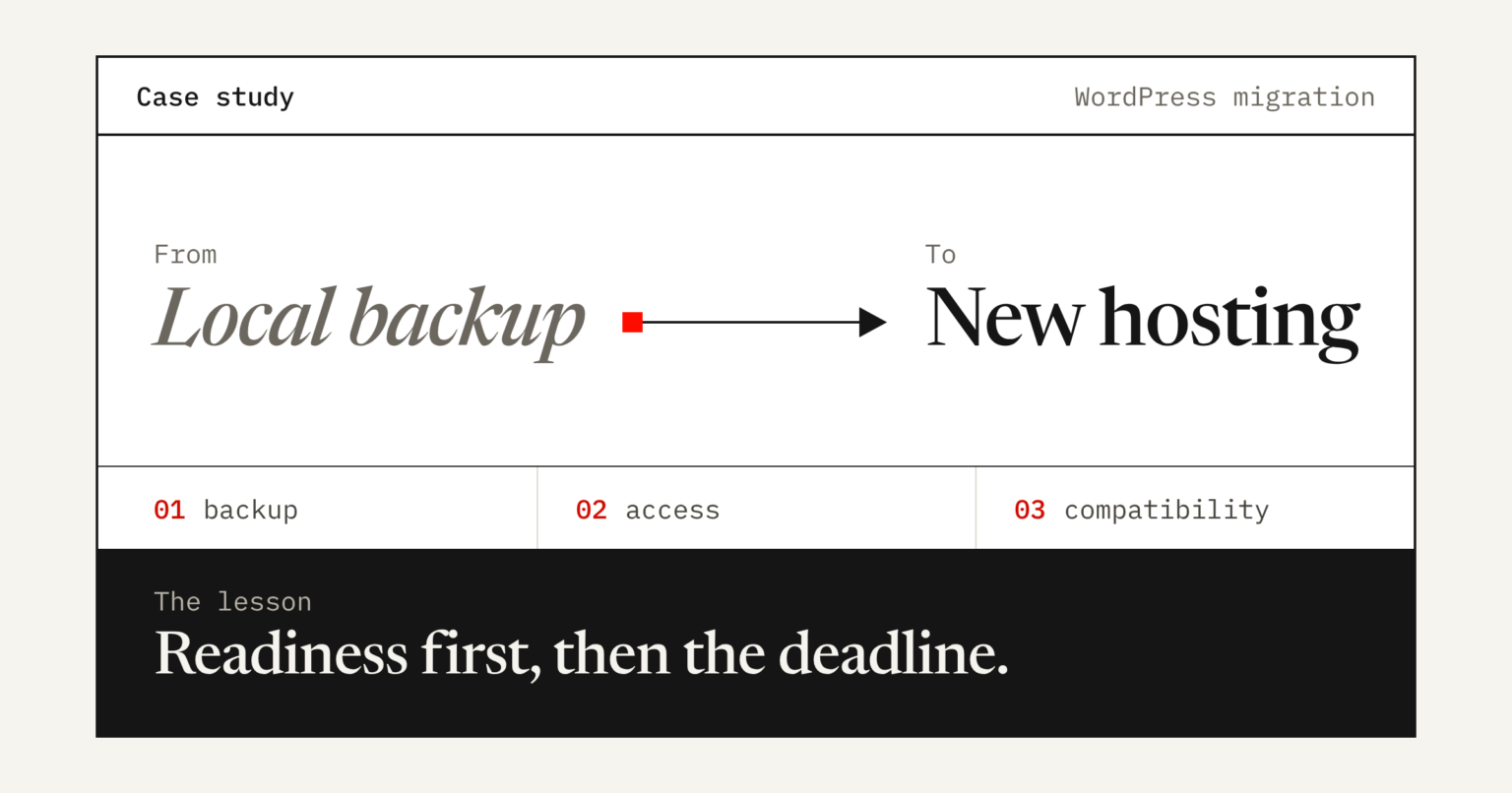
Real Implementation. This case study is based on a WordPress migration handled by the Y5MEDIA team. Client identities are withheld for confidentiality.
Case Study | WordPress Website Migration. Industry: Web Development & Hosting. Focus areas: WordPress, Elementor, hosting configuration, website restoration, technical troubleshooting
At a glance: How a time-sensitive website migration highlighted the importance of proper backups, access management, website maintenance, and realistic delivery timelines.
Project Overview
A website migration project came with a clear requirement: migrate a WordPress website from a locally available backup to new, affordable hosting within a single night.
The project began with a minimalistic scope and a tight delivery expectation. However, as the work progressed, several technical and operational challenges emerged. These included delayed account permissions, repeated OTP and security verification requests, hosting support dependencies, and existing website issues related to WordPress and Elementor maintenance.
The experience highlighted an important reality of website migration: moving a website to new hosting is only one part of the process. The condition of the existing website, the completeness of the backup, and the availability of the necessary access can be equally important.
The Challenge
The original websites were unavailable, which meant there was no reliable live website to inspect before migration. The available local backup became the primary reference for the restoration work.
During the process, several challenges affected the expected timeline.
1. Migration from a Local Backup
With the original websites down, it was not possible to fully inspect their live appearance, functionality, or existing technical condition before starting.
The backup needed to serve as the foundation for the migration, while its contents and compatibility required verification.
2. Hosting Access and Security Verification
The migration depended on account permissions, hosting access, and security verification procedures.
Repeated OTP requests and account checks introduced delays. Although these safeguards are important for account security, they can affect delivery when access requirements have not been confirmed in advance.
3. Existing WordPress and Elementor Issues
Some websites did not load or display properly during the restoration and testing process.
Earlier website maintenance and potential compatibility issues involving WordPress, Elementor, themes, plugins, or server configuration added another layer of troubleshooting.
A migration does not automatically repair pre-existing website problems. In some cases, additional investigation is necessary to determine whether an issue originates from the backup, the previous environment, or the new hosting configuration.
4. Third-Party Dependencies
Progress also depended on receiving the required information and approvals and resolving hosting-related questions.
Even when the developer is ready to proceed, delays involving account owners, verification procedures, or hosting support can affect the overall schedule.
The Technical and Operational Lessons
This experience reinforced several important principles for website migration projects.
1. A backup must be assessed before the migration begins
The presence of website files alone does not guarantee a complete, restorable website. The database, uploads, themes, plugins, and configuration must also be considered.
2. WordPress and Elementor require compatibility checks
WordPress core, PHP, database versions, themes, Elementor, and add-ons must work together in the target environment.
3. Account access is part of project readiness
Hosting credentials, domain access, DNS permissions, account-owner availability, and required verification procedures should be checked before confirming a tight deadline.
4. Website restoration and website repair are different services
Transferring an existing website should not automatically be treated as a commitment to repair every pre-existing error or redesign broken pages.
5. A delivery deadline must account for dependencies
An overnight migration may be feasible when access, backups, and hosting are ready. Unverified dependencies make a guaranteed deadline risky.
Our Improved WordPress Migration Process
Following these lessons, Y5MEDIA’s recommended migration workflow is structured around two stages.
Stage 1: Migration Readiness and Technical Assessment
Before confirming the migration schedule, the following checks should be completed:
- Review the available website files and database backup.
- Confirm that the backup is readable and sufficiently complete.
- Identify WordPress, theme, Elementor, and plugin requirements.
- Check the target hosting package, PHP compatibility, database support, and available resources.
- Verify hosting and domain access, including any required OTP or account-owner approval.
- Identify DNS, SSL, and business email dependencies.
- Establish the website’s known condition using screenshots, backup inspection, or other available references.
- Document the project scope, exclusions, risks, and delivery conditions.
Stage 2: Migration, Restoration, and Testing
Once the prerequisites are ready, the migration can proceed:
- Transfer the website files and import the database.
- Configure the WordPress installation and database connections.
- Update URLs and serialized data safely where necessary.
- Verify WordPress and Elementor functionality.
- Regenerate Elementor CSS and refresh relevant caches if required.
- Check page layouts, images, navigation, forms, and mobile responsiveness.
- Configure SSL and verify DNS changes where included in the scope.
- Record any remaining issues and obtain client acceptance.
Any additional repairs outside the agreed scope should be documented and quoted separately before proceeding.
What Businesses Should Know Before Migrating a Website
If your website is unavailable, you have only a local backup, or your existing WordPress installation has not been maintained regularly, a migration may require more than a simple file transfer.
Before selecting a migration provider, make sure you understand:
- What is included in the migration quotation.
- Whether website restoration and troubleshooting are included.
- Whether the backup and hosting environment have been assessed.
- Who will provide account access and approve security verification.
- How unexpected compatibility issues will affect the timeline.
- What testing and handover will be provided.
A clear scope and readiness assessment help reduce surprises, avoid misunderstandings, and improve the chances of a smooth migration.
How Y5MEDIA Can Help
Y5MEDIA provides web development and digital solutions for businesses that need dependable websites, technical improvements, and hosting-related support.
Whether you are moving to more affordable hosting, restoring a WordPress website from a backup, or troubleshooting an Elementor installation, a structured assessment can help identify the work required before migration begins.
Our recommended approach prioritizes technical readiness, transparent scope, realistic timelines, and appropriate testing.
Before committing to a deadline, make sure your backup, hosting environment, and access permissions are ready.
Planning a WordPress migration?
Contact Y5MEDIA to discuss your WordPress migration, website restoration, or technical troubleshooting requirements.
Request a migration assessment → or email support@y5media.com