
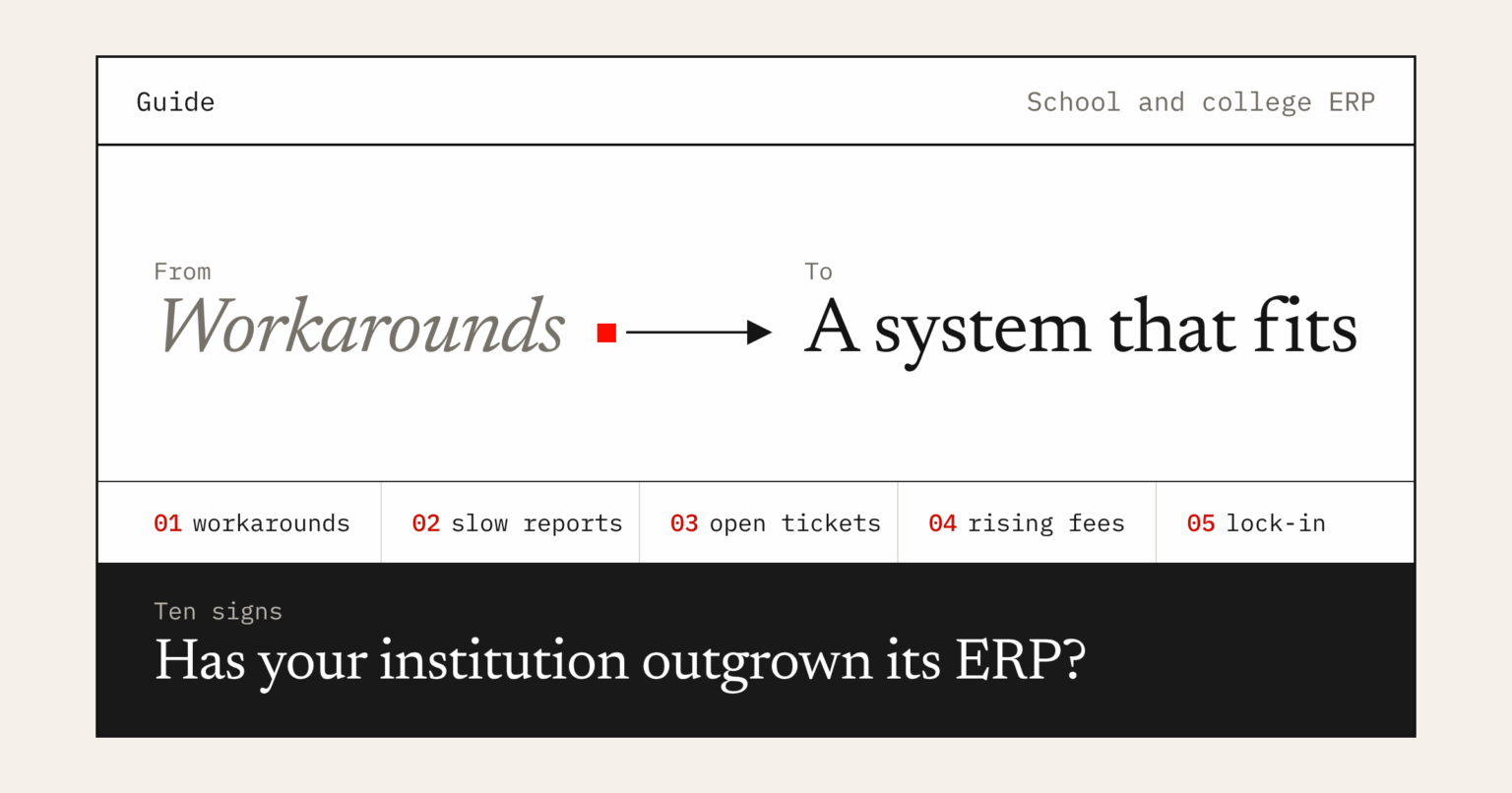
Few schools or colleges decide one morning that their ERP software has failed. It happens gradually. A report that used to take a minute now needs a phone call. A register that was meant to be retired comes back “just for this term”. Nobody announces that the system has stopped keeping up. The office simply learns to work around it.
This guide lists ten practical signs that your school ERP software or college management software no longer fits the institution, and what a sensible next step looks like. None of them needs technical knowledge to spot.
Ten Signs Your School ERP Software No Longer Fits
1. Staff keep parallel registers or spreadsheets
When the office maintains its own fee register or attendance sheet “to be safe”, the ERP has stopped being the record people trust.
2. Routine reports need the vendor
Fee dues lists, class-wise strength and attendance summaries are everyday needs. If producing them means raising a request and waiting, something is wrong.
3. Support requests wait for days
Every system has issues. What matters is the response. Notice how long simple requests stay open, especially during fee collection or examinations.
4. Fees and accounts do not reconcile easily
If receipts, outstanding balances and account entries have to be matched by hand every month, the software is adding work instead of removing it.
5. Parents still depend on the office for basic information
Fee dues, attendance, circulars and results are things parents now expect to see without calling. If your system cannot offer this, the office absorbs the calls.
6. The system slows down exactly when you need it
Admission season, fee deadlines and result days are the real test of school management software. Slowness on those days costs more than slowness on any other.
7. Every small change is a paid customization
A new fee head, a changed report format or an extra field on the admission form should not need a quotation each time.
8. You pay more each year for the same thing
Maintenance or renewal charges rise while the software looks and works as it did several years ago.
9. Only one person knows how it works
That person may be in your office or at the vendor. Either way, when they are unavailable the work stops.
10. Nobody is sure how to get your data out
If no one can say how student, fee and examination records would be exported, the institution depends on its vendor more than it should.
How Many Signs Are Too Many?
One or two can often be put right by raising them with your existing vendor, asking for training or changing a process. That is worth trying first. A system that is merely outdated can sometimes be modernised instead of replaced.
When four or five are true at once, and have been for more than a year, the problem is usually the fit between the software and the institution, not any single fault.
What to Do Before Deciding Anything
- Write the problems down with dates and examples, so the discussion rests on facts.
- Raise them formally with your current vendor and note the response.
- List the processes your institution cannot run without.
- Find out what data you can export, and in what format.
- Have the current system assessed before the next renewal, not after it.
Why Institutions Stay Anyway
Most managements that recognise these signs still stay, and the reason is rarely satisfaction. It is fear of migration: losing records, disrupting fee collection, retraining everyone. That fear is reasonable, and we address it in Frustrated With Your School or College ERP Software? Don’t Let Migration Fears Keep You Stuck.
The short version: a planned migration is a sequence of steps that can each be checked, and no responsible provider will call it risk-free before assessing your environment.
Frequently Asked Questions
Is it normal for a school ERP to have some of these problems?
Yes. Almost every institution will recognise one or two. The concern is when several persist together and repeated requests to the vendor have not changed anything.
Should we try to fix the current system before replacing it?
Usually, yes. Training, configuration or an upgrade can solve a good share of complaints. Our case study Your ERP May Not Be Broken. It May Just Be Outdated. describes that situation.
How do we know whether the problem is the software or how we use it?
An assessment looks at both: what the software can do, and how the office actually uses it. Sometimes the answer is better use of what you already have.
Does changing ERP software mean losing our records?
Not when the move is planned. What can be carried over depends on what your current system can export and on the quality of the data, which is why an assessment comes first.
What to Remember
- ERP software rarely fails in one day. Workarounds are the first sign.
- One or two signs can often be fixed with the existing vendor.
- Four or five persistent signs point to a poor fit, not a single fault.
- Document the problems and check your export options before any renewal.
- An assessment is a first step, not a commitment to switch.
How Y5MEDIA Can Help
If several of these signs describe your institution, the next step is an assessment, not a decision. ERP Software Migration Services explains how we review an existing system and what a move would involve.
ERP Software Migration
Free data migration within agreed scope, a monthly subscription and customization quoted by requirement.
Learn more →School and College ERP Migration
Why migration feels risky, and the five-step process that makes it manageable.
Learn more →Education ERP Case Study
A real project: one connected ERP ecosystem across 100+ institutions.
Learn more →Recognise Your Institution in This List?
Tell us which signs apply and which ERP software you use today. We will assess the system, the data and the workflows you depend on, and tell you plainly whether to fix, modernise or move.
Free data migration, subject to compatibility and agreed scope. Affordable customization. Predictable monthly subscription options.
Call or WhatsApp +91 7902024242, email support@y5media.com, or use the contact page.