
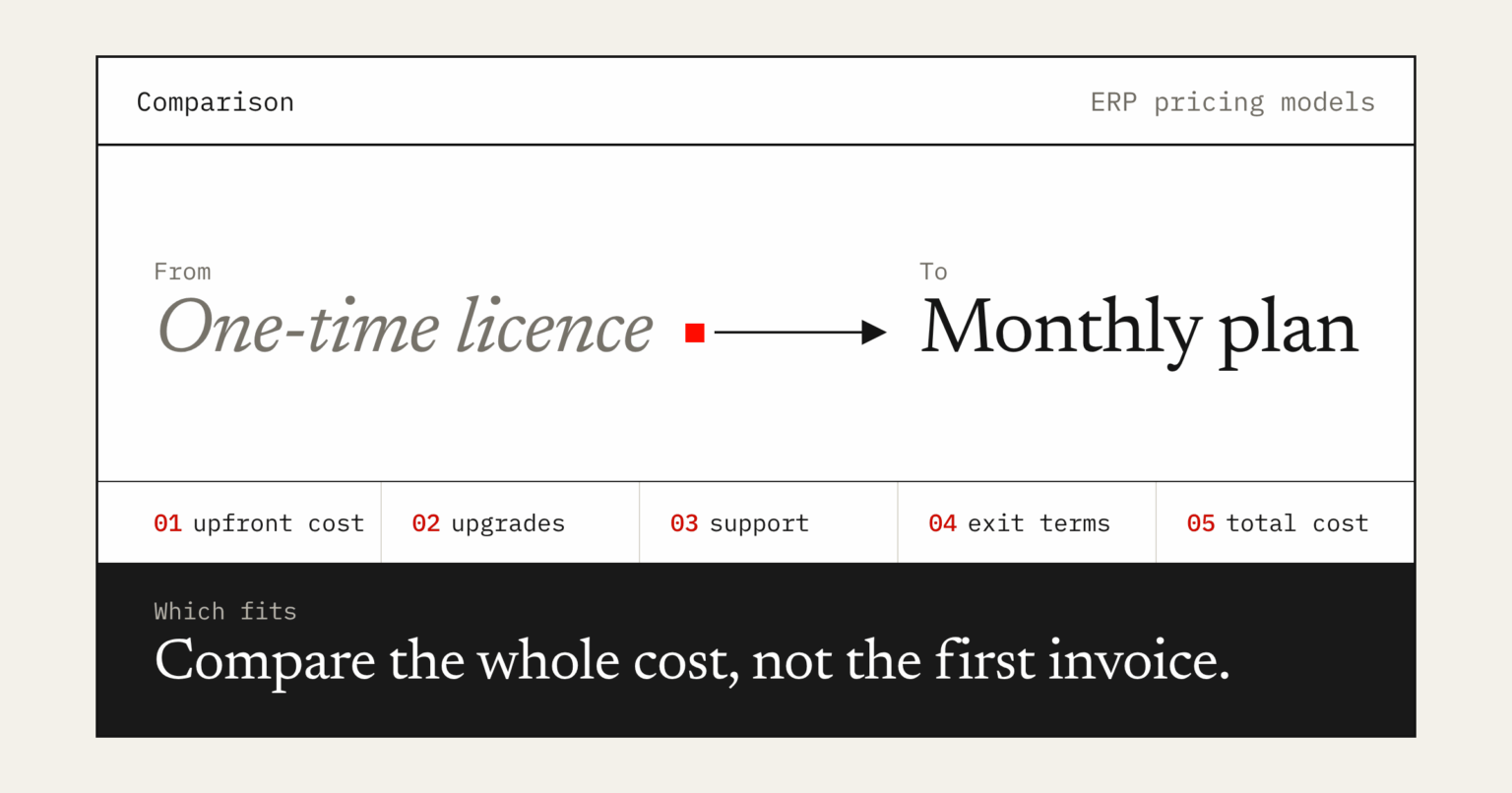
For years, buying ERP software meant a large licence payment followed by an annual maintenance contract. Today many providers offer the same kind of software for a monthly fee. Both models work. They suit different organisations, and the cheaper-looking one is not always the cheaper one.
This comparison of ERP subscription vs licence is written for business owners, finance heads and institution managements who are choosing a system or reviewing a renewal. It contains no price figures, because honest figures depend on your scope.
How the Two Models Work
Licence. You pay up front for the right to use the software, usually with implementation charges, and then an annual maintenance contract for support and updates. Major upgrades are often charged separately.
Subscription. You pay a recurring fee, commonly monthly, for use of the software together with an agreed level of support and updates. There is little or no large initial payment, and the fee continues for as long as you use the system.
ERP Subscription vs Licence, Side by Side
| Question | Licence | Subscription |
|---|---|---|
| Initial cost | High. Licence and implementation are paid at the start. | Low. Costs are spread over time. |
| Ongoing cost | Annual maintenance, plus upgrades when they are needed. | A recurring fee for the agreed scope. |
| Upgrades | Often a separate project with its own cost. | Usually part of the service, within the agreed scope. |
| Budgeting | Uneven. Large costs arrive in certain years. | Predictable month to month. |
| Customization | Charged separately. | Also charged separately in most cases. Check what is included. |
| If you stop paying | You may keep using the version you bought, without support. | Access normally ends, so data export terms matter. |
Who Each Model Suits
A licence can suit an organisation with stable requirements, its own technical staff and a preference for capital spending over recurring costs. If the software will run unchanged for many years, owning it may work out well.
A subscription tends to suit small and medium businesses, schools and colleges that want predictable costs, do not have in-house technical staff and expect their needs to change. It lowers the cost of starting, and of leaving if the system does not work out.
What to Check in Any ERP Subscription
- Scope. Exactly which modules, users and support are covered by the monthly fee.
- Exclusions. Customizations, integrations and third-party licences are commonly quoted separately. Ask for the list.
- Price changes. How and when the fee can change, and how much notice you get.
- Your data. How you can export it during the subscription and when it ends.
- Exit terms. Notice period, and what help is available with handover.
The same questions are worth putting to a licence vendor at renewal. We have set them out in 12 questions to ask your ERP vendor before you renew.
Where Y5MEDIA Stands
We should be plain about our own position. Y5MEDIA Premium ERP Migration is built on the subscription model: data migration without a separate charge, subject to compatibility and agreed scope, a monthly subscription for the software, and customization quoted separately by requirement.
That model will not be right for everyone. If an assessment shows your existing licence still serves you well, staying is a legitimate outcome.
Frequently Asked Questions
Is an ERP subscription always cheaper than a licence?
No. It is cheaper to start, and often cheaper overall for smaller organisations, but over a long period a licence can cost less. Compare the whole cost over the years you expect to use the system.
What happens to our data if we end a subscription?
That depends on the agreement, which is why export terms should be settled before you sign. You should be able to obtain your own data in a usable format.
Is customization included in a monthly ERP subscription?
Usually not in full. Most subscriptions cover the standard software, and customizations are scoped and quoted separately.
Can we move from a licensed ERP to a subscription ERP?
Yes, through a planned migration. How much data and functionality can be carried over depends on your current system’s export options, your data quality and the destination software.
What to Remember
- A licence is paid up front. A subscription is paid as you go.
- Neither model is always cheaper. Compare the whole cost.
- Subscriptions suit organisations that want predictable costs and flexibility.
- Check scope, exclusions, price changes, data export and exit terms.
- Customization is usually separate under both models.
How Y5MEDIA Can Help
ERP Software Migration Services explains our subscription offer in full, including what is part of it and what is quoted separately. Requirements outside standard software are covered by Custom Software Development.
ERP Software Migration
Free data migration within agreed scope, a monthly subscription and customization quoted by requirement.
Learn more →Custom Software Development
Modules, integrations and workflows built around how your organisation actually works.
Learn more →Backup Solutions
Automated, tested backups before and after any change to your systems.
Learn more →Reviewing Your ERP Costs Before a Renewal?
Tell us what you use today and what you pay for. We will assess the system and show you what a move to a subscription would involve, including what would be quoted separately.
Free data migration, subject to compatibility and agreed scope. Affordable customization. Predictable monthly subscription options.
Call or WhatsApp +91 7902024242, email support@y5media.com, or use the contact page.