
The new website looks better in every way. Faster, cleaner, easier to update. It goes live on a Friday. By the following month, enquiries from Google have dropped sharply, and nobody can work out why.
Usually the answer is simple: the old pages that Google knew and trusted disappeared, and nothing told search engines where they had gone. A website migration SEO checklist exists to prevent exactly that. Redesigns, platform changes and domain moves don’t have to cost you rankings – but they do need planning before launch day, not after.
What Counts as a Migration?
Any change that affects your URLs, structure, content or domain is a migration in SEO terms – even if your team calls it “just a redesign”.
| Type of change | Example | SEO risk |
|---|---|---|
| Design refresh, same URLs | New theme, same pages and addresses | Low |
| HTTP to HTTPS | Adding an SSL certificate site-wide | Low to moderate |
| Platform change | Custom build or website builder to WordPress | Moderate to high |
| Restructure | Merging, splitting or renaming pages | High |
| Domain change | Moving to a new brand domain | High |
| Combined changes | New domain + new platform + new structure at once | Highest |
Where you can, avoid changing everything at once. Separating a domain move from a restructure makes problems far easier to diagnose.
Before Launch: Preparation
- Crawl the existing site. Export a complete list of every live URL, including blog posts, PDFs and image-heavy pages.
- Record performance. From Search Console and analytics, note which pages bring the most search traffic, enquiries and backlinks. These are the pages you cannot afford to lose.
- Save a benchmark. Keep a snapshot of rankings, indexed pages and traffic for comparison after launch.
- Build the redirect map (see below).
- Carry over what works. Titles, meta descriptions, headings and content on high-performing pages should move across intact or improved – not rewritten from scratch without reason.
- Protect the staging site. Keep the development version blocked from search engines – and note in the launch plan that this block must be removed.
- Plan email and DNS. If the domain or hosting is changing, confirm how mailboxes and DNS records will move so email doesn’t stop on launch day.
Building a Redirect Map
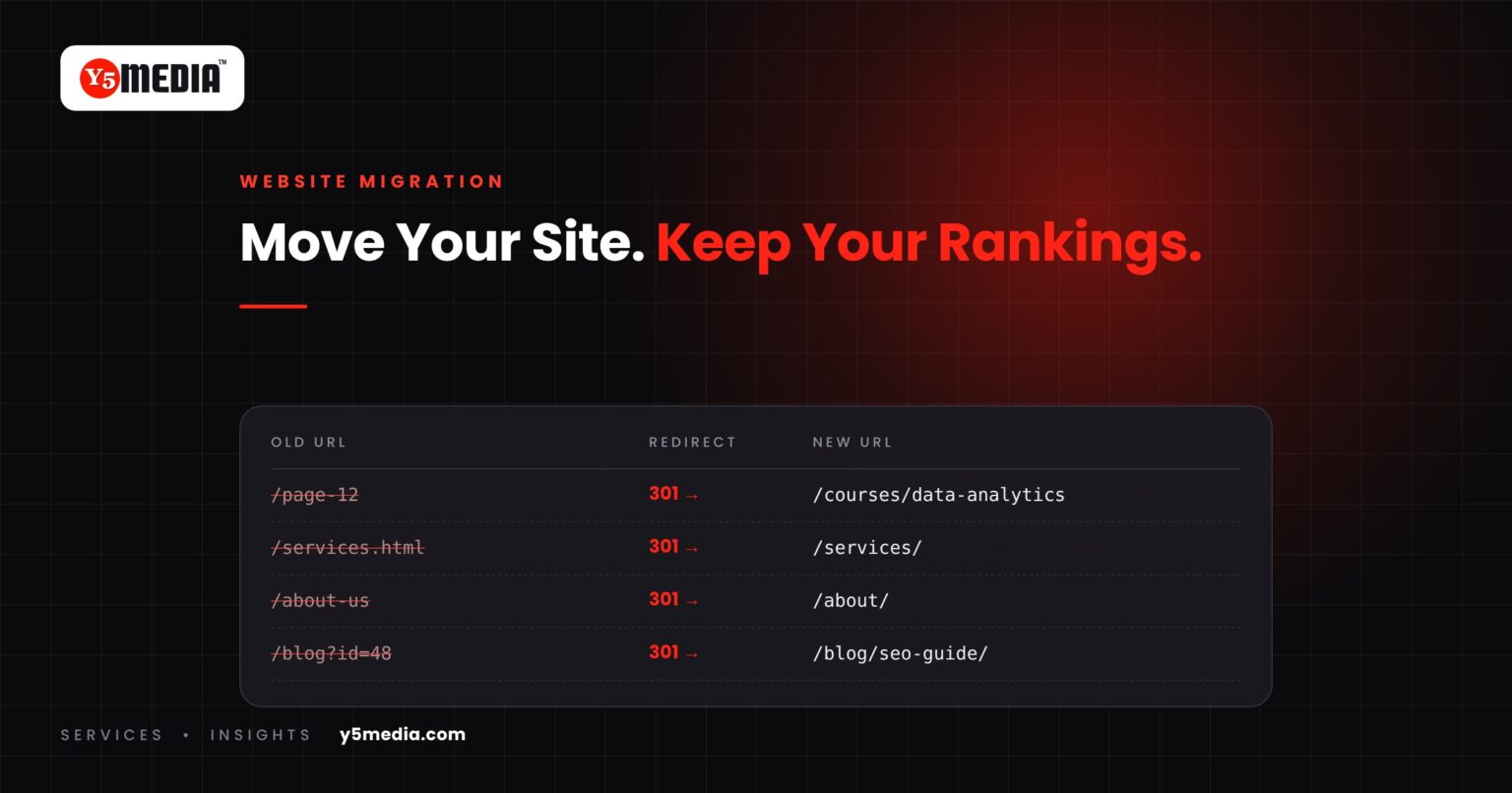
A redirect map is a simple spreadsheet: every old URL in one column, its new destination in the next. It’s the single most important migration document.
- Use permanent (301) redirects for pages that have moved permanently.
- Map one to one wherever possible – each old page to its closest equivalent, not everything to the homepage.
- Avoid redirect chains. Old URL → new URL in a single step, even if the page has moved several times over the years.
- Decide deliberately on retired pages. If content truly has no equivalent, redirect to the most relevant parent page or let it return a proper “not found” status.
- Include images and documents that earn links or traffic.
Launch Day
- Remove the search-engine block from the new site and check
robots.txt. - Upload and test redirects – spot-check your top pages by visiting the old URLs.
- Confirm canonical tags point to the new URLs, not the staging site.
- Submit the new XML sitemap in Search Console.
- For a domain change, use Search Console’s Change of Address tool.
- Test forms, phone links and WhatsApp buttons – make sure enquiries still reach someone.
- Confirm analytics tracking is firing on the new site.
After Launch: The First 90 Days
Some movement in rankings after a significant migration is normal while search engines recrawl and reprocess the site. What matters is the trend.
| Timing | What to check |
|---|---|
| First week | Crawl errors, 404s from old URLs, redirect behaviour, forms working |
| Weeks 2–4 | Indexing of new URLs; traffic to key pages vs benchmark |
| Months 2–3 | Rankings and enquiries recovering toward or beyond benchmark |
| Ongoing | Keep redirects in place long term – don’t remove them to “clean up” |
If important pages are still missing from search after several weeks, or traffic keeps falling rather than stabilising, investigate immediately. A website visibility audit after launch is the fastest way to find what went wrong.
Mistakes That Cause Lasting Damage
- Launching with the staging “noindex” still in place.
- Redirecting every old page to the homepage.
- Deleting high-performing content because it “doesn’t fit the new design”.
- Letting the old domain expire after a domain move.
- Changing domain, platform, structure and content all in one launch.
- Forgetting that email runs on the same domain and DNS.
For how search visibility turns into enquiries in the first place, see our guide on SEO for small businesses.
Frequently Asked Questions
Will I lose rankings when I redesign my website?
Not if URLs, key content and technical signals are carried over properly. Short-term fluctuations are common after larger migrations, but a well-planned move with a complete redirect map should recover and often improve.
How long should redirects stay in place?
Keep them long term. Google's guidance is to maintain redirects for as long as possible – generally at least a year – and there's rarely any benefit to removing them.
Should I change my domain and redesign at the same time?
If you can, separate them. Changing several major things at once makes it much harder to tell what caused any drop and how to fix it.
What to Remember
- Any change to URLs, structure or domain is a migration – plan it as one.
- The redirect map is the most important document: one to one, permanent, no chains.
- Benchmark before launch so you can measure recovery after.
- Test enquiry routes and email on launch day, not just the design.
- Keep redirects and the old domain in place long term.
Migrations Handled End to End
Y5MEDIA’s Migration Services cover websites, mailboxes and DNS together, so nothing breaks between them. We crawl and benchmark the old site, build and test the redirect map, manage launch day and monitor recovery afterwards. If the new site is on WordPress, our WordPress Development team can build it too, and our Backup Solutions make sure there’s always a way back.
Redesigning or Moving Your Website?
Talk to us before launch day. We’ll review your current site, flag the pages that carry your rankings and plan the move so they come with you. Request a proposal or contact our team.
Sources
- Site moves with URL changes (Google Search Central)
- Redirects and Google Search (Google Search Central)