
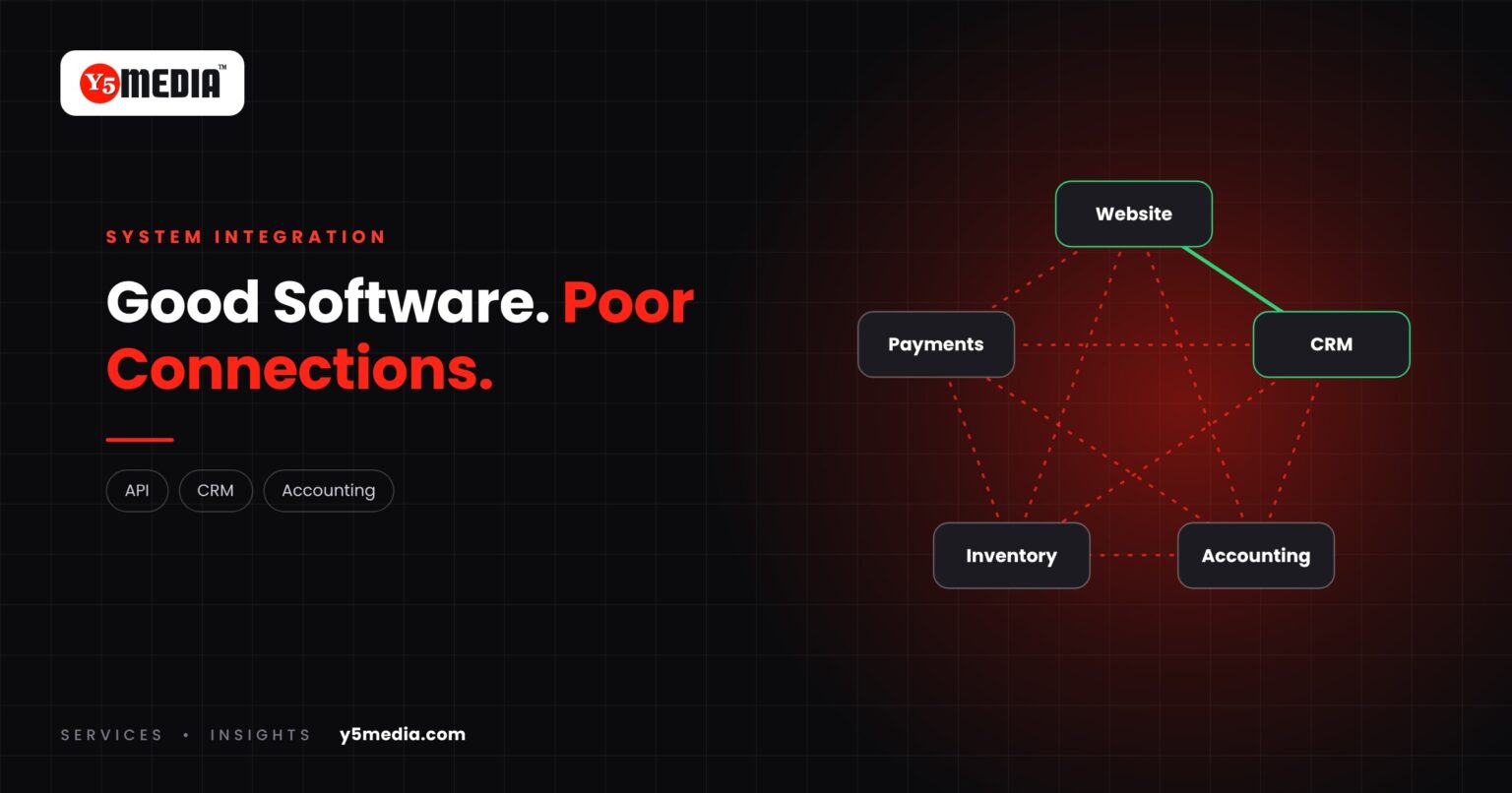
A growing business collects software. A website. A CRM. An accounting package. Something for stock. A payment gateway. Each was a sensible purchase.
The problem is not any one of them. It is the space between them. Software integration closes that space, and it is often a smaller project than replacing anything.
Signs of an Integration Problem
- An enquiry from the website is copied by hand into the CRM.
- A paid invoice is marked as paid in one system and still open in another.
- Stock levels on the website do not match the stock system.
- Month-end means exporting from three places into one spreadsheet.
- Two departments quote different figures for the same thing.
If these sound familiar, buying another product will add a sixth island, not a bridge. When systems do not share data, people become the integration layer.
What Integration Means
Integration lets systems pass information to each other automatically. Common connections include:
- Website to CRM
- CRM to accounting
- Inventory to billing
- Payment systems to accounts
- Internal applications to each other
This is usually done through an API, a defined way for one application to request or send data to another. Where no API exists, other methods may be possible, such as scheduled file exchange or a shared database.
What Decides Whether It Can Be Done
Not every system can be connected to every other. It depends on:
- whether each product offers an API or export facility
- what your licence or plan permits
- how each system structures its data
- whether the data must move instantly or on a schedule
Why It Is Worth Asking
Where it is feasible, integration is often a smaller project than replacement. You keep the tools your staff know, and remove the re-typing between them.
Where it is not feasible, you have learned something useful: the limit is in one of the products, and the build vs buy question becomes more concrete.
Frequently Asked Questions
What is an API, in plain terms?
A defined doorway into a piece of software. It lets another system ask for information or send it in, in an agreed format, without a person in between.
What if one of our systems has no API?
There may be other routes, such as scheduled exports and imports or direct database access, each with trade-offs. Sometimes there is no safe route, and that system becomes the candidate for replacement.
Does integration need ongoing maintenance?
Yes. When either connected product changes, the integration may need adjusting. It should be monitored, so a failed sync is noticed before it becomes a reconciliation problem.
What to Remember
- The gap between systems is often the real problem, not the systems.
- Integration passes data automatically between tools you already use.
- Feasibility depends on APIs, licences, data structure and timing.
- No specific integration should be promised before the systems are examined.
- Where it works, integration is often smaller than replacement.
How Y5MEDIA Approaches Integration
Tell us which systems you need connected. We check what each one exposes and what your plans allow, then tell you what is feasible.
Integration work already forms part of our WordPress Development, which connects sites to CRMs, payment gateways, ERPs and internal systems, and our WhatsApp Automation service.
WordPress Development
Custom functionality and integrations, built and documented so others can maintain them.
Learn more →WhatsApp Automation
Enquiry handling and messaging connected to the systems you already use.
Learn more →Our Process
How an engagement runs, from first conversation to handover.
Learn more →Which Systems Need to Talk to Each Other?
Send us the list of tools you use and where the re-typing happens. We will check what can be connected and tell you plainly what cannot.