
A common reason migrations go wrong: work began before anyone knew what the system contained.
A date is agreed. The move starts. Halfway through, something appears that nobody listed, and the plan is rewritten under pressure. Discovery is the stage of an application migration that prevents this. It is simply finding out what exists before changing any of it.
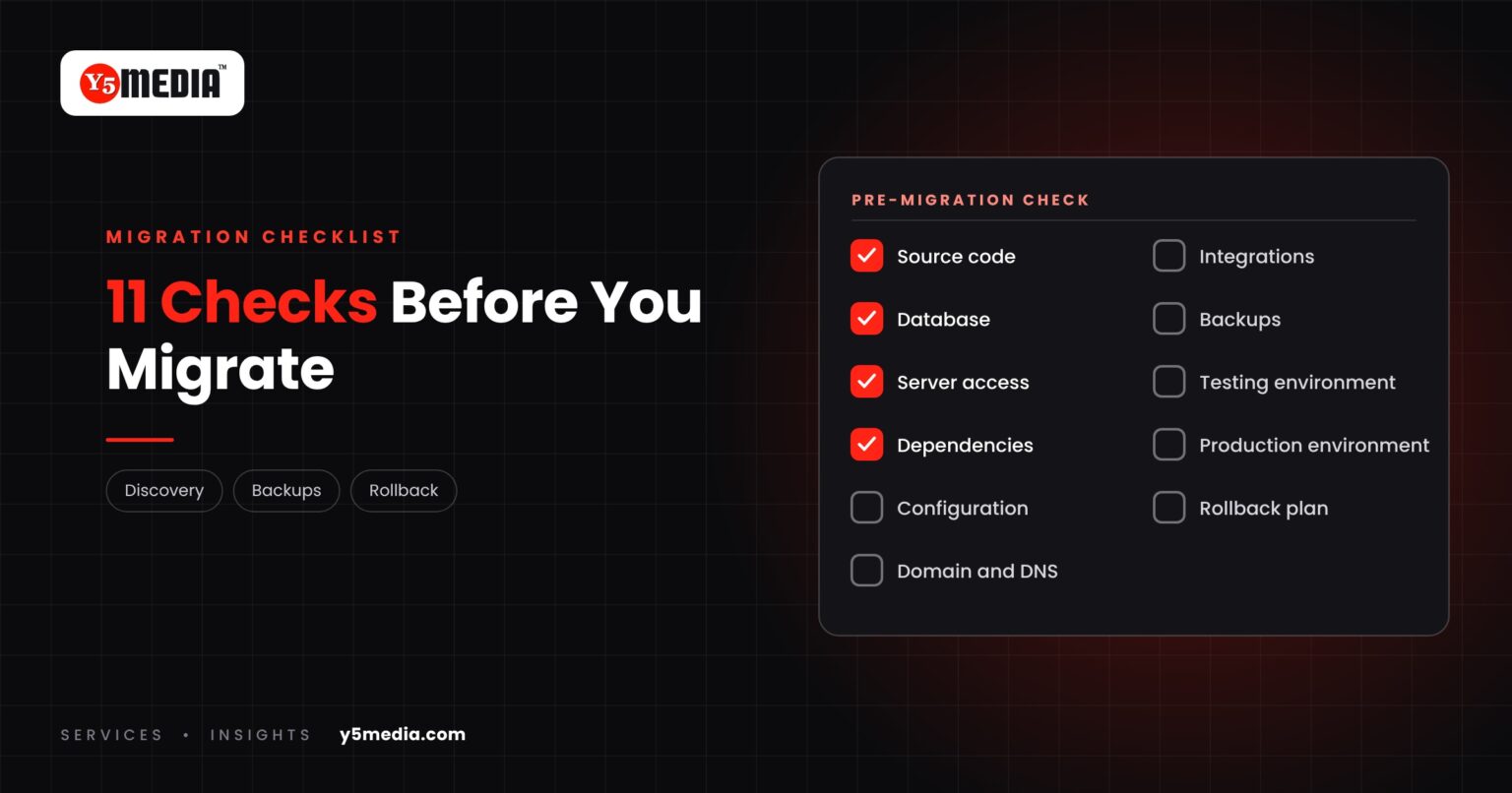
The Pre-Migration Checklist
| Check | What to confirm |
|---|---|
| 1. Source code | Located, complete, and the version that is actually running |
| 2. Database | Type, size, structure and where it is hosted |
| 3. Server access | Administrator logins for current and new environments |
| 4. Dependencies | Libraries, runtime versions, licences |
| 5. Configuration | Settings, scheduled jobs, file paths, environment variables |
| 6. Domain and DNS | Who controls the domain and what records exist |
| 7. Integrations | Every external service the application connects to |
| 8. Backups | A current, restorable copy, tested |
| 9. Testing environment | Somewhere to prove the move before going live |
| 10. Production environment | The new host prepared and matched to requirements |
| 11. Rollback plan | The exact steps to return to the old system if needed |
How to Use It
Go through the list with whoever looks after your system. Every row you cannot confirm is a discovery task, not a reason to cancel. It is far cheaper to find a gap at this stage than at cutover.
What Discovery Cannot Do
It does not remove risk. It makes risk visible, so that it can be planned for. Complexity still depends on the application’s architecture, language, database, data volume and integrations, and some findings will change the timeline.
A Reasonable Expectation
Any provider proposing a migration should be able to show you their version of this list, filled in for your system, before asking you to agree a date.
For what each layer involves, read software migration is more than copying files. For the data specifically, see database migration planning.
Frequently Asked Questions
Who should complete the checklist?
Whoever currently looks after the system, together with the provider doing the migration. Business owners should see the completed list, because several items, such as domain ownership and account access, are business matters as much as technical ones.
What if several items cannot be confirmed?
That is normal for older systems. Each unconfirmed item becomes a discovery task with an owner. The migration date is set once the list is complete, not before.
Is a rollback plan really necessary?
Yes. It is the difference between a delayed migration and a business interruption. The old environment should stay intact until the new one has been validated.
What to Remember
- Migrations go wrong when work starts before the system is understood.
- Eleven items should be confirmed before any date is agreed.
- Each unconfirmed item is a discovery task.
- Discovery makes risk visible; it does not remove it.
- Ask any provider to show the completed list for your system.
How Y5MEDIA Runs Discovery
Every migration we plan starts with an audit of what exists. Our Migration Services page sets out the sequence: audit, backup, staging build, testing, planned cutover and monitoring, with the old environment left intact throughout.
Backup Solutions covers item eight on the list.
Migration Services
Sites, mailboxes, databases and applications moved with staging, backup and a planned cutover.
Learn more →Backup Solutions
Automated, tested backups before and after any change to your systems.
Learn more →Our Process
How an engagement runs, from first conversation to handover.
Learn more →Planning a Migration? Start With Discovery.
Tell us what is being moved and how many of the eleven checks you can confirm today. We will help you close the gaps before a date is set.