
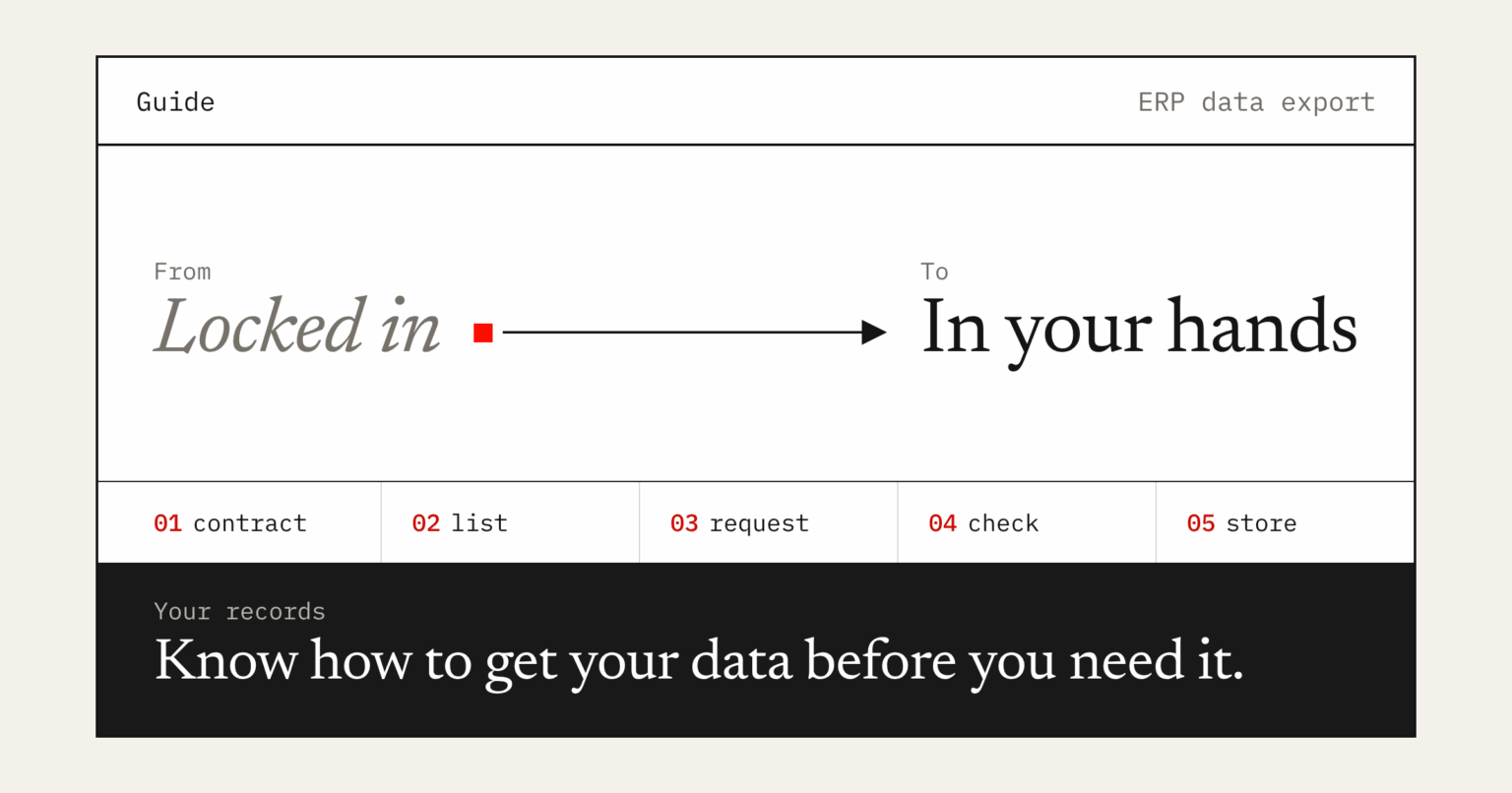
Most organisations find out how hard it is to get their data out of an ERP on the day they need it. By then a renewal is due, a decision is pending, and the question that should have been settled years ago is being asked under pressure.
This guide explains how to approach an ERP data export calmly and in the right order, whether you run a business, a school or a college. It applies even if you have no plans to change systems. Knowing how to obtain your own records is simply good housekeeping.
Step 1: Read Your Contract
Start with what you signed. Look for three things: who owns the data, what the vendor has agreed to provide on request, and what happens to the data when the contract ends. Many agreements cover this clearly. Some say very little, and that is worth knowing before any conversation begins.
Step 2: List What You Need
A request for “all our data” is easy to misread. A specific list is harder to answer vaguely.
| What to ask for | Typical examples | Why it matters |
|---|---|---|
| Master records | Customers, suppliers, items, students, staff | Everything else refers to these. |
| Transactions | Invoices, receipts, payments, fee collections, stock movements | Balances cannot be rebuilt without them. |
| Balances | Outstanding amounts, stock on hand, ledger balances as of a stated date | These become opening balances elsewhere. |
| Documents | Uploaded files, certificates, scanned records | Often stored separately from the database and easily missed. |
| Structure | A description of the fields, codes and how records link | Without it, a file of numbers is hard to interpret. |
Step 3: Ask in Writing
Send the request by email from an authorized person, with the list attached and a date by which you would like a reply. Ask what format the export will be in, whether there is a charge, and how the files will be delivered. A written request keeps the discussion factual and gives both sides a record.
Step 4: Check What You Receive
An export is only useful if it is complete and readable. Before accepting it:
- Open every file and confirm it is not empty or cut short.
- Compare record counts with the counts shown in the live system.
- Check that totals, such as amounts outstanding, match your reports for the same date.
- Look at dates, codes and names for obvious damage in the conversion.
- Confirm that documents and attachments are included, not only the tables.
Step 5: Store It Properly
Keep the export somewhere secure, with access limited to the people who need it, and note the date it was taken. If the records include personal information about customers, staff, students or parents, the copy deserves the same care as the live system. Backup Solutions covers how we approach stored copies.
When the Export Is Limited
Not every system can export everything, and older software in particular may offer only reports. That is a limitation to plan around, not necessarily a dead end. Depending on the system, options may include using standard reports as a data source, agreeing read-only access to the old system for a period, re-entering a limited set of records by hand, or keeping older data as a reference archive.
Which of these is realistic can only be judged by looking at the system, which is what an assessment is for.
What to Avoid
- Do not attempt to extract data through routes your agreement does not permit.
- Do not share administrator logins with third parties without authorization from your own management.
- Do not let a contract lapse before you hold a verified copy of your data.
- Do not assume a backup file is the same as a usable export. Ask what can open it.
Frequently Asked Questions
Do we own the data in our ERP?
The records are generally yours, but the practical terms of access are set by your agreement. Read it, and take legal advice if the position is unclear.
Can a vendor charge for an ERP data export?
Some do, particularly for custom formats or large volumes. Ask for the charge in writing before the work is done.
What format should we ask for?
Common, open formats such as CSV or spreadsheet files, with a description of the fields. Formats only the vendor’s software can read are of limited use.
We are not planning to switch. Should we still do this?
Yes. A verified export protects you against far more than a change of vendor, and it makes any future decision easier.
What to Remember
- Read the contract before you ask for anything.
- Ask for specific data, in writing, with a format and a date.
- Check counts and totals before accepting an export.
- Store the copy securely and repeat the exercise yearly.
- A limited export is something to plan around, not a reason to stay stuck.
How Y5MEDIA Can Help
If you are unsure what your current system can export, an assessment will tell you. ERP Software Migration Services begins by looking at your existing ERP, your data and what can realistically be carried over.
ERP Software Migration
Free data migration within agreed scope, a monthly subscription and customization quoted by requirement.
Learn more →Backup Solutions
Automated, tested backups before and after any change to your systems.
Learn more →Custom Software Development
Modules, integrations and workflows built around how your organisation actually works.
Learn more →Not Sure What Your ERP Can Export?
Tell us which system you use and what you have been able to obtain so far. We will assess the export options and tell you plainly what a migration of your data would involve.
Free data migration, subject to compatibility and agreed scope. Affordable customization. Predictable monthly subscription options.
Call or WhatsApp +91 7902024242, email support@y5media.com, or use the contact page.