
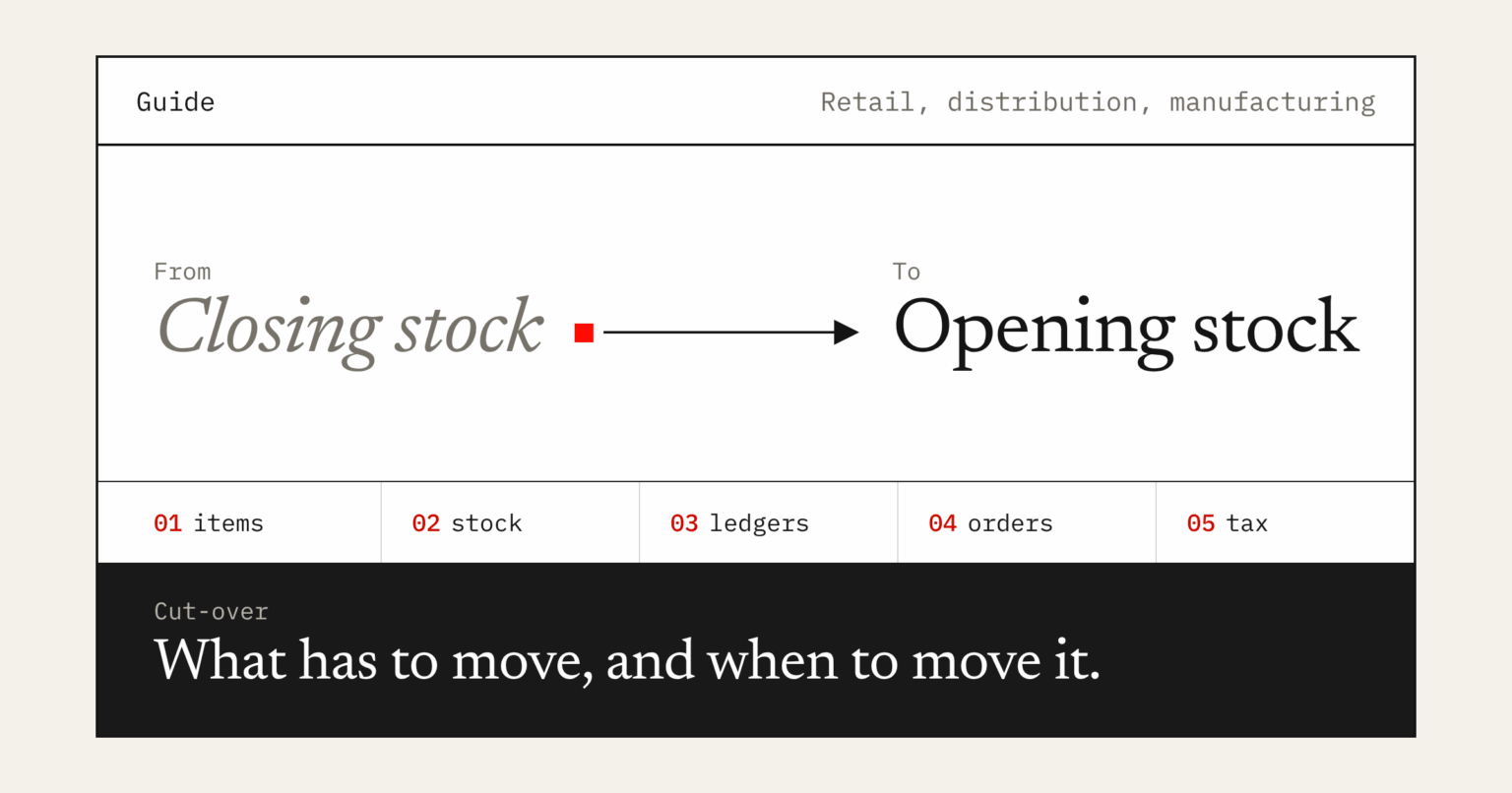
A trading or manufacturing business does not pause for a software change. Orders arrive, stock moves, invoices go out and payments come in on the day of the switch exactly as they did the day before. That is what makes ERP migration in these sectors demanding: the system being replaced is in use while it is being replaced.
This guide sets out what has to move in an ERP migration for retailers, wholesalers, distributors and manufacturers, and how the timing of the cut-over affects everything else.
What Every Business Has to Carry Over
- Chart of accounts and opening balances. The financial starting point of the new system.
- Customer and supplier records. With credit terms, tax details and contact information.
- Outstanding receivables and payables. Invoice by invoice, so that payments can be matched later.
- Item master. Codes, descriptions, units, tax classification and price lists.
- Stock on hand. By location, as of the cut-over date.
- Open transactions. Orders received but not delivered, purchases ordered but not received.
- Users and roles. Who can see, enter and approve what.
What Is Specific to Your Sector
| Business type | Needs particular care | Why |
|---|---|---|
| Retailers and wholesalers | Price lists, barcodes, multiple outlets or counters, schemes and discounts | Billing speed at the counter depends on these being right from the first sale. |
| Distributors and traders | Credit limits, customer-wise pricing, batch and expiry details where relevant, salesperson and route data | Outstanding balances and credit control are the heart of the business. |
| Manufacturers | Bills of materials, work in progress, raw material stock, open production orders | Production cannot be planned if the system does not know what is half-made. |
Not every structure in an old system has a direct equivalent in a new one. Some data moves cleanly, some needs mapping, and some processes may need customization. The migration plan should say which is which before work begins.
Choosing the Cut-Over Date
Most businesses switch at a period boundary: the start of a month, a quarter or the financial year. Books closed on the old system give clean opening balances on the new one, and reports for the earlier period stay in one place.
The financial year-end is the tidiest boundary and also the busiest time for the accounts team, so it needs preparation well in advance. A month-end is easier to schedule and still gives a clear dividing line.
How Much History to Move
Moving every transaction ever recorded is rarely necessary. A common approach is to carry over master records, open items and balances, and keep earlier years available as a reference archive or in exported reports. How much detailed history is worth migrating depends on how often you actually look at it, and on what your records obligations require. Your accountant is the right person to confirm the second point.
Integrations That Are Easy to Forget
- Tax filing and e-invoicing connections, where you use them.
- Barcode scanners, label printers and billing counters.
- Payment and banking links.
- Online store or marketplace connections.
- Reports that are emailed automatically to owners or managers.
Each of these needs its own plan and its own test. Our article on system integration explains why connected software needs more than a data copy.
Testing Before You Switch
Run real work through the new system before go-live: raise an invoice, receive stock, record a payment, close a day. Compare outstanding totals and stock values with the old system for the same date. No responsible provider can promise zero downtime or a perfect migration before assessing your environment, but thorough testing is what keeps surprises small. See also database migration: protecting business data.
Frequently Asked Questions
Can we migrate in the middle of the financial year?
Yes. A month-end or quarter-end is a workable boundary, provided opening balances and open items are carried over accurately.
Will billing stop during the switch?
That depends on your environment, so we do not promise zero downtime. The cut-over is planned for the quietest period you have, with a rollback plan where technically feasible.
Do we need to move all our old invoices?
Usually not. Open items and balances are essential. Older transactions can often be kept as an archive.
What if our processes do not match the new software?
Some differences are handled by configuration, some by customization and some by changing the process. The assessment identifies which applies.
What to Remember
- The business keeps trading during a migration, so planning matters more than speed.
- Balances, open items, items and stock are the core of what moves.
- Each sector has its own critical data.
- Switch at a period boundary, after a stock count.
- Test real transactions and every integration before go-live.
How Y5MEDIA Can Help
ERP Software Migration Services explains our offer for businesses leaving another ERP vendor, including what is part of it and what is quoted separately.
ERP Software Migration
Free data migration within agreed scope, a monthly subscription and customization quoted by requirement.
Learn more →Custom Software Development
Modules, integrations and workflows built around how your organisation actually works.
Learn more →Backup Solutions
Automated, tested backups before and after any change to your systems.
Learn more →Planning to Move Your Business to a New ERP?
Tell us what you trade or make, which ERP you use today and when your books close. We will assess the system and outline what would move, what would need customization and when a cut-over is realistic.
Free data migration, subject to compatibility and agreed scope. Affordable customization. Predictable monthly subscription options.
Call or WhatsApp +91 7902024242, email support@y5media.com, or use the contact page.