
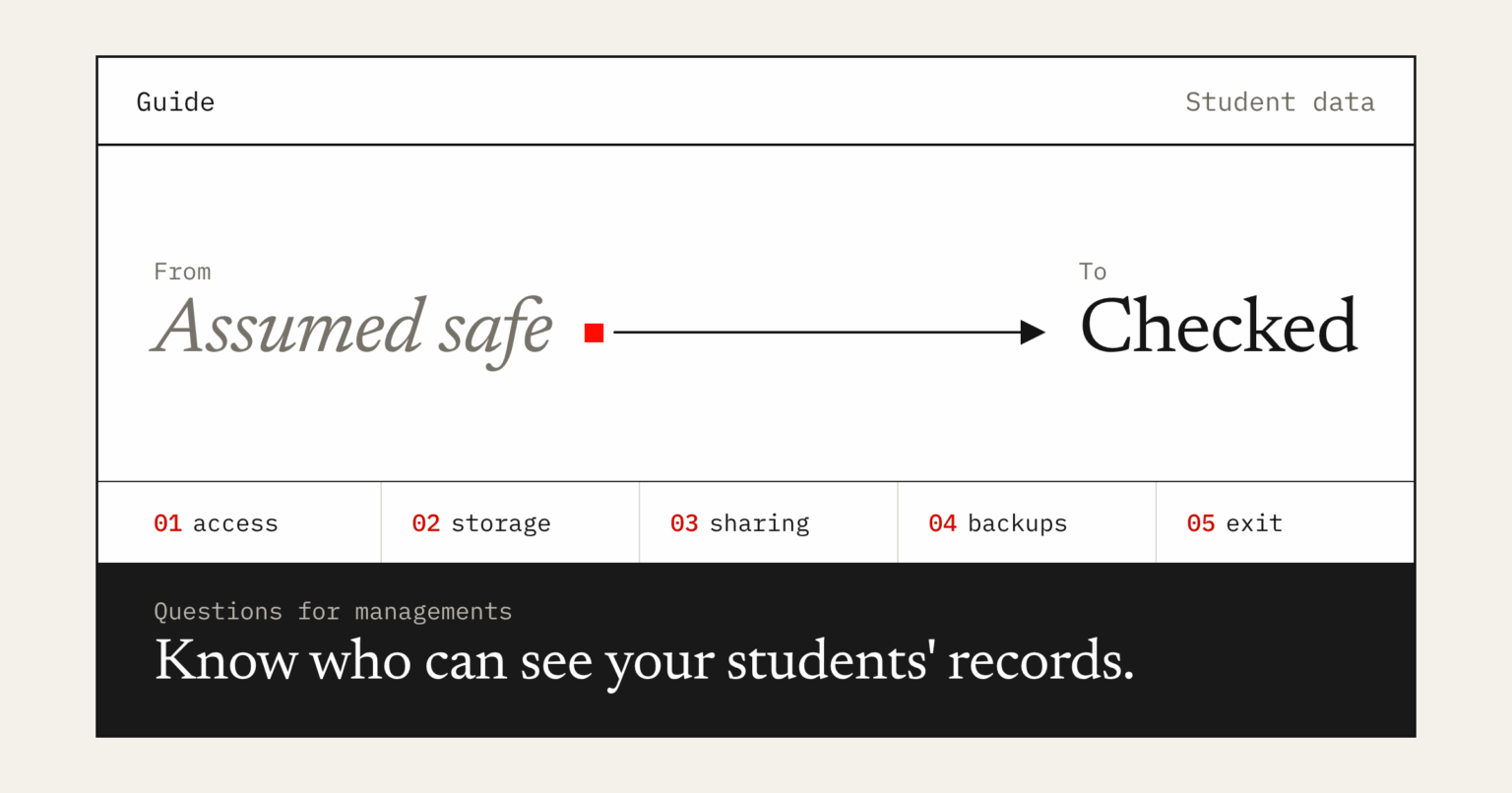
A school or college ERP holds more personal information than almost any other system in the institution: names, dates of birth, addresses, parents’ phone numbers, photographs, marks, fee records and sometimes medical notes and identity documents. Most of it concerns children.
Managements are responsible for that information whether or not they think of themselves as running a data system. These ten questions on student data privacy can be asked of any ERP, including the one you use now. None requires technical knowledge, and this article is general guidance, not legal advice.
Who Can See the Data?
1. Does every user have their own login?
Shared logins make it impossible to know who did what. One person, one account.
2. Does each role see only what it needs?
A class teacher needs their own class. A fee clerk needs fee records. Few people need everything.
3. What happens when a staff member leaves?
Access should end on their last day, as a routine step and not as an afterthought.
Where Is the Data Kept?
4. Where is it stored, and who at the vendor can access it?
Ask plainly. A provider should be able to answer without hesitation.
5. How are backups taken, and where are they held?
A backup is a full copy of your students’ records. It deserves the same protection as the live system.
How Does Data Leave the System?
6. Who can export or download student lists?
Exports are convenient and they are also how most data leaves an institution. The permission should be limited.
7. Where do exported files end up?
Personal phones, messaging groups, pen drives and personal email are the usual destinations, and the hardest to control afterwards.
8. What is shared with third parties?
Photographers, transport operators, coaching partners and app providers often receive student data. Know which, and why.
What Happens at the End?
9. How long are records of past students kept?
Some must be retained. Others are kept only because nobody decided otherwise.
10. If we change ERP, what happens to the data held by the old vendor?
Ask for the position in writing: what is returned to you, and what is deleted and when.
Everyday Habits Cause Most Leaks
Serious breaches make the news. Far more common are ordinary lapses: a class list posted in a messaging group, a password on a note beside the monitor, a spreadsheet of parent phone numbers on a personal laptop. Software cannot prevent these. A short set of office rules, explained to staff once a year, does more than any feature.
A Note on the Law
India’s data protection law places obligations on organisations that handle personal data, with particular attention to children’s data. How it applies to your institution, and by when, is a matter for qualified advice. What can be said safely is that the ten questions above are sensible practice whatever the legal position.
Why a Migration Needs Extra Care
Changing ERP software is the moment when the largest amount of student data is copied and moved at once. Exports should be made only with the institution’s authorization, shared through agreed channels, limited to the people doing the work and removed from temporary locations afterwards.
Our Data Protection and Confidentiality Commitment sets out how we approach client data. No provider can honestly promise absolute security. What can be offered is a clear process and accountability for following it. For the migration itself, see our guide to school and college ERP software migration and the data migration checklist.
Frequently Asked Questions
Is the school or the ERP vendor responsible for student data?
The institution decides why the data is collected and how it is used, so responsibility starts there. The vendor’s obligations are set by your agreement. Take advice on how the law applies to both.
Should teachers be able to download student lists?
Only where their work needs it. Viewing a list on screen and downloading a copy are different permissions and can be treated differently.
Is it acceptable to share student details on messaging apps?
It is common, and it is risky, because the institution loses control of every copy. An official channel with limited membership is safer than informal groups.
Does changing ERP software put student data at risk?
It adds a period when data is being copied, which is why exports need authorization, limited access and clean-up afterwards. Handled properly, a move can leave access better controlled than before.
What to Remember
- A school ERP holds a large amount of personal data about children.
- Individual logins and role-based access are the foundation.
- Exports are how most data leaves. Limit them.
- Office habits matter as much as software.
- During a migration, authorize, limit and clean up every copy.
How Y5MEDIA Can Help
An assessment of your present ERP can include who has access to student records and how data leaves the system. ERP Software Migration Services explains how we review an existing system.
Data Protection Commitment
How Y5MEDIA approaches confidentiality and client data.
Learn more →ERP Software Migration
Free data migration within agreed scope, a monthly subscription and customization quoted by requirement.
Learn more →School and College ERP Migration
Why migration feels risky, and the five-step process that makes it manageable.
Learn more →Not Sure Who Can See Your Student Records?
Tell us which ERP you use and how access is managed today. We will assess the system and tell you plainly where access and exports could be better controlled.
Free data migration, subject to compatibility and agreed scope. Affordable customization. Predictable monthly subscription options.
Call or WhatsApp +91 7902024242, email support@y5media.com, or use the contact page.