
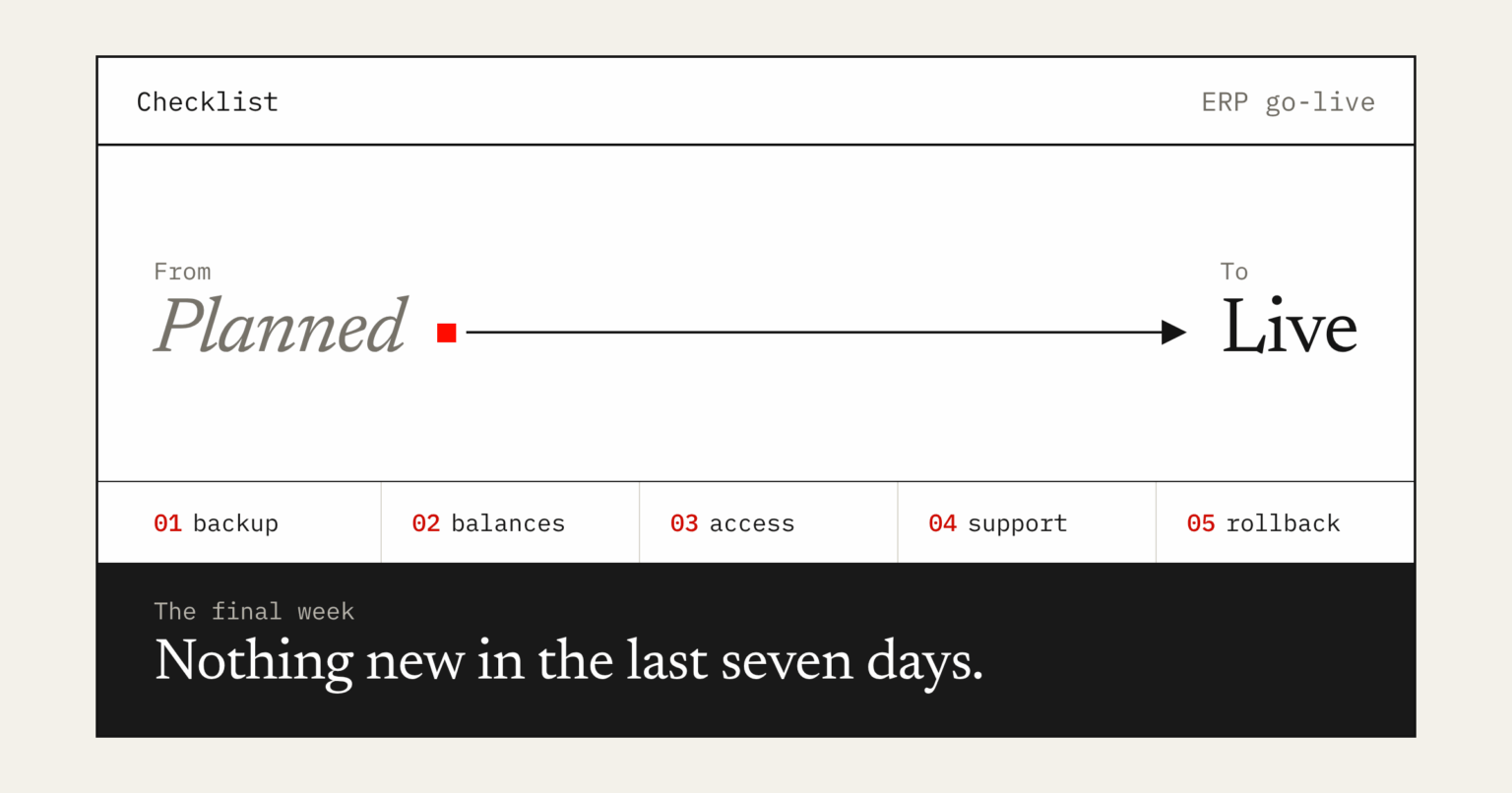
The last week before an ERP switch is when months of careful preparation can be undone by one late change. Someone asks for a small adjustment, a report format is revised, a new user is added in a hurry, and on the first morning something that was tested no longer behaves as it did.
This ERP go-live checklist covers the final week before the switch, for businesses, schools and colleges. It assumes the earlier work is complete: data mapped, test migration checked, staff introduced to the system.
The Final-Week Checklist
| # | Confirm | Why |
|---|---|---|
| 1 | Change freeze | No new features, formats or customizations in the last seven days. |
| 2 | Cut-off time agreed | Everyone knows the exact moment entries stop on the old system. |
| 3 | Final backup of the old system | Taken after the cut-off, verified and stored safely. |
| 4 | Final data load | The last transactions and balances are carried over after the cut-off. |
| 5 | Balances verified | Outstanding amounts, stock or fee dues match the old system for the same moment. |
| 6 | User accounts and roles | Every person can log in and sees only what they should. |
| 7 | Printing and devices | Receipts, invoices, labels, scanners and counters work with real stationery. |
| 8 | Integrations | Payment, messaging and any other connected service tested end to end. |
| 9 | Quick guides at each desk | One page per role, so the first question does not need a phone call. |
| 10 | Support arrangements | Who to contact, during which hours, for the first days. |
| 11 | Rollback plan | What would trigger a return to the old system, who decides, and by when. |
| 12 | Communication | Customers, parents or suppliers told about anything that will look different to them. |
The Go or No-Go Decision
Hold one short meeting the day before the switch. Go through the twelve items and mark each confirmed or not. Agree in advance which items are essential. If an essential item is not confirmed, postponing is a sound decision and not a failure.
The First Day
- Start with a small number of real transactions and check each one fully before the day gets busy.
- Keep the people who know the system close to the people using it.
- Write down every question and problem, however minor.
- At the end of the day, compare the day’s totals with what you would expect.
- Take a backup of the new system.
The First Week
Expect questions. Most will be about where things are, not about faults. Review the list each evening, fix what needs fixing and add the common questions to the quick guides. Keep the old system available for reference, read-only where that is possible, until the first period has been closed on the new one.
No checklist makes a go-live risk-free, and no responsible provider will promise zero downtime before assessing your environment. What a checklist does is make sure a known step is not missed under pressure.
Related Guides
For the stages before this one, see the school ERP data migration checklist, the general application migration checklist and ERP training for staff. Businesses will also find ERP migration for retailers, distributors and manufacturers useful for cut-over timing.
Frequently Asked Questions
How long should a change freeze last?
A week is a sensible minimum. The purpose is that what goes live is exactly what was tested.
What is a rollback plan?
An agreed way to return to the old system if the switch fails, with a time limit after which going back is no longer practical. Whether a rollback is technically feasible depends on the systems involved.
Should we go live on a Monday?
Choose the quietest working day you have, with normal support available the day after. For many organisations that is not Monday.
When can we switch off the old system?
Not immediately. Keep it for reference until at least one full period has been closed on the new system and reports have been compared.
What to Remember
- Freeze changes for the final week.
- Agree the cut-off, take a verified backup and check balances.
- Hold a go or no-go meeting with one decision-maker.
- Start the first day slowly and record every question.
- Keep the old system for reference until a period is closed.
How Y5MEDIA Can Help
In Y5MEDIA Premium ERP Migration, testing before go-live and help during the transition are part of the plan, within the agreed service scope. Backup Solutions covers items three and eleven.
ERP Software Migration
Free data migration within agreed scope, a monthly subscription and customization quoted by requirement.
Learn more →Backup Solutions
Automated, tested backups before and after any change to your systems.
Learn more →Custom Software Development
Modules, integrations and workflows built around how your organisation actually works.
Learn more →Planning an ERP Switch and Want It Done Carefully?
Tell us which system you are leaving and when you hope to switch. We will assess your existing software and build testing, backup and a go-live plan into the migration from the start.
Free data migration, subject to compatibility and agreed scope. Affordable customization. Predictable monthly subscription options.
Call or WhatsApp +91 7902024242, email support@y5media.com, or use the contact page.