
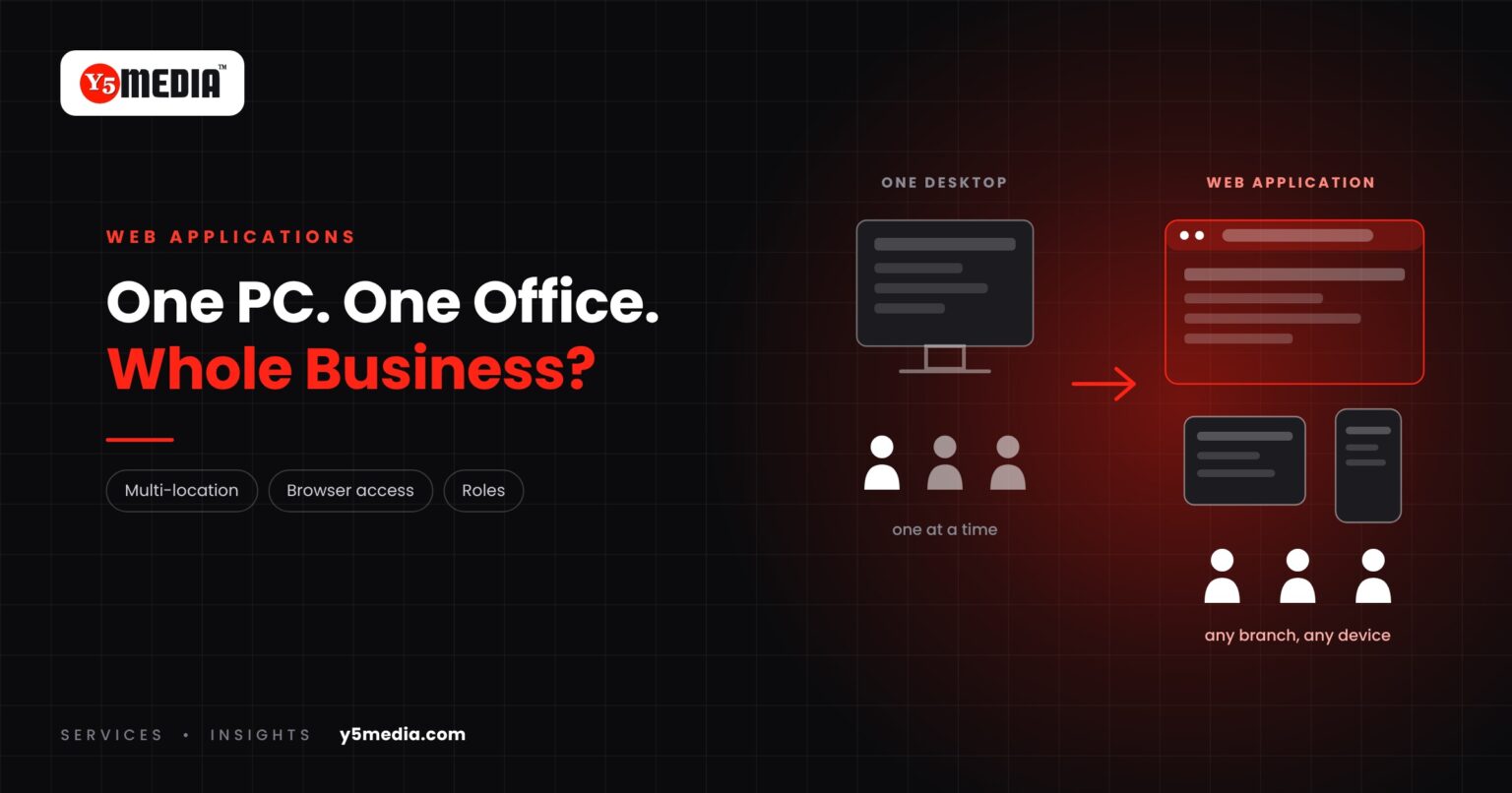
Plenty of businesses run well on desktop software installed on office computers. It is familiar, it works, and nobody wants to disturb it.
The question is whether it still matches how the business operates. This guide explains when web application development is worth considering and, just as clearly, when a desktop application should stay.
When a Web Application Is Worth Considering
- Multiple locations: branches each keep their own copy of the data, and someone merges it by hand.
- Remote users: staff or managers need access from outside the office.
- Centralized data: you want one current record, not several versions.
- Browser access: users on different devices should reach the same system without installation.
- Easier deployment: an update should reach everyone at once, not machine by machine.
- Role-based access: different people should see and do different things.
When Desktop Software May Still Be Right
- The work depends on local hardware such as scanners, printers or specialised devices.
- Internet connectivity at the site is unreliable.
- One or two people use it, in one place, and that will not change.
- The application handles heavy local processing.
A web application is not better by definition. It is better for certain requirements.
Side by Side
| Desktop application | Web application | |
|---|---|---|
| Access | The machines it is installed on | Any permitted device with a browser |
| Data | Often per machine or per site | One central copy |
| Updates | Installed machine by machine | Released once for everyone |
| Connectivity | Works without internet | Needs a connection |
| Local hardware | Direct access | More limited |
What a Move Involves
Moving from desktop to web is not a conversion. The business logic has to be understood, the data moved, and the screens redesigned for a browser. How large that job is depends on the existing application: its language, its database and whether its source code is available.
That is why the first step is an assessment, and why the data deserves its own plan.
The Useful Question
Not “is our software old?” but “what does the business need that this architecture cannot give it?” If the answer is nothing, keep it. If the answer is multi-location access, shared data and simpler updates, the conversation is worth having.
Frequently Asked Questions
Is a web application less secure than desktop software?
Neither is secure by default. A web application is reachable over a network, so access control, encryption and updates need proper attention. Desktop software has its own risks, such as unbacked-up local data. Security depends on how the system is built and maintained.
Can a web application work offline?
Some offline capability is possible, but it adds complexity and has limits. If staff regularly work without a connection, say so at the start, because it affects the architecture.
Can our desktop application be converted automatically?
Generally not. The business logic and data can be carried across, but the application is rebuilt for the browser. The effort depends on the existing application and can only be judged after looking at it.
What to Remember
- Desktop software is not a problem in itself.
- Web applications suit multiple locations, remote users, central data and role-based access.
- Desktop remains right where local hardware, poor connectivity or single-site use dominate.
- Moving to web is a rebuild around existing logic and data, not a conversion.
- Let business requirements, not age, decide.
How Y5MEDIA Can Help
We start with your existing application: what it does, who uses it and where. Then we set out whether a web application would solve a real problem for you, and what moving would involve.
For an example of one connected system serving many sites, see our ERP implementation case study.
ERP Implementation Case Study
Lessons from connecting a large, decentralised education network on one ERP ecosystem.
Learn more →Our Process
How an engagement runs, from first conversation to handover.
Learn more →Migration Services
Sites, mailboxes, databases and applications moved with staging, backup and a planned cutover.
Learn more →Still Dependent on a Desktop Application?
Tell us what the application does and what the business needs that it cannot provide. We will give you an honest view of whether a web application is the right move.