
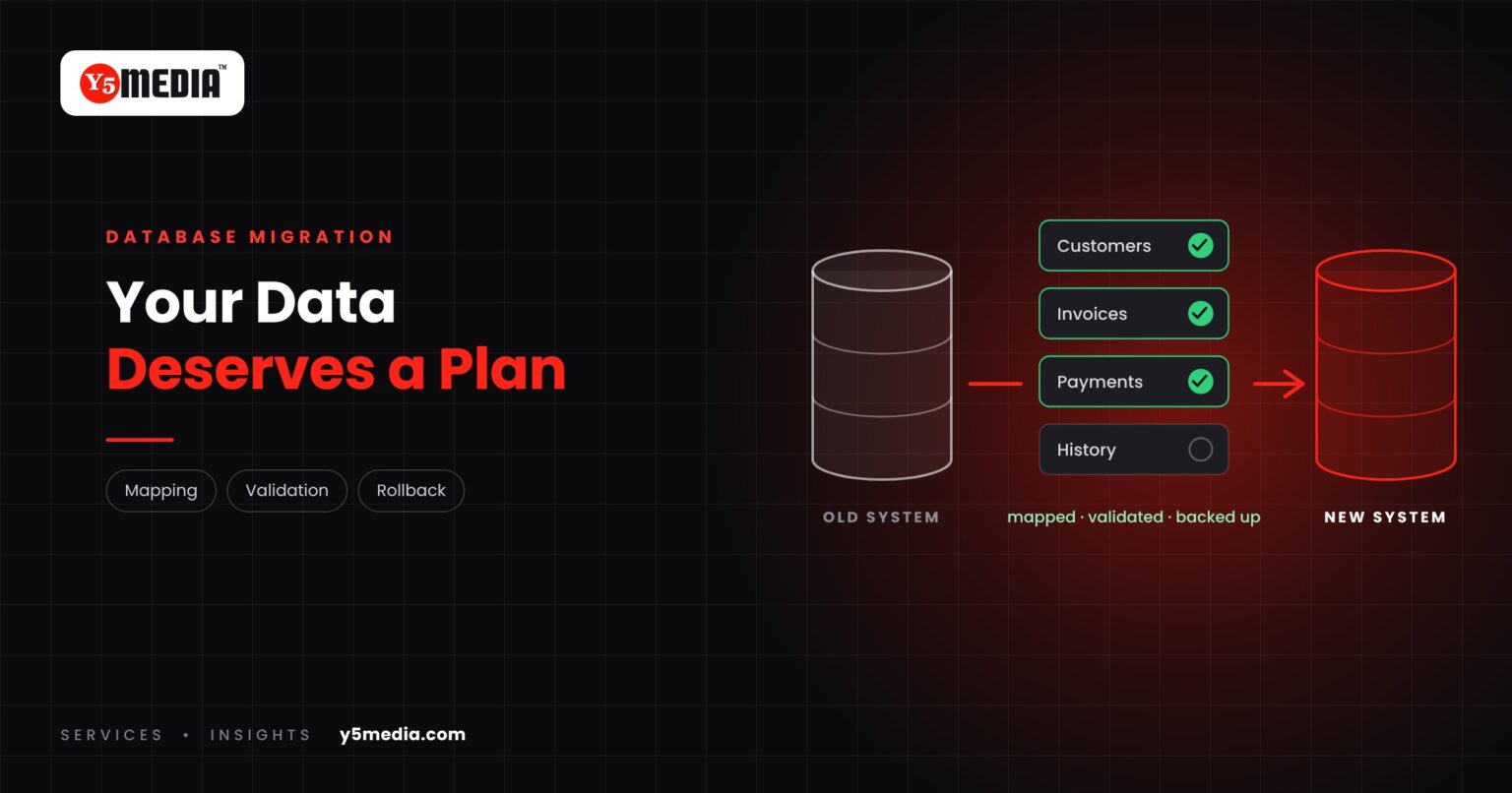
When a business changes software, attention goes to the new screens and features. The data moves in the background, and that is where the lasting damage can happen.
A record that arrives wrong is worse than one that does not arrive. Nobody notices until an invoice, a balance or a customer history turns out to be incorrect. A database migration needs its own plan.
What a Database Migration Has to Deal With
- Data structure: the old and new systems rarely store things the same way. One “name” field may need to become three.
- Data quality: years of use leave gaps, typing errors and inconsistent formats.
- Duplicate records: the same customer entered twice, slightly differently.
- Relationships: an invoice belongs to a customer, a payment to an invoice. Those links must survive the move.
- Historical data: how far back do you need to go, and in what detail?
The Six Steps That Protect You
- Backup: a complete, verified copy of the source before anything is touched.
- Mapping: a written list of where each old field goes in the new system.
- Cleanup: decide what to fix, merge or leave behind before moving, not after.
- Test migration: run the whole move into a test environment first.
- Validation: compare record counts and totals, and have real users spot-check real records.
- Rollback planning: know exactly how you return to the old system if the result is not right.
What Decides How Hard It Is
The volume of data, how different the two structures are, the condition of the data, and whether the old database is documented. A clean, well-structured database is a contained task. An old one with years of improvised entries needs more time, and it is better to plan for that than to discover it at cutover.
How Validation Works in Practice
| Check | What it catches |
|---|---|
| Record counts per table | Records dropped or duplicated in transit |
| Totals on key figures | Amounts changed by format or rounding problems |
| Relationship checks | Invoices or payments detached from their customers |
| User spot-checks | Errors that only someone who knows the records would see |
Data is one layer of a wider move. For the rest, see why migration is more than copying files.
Frequently Asked Questions
Can all our historical data be migrated?
Usually most of it can, but it is a decision, not a default. Very old or poor-quality records may be better archived in a readable form than forced into a new structure. That choice should be made with the people who use the data.
Should we clean the data before or after migration?
Before, wherever possible. Cleaning in the old system, or during a staged transfer, is easier to verify than fixing records once they are live in the new one.
What happens if errors are found after go-live?
That is what the backup and rollback plan are for. A well-planned migration keeps the source intact until the result has been validated and accepted, so corrections can be made from a known-good copy.
What to Remember
- Software can be replaced; years of business records cannot.
- Structure, quality, duplicates, relationships and history all need decisions.
- Backup, mapping, cleanup, test migration, validation and rollback are the six safeguards.
- Difficulty depends on volume, structural differences and data condition.
- Always ask how the result will be checked.
How Y5MEDIA Handles Data in a Migration
Our Migration Services take a full, verified backup before any change and keep the source environment untouched until you confirm the result. Backup Solutions covers the protection that should be in place before and after.
For software changes, we agree the field mapping, a test run and the validation method with you before the live move.
Migration Services
Sites, mailboxes, databases and applications moved with staging, backup and a planned cutover.
Learn more →Backup Solutions
Automated, tested backups before and after any change to your systems.
Learn more →ERP Modernisation Case Study
How outdated school and college ERP systems are modernised or migrated with data carried across.
Learn more →Your Data Deserves a Migration Plan
Tell us what data you hold, where it lives and where it needs to go. We will set out how it can be mapped, tested and validated before anything moves.