
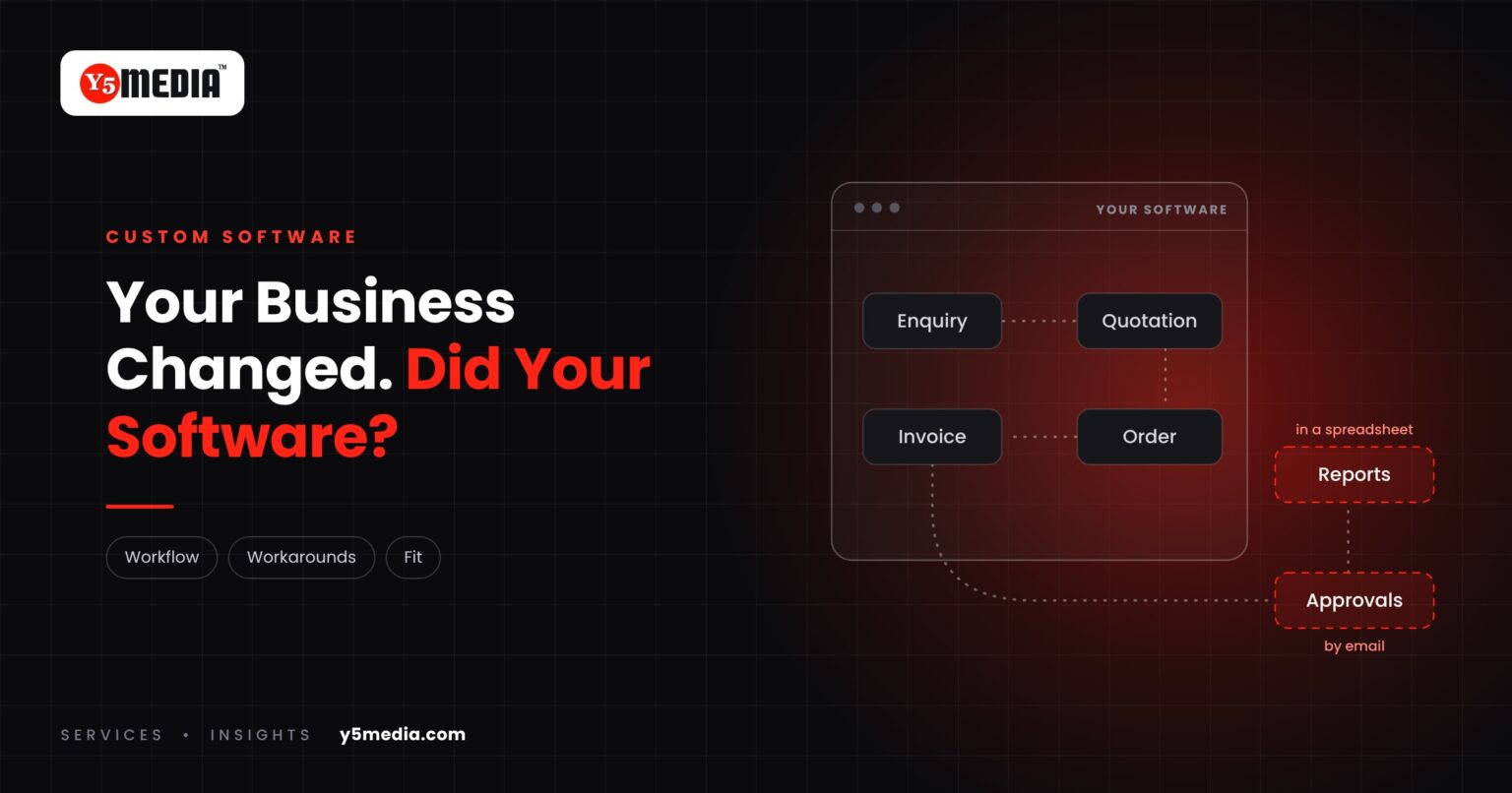
Most businesses do not choose the wrong software. They choose software that fits on day one, and then the business changes.
A new branch opens. A new product line arrives. A customer asks for a report the system cannot produce. Each time, the team finds a way around it. This guide explains how to recognise when custom business software, or a smaller fix, is worth considering.
How the Mismatch Shows Up
Software rarely fails in one moment. It drifts out of fit, and the gap gets filled by people. The signs are usually small and easy to dismiss:
- The side spreadsheet. Staff keep a spreadsheet beside the software because the software cannot hold what they need.
- Double entry. The same information is typed into two or three places.
- Hand-built reports. A routine report is assembled manually every week or month.
- Steps that serve the software. A step in your process exists only because the system demands it.
- “The system doesn’t allow that.” New requirements are met with a workaround, not a setting.
None of these is a crisis. Together they are a cost paid every day in time, errors and delayed decisions.
Why It Happens
Packaged software is designed around a typical workflow. That is its strength: it is quick to adopt and already used by many businesses. The limit appears when your process is not typical, or when it once was and has since moved on.
Growth is the usual trigger. More locations, more product lines, new compliance requirements or a new type of customer all change how work flows. The software stays where it was.
What to Do Before Changing Anything
Replacing software is not always the answer. Start by writing down three things:
- The steps your team actually follows, not the steps the manual describes.
- Every place where work leaves the software: spreadsheets, paper, messages.
- What the business needs next year that it cannot do today.
That list shows whether the gap can be closed with configuration, an extra module, an integration, or software built around the workflow.
Four Possible Answers
| What the list shows | Likely route |
|---|---|
| Features exist but are not set up or not understood | Reconfigure and train |
| Good tools that do not share data | Integration |
| One weak area in an otherwise sound system | An added module or modernization |
| The core workflow does not match any product | Software built around the workflow |
Sometimes the honest answer is that the current system is fine and needs better setup. Sometimes it is not. Either way, the decision should come from your workflow, not from a product brochure.
Frequently Asked Questions
Does a workaround mean we need new software?
Not by itself. Every system has an edge it does not cover, and one workaround is normal. The signal to act is several workarounds that have run for months and now carry critical work.
Is custom software the only way to close the gap?
No. Reconfiguring the current system, adding a module or integrating existing tools are often smaller and faster. Custom software makes sense when the workflow itself does not match what any product offers.
Where should we start?
With the workflow. Write down the steps people really follow and every point where work leaves the system. That document is useful whichever route you take, and it is the first thing any competent provider will ask for.
What to Remember
- Software usually drifts out of fit as the business changes; it rarely fails at once.
- Side spreadsheets, double entry and hand-built reports are the common signs.
- Document the real workflow before deciding anything.
- Configuration, integration and modernization are options before replacement.
- The decision should follow the workflow, not a product brochure.
How Y5MEDIA Approaches a Software Mismatch
We start by understanding the workflow and what the current system cannot do. From there we lay out the options, which may be new development, modernization, integration or simply better use of what you have.
If you are unsure which signs matter, read when a business should consider custom software next.
Our Process
How an engagement runs, from first conversation to handover.
Learn more →ERP Implementation Case Study
Lessons from connecting a large, decentralised education network on one ERP ecosystem.
Learn more →WordPress Development
Custom functionality and integrations, built and documented so others can maintain them.
Learn more →Has Your Business Outgrown Its Software?
Tell us how your team works today and what the system cannot do. We will come back with an honest view of whether it needs configuring, connecting, modernizing or rebuilding.