
Custom software is a serious commitment. It is not right for every business, and it should never be the first reflex.
But some patterns are reliable signs that custom software development deserves a proper evaluation. This guide sets out six of them, explains how to read them, and is equally clear about when you do not need it.
Six Indicators Worth Taking Seriously
- Repetitive manual work. The same task is done by hand every day or week, in the same way, by people who could be doing something else.
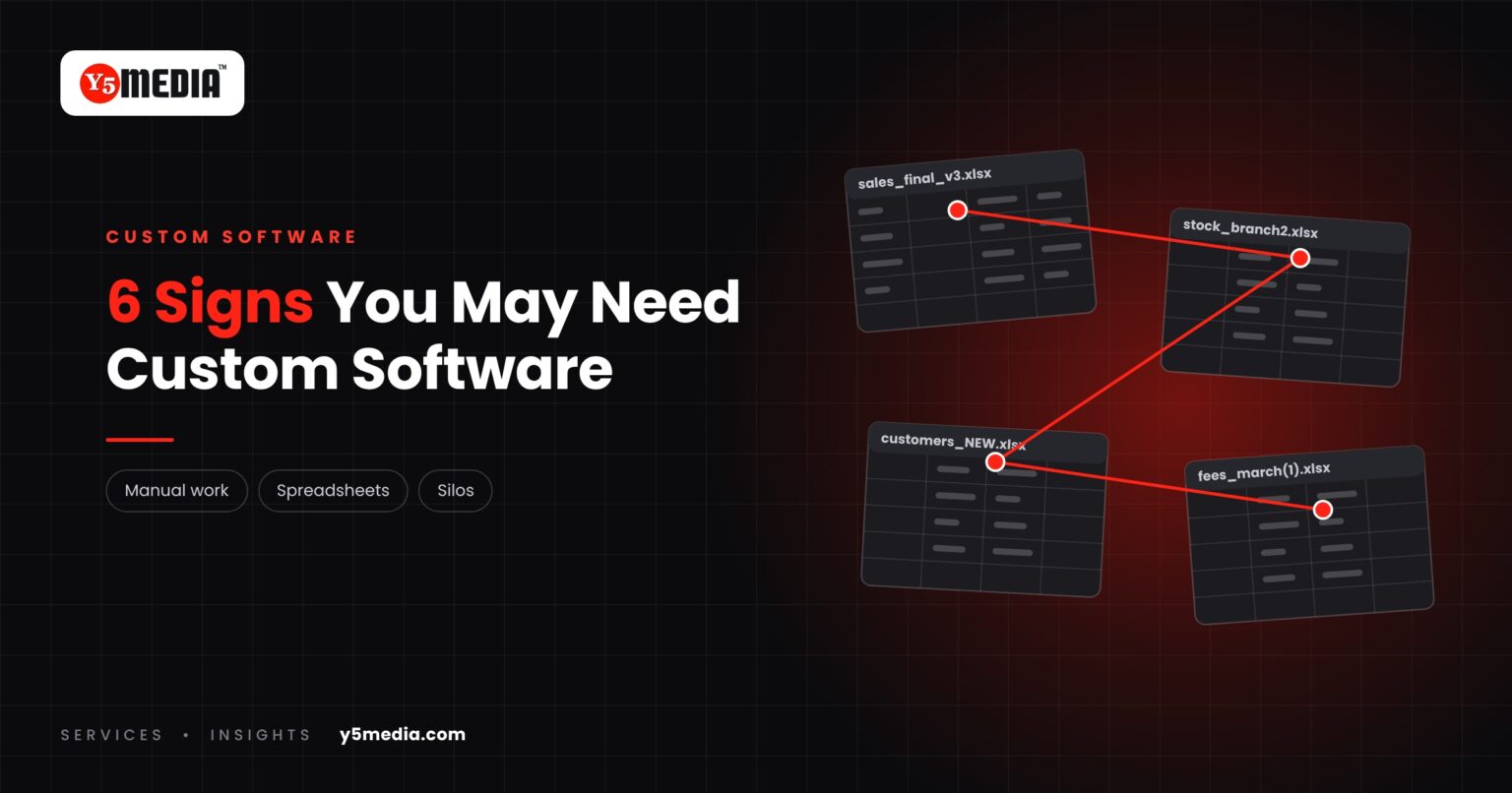
- Spreadsheets doing a system’s job. Critical records live in files that are copied, renamed and emailed, and nobody is sure which version is current.
- Several systems that do not talk. Sales, accounts and stock each have their own software, and people carry data between them.
- A workflow the software cannot follow. Your approval steps, pricing rules or handovers do not match any setting the product offers.
- Industry-specific requirements. Your sector has rules, formats or reports that general products treat as an afterthought.
- You have hit the ceiling. The vendor cannot add what you need, or can only do it at a cost and timeline that do not work.
How to Read the Signs
One sign on its own usually means a fix inside your current tools: better configuration, a template, some training. Three or more, sustained over months, means the workarounds have become the system.
What an Evaluation Looks Like
Evaluating is not the same as commissioning a build. It means comparing the options on equal terms:
- Document the workflow as it really runs.
- List what the current software cannot do, in plain language.
- Estimate what the manual work costs in hours each month.
- Compare the routes: reconfigure, integrate, switch product, or build.
Custom development should win that comparison on its merits. If a packaged product meets the need, that is usually the faster route. Our build vs buy framework walks through the comparison.
When You Probably Do Not Need It
- Your process is standard for your sector and a mature product already covers it.
- The problem is one missing report or one awkward step.
- The real issue is that two good tools do not share data, which is an integration question.
- The process itself is still changing. Software built around an unsettled process will need rebuilding.
Frequently Asked Questions
Is custom software only for large companies?
No. Size matters less than how specific the workflow is. A small business with an unusual process can have a stronger case than a large one whose process matches a standard product.
Can we start small?
Yes. A common approach is to build the one part of the workflow that no product handles and keep packaged software for the rest. The scope should follow the requirement, not the other way around.
How do we know the cost of doing nothing?
Estimate the hours spent each month on re-typing, reconciling and building reports by hand, and note the errors that follow. That figure is what any option has to beat.
What to Remember
- Custom software is not the default answer and should earn its place.
- One sign usually means a fix inside existing tools; three or more deserve an evaluation.
- Evaluate by comparing reconfiguring, integrating, switching and building.
- If a packaged product meets the need, it is usually the faster route.
- A settled, documented workflow is the precondition for any build.
How Y5MEDIA Helps You Evaluate
Tell us what your current system cannot do. We document how the work really flows and compare the options with you, including the option of keeping what you have.
To see what workflow-based software looks like in practice, read custom software built around your business workflow.
Our Process
How an engagement runs, from first conversation to handover.
Learn more →ERP Implementation Case Study
Lessons from connecting a large, decentralised education network on one ERP ecosystem.
Learn more →WordPress Development
Custom functionality and integrations, built and documented so others can maintain them.
Learn more →What Can’t Your Current System Do?
Send us the list: the workarounds, the spreadsheets and the reports built by hand. We will tell you honestly whether the answer is configuration, integration, a product or a build.