
A business can manage for a day without its website. It cannot manage for a morning without email. Quotations, purchase orders, bank alerts and customer replies all arrive there, which is why moving mailboxes from one provider to another makes owners more nervous than almost any other change.
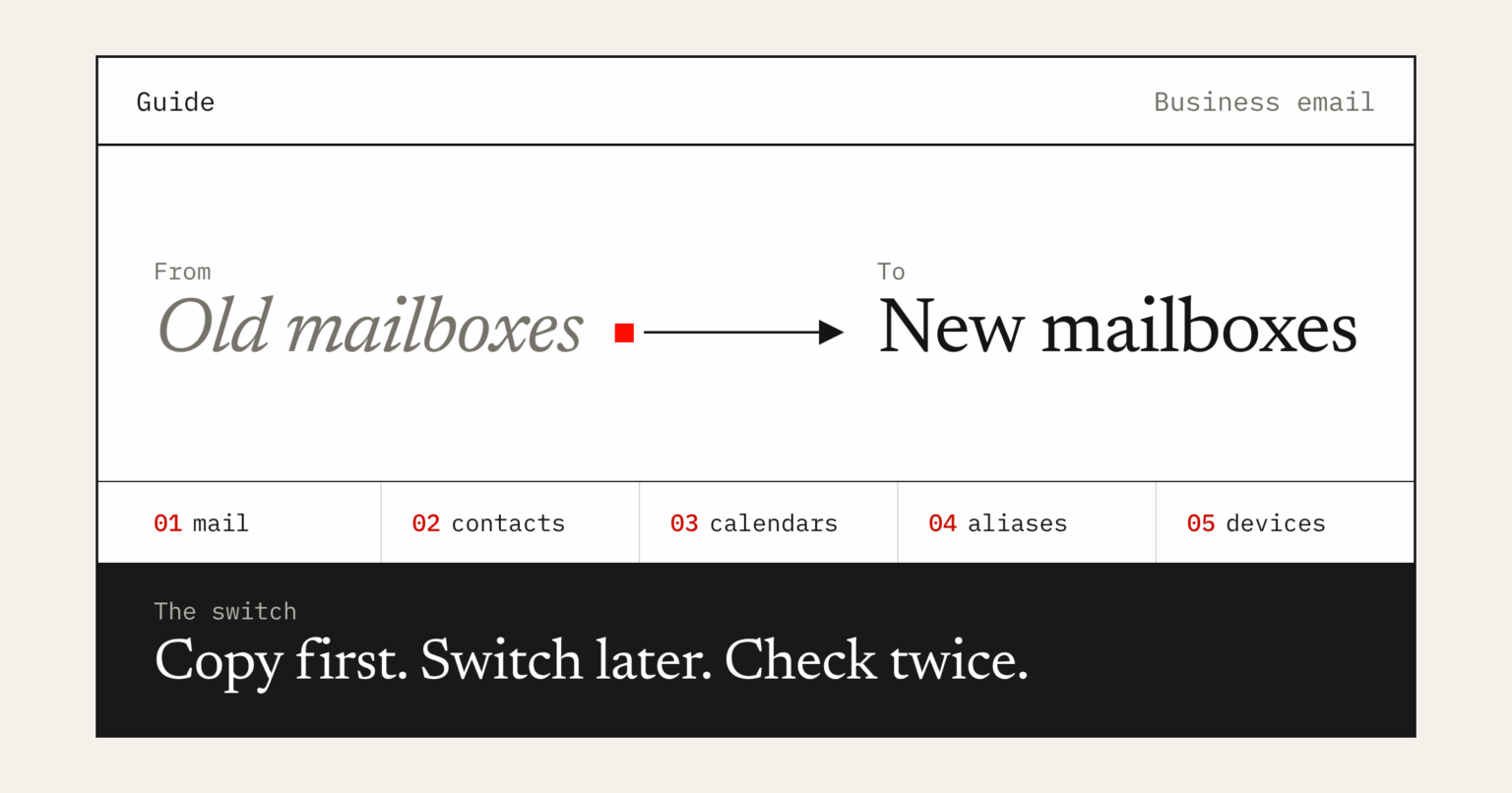
A business email migration is manageable when it is done in the right order: copy first, switch later, check twice. This guide explains what actually moves, what does not, and where the usual problems come from.
What Moves, and What Has to Be Set Up Again
| Item | Usually | Note |
|---|---|---|
| Mail and folders | Copied across | Large mailboxes take time, so the copy starts well before the switch. |
| Contacts and calendars | Copied, with checks | Depends on the old and new systems. Shared calendars need particular attention. |
| Aliases and group addresses | Re-created | Addresses such as sales@ or accounts@ are easy to miss because nobody logs in to them. |
| Forwarding and filters | Re-created | Rules set up years ago are often still doing important work. |
| Signatures | Re-created | A good moment to standardise them. |
| Phones and computers | Reconfigured | Every device that reads mail needs the new settings. |
The Sequence of a Safe Switch
1. Take an inventory
List every mailbox, alias, group and forwarder, with mailbox sizes. This list is the reference for everything that follows.
2. Prepare the new accounts
Create the mailboxes, aliases and groups on the new system before anything is switched.
3. Copy existing mail in the background
Mail is copied while the old system carries on working. Nobody is interrupted at this stage.
4. Switch at a quiet time
The domain’s mail records are changed so that new mail arrives at the new system. An evening or weekend is usual.
5. Run a final copy
Anything that reached the old mailboxes during the change is brought across.
6. Reconfigure devices and check
Each person sends and receives a test message, internally and externally.
7. Keep the old mailboxes for a while
Do not cancel the old service on the same day. An agreed overlap gives time to notice anything missed.
The Records That Decide Whether Mail Is Delivered
Four settings on your domain matter here. MX records say where mail for your domain should be delivered. SPF, DKIM and DMARC help receiving servers confirm that mail claiming to be from you really is. If the MX records are wrong, mail does not arrive. If the others are wrong or missing, your outgoing mail is more likely to land in spam or be rejected.
What Is Most Often Forgotten
- Things that send email by themselves. Website contact forms, accounting or ERP software, scanners and printers often send through the old mail server and stop working silently.
- Mail hosted with the website. If email and the website share a hosting account, changing one can affect the other.
- Former staff mailboxes. Decide whether to move, archive or forward them.
- Shared passwords. A migration is the right time to give each person their own login.
- Access to the domain. Nothing can be switched without it. See our guide to domains and DNS during a migration.
Choosing Where to Move
Most businesses today move to a hosted service such as Google Workspace or Microsoft 365, or between the two. Which suits you depends on the tools your team already uses, storage needs and budget. The migration steps above are much the same whichever you choose.
Frequently Asked Questions
How long does a business email migration take?
It depends on the number of mailboxes and their size. The background copy can take days for large mailboxes, while the switch itself is short.
Will our email addresses change?
No. The addresses stay the same because the domain stays the same. Only the system behind them changes.
Will staff need to do anything?
Usually they sign in to the new system and their phone and computer are set up again. A short guide per person avoids most questions.
Can old mail be left behind to save cost?
Yes. Some organisations move only recent mail and keep an archive of the rest. Decide this before the copy starts.
What to Remember
- Copy first, switch later, check twice.
- Aliases, forwarders and filters are re-created, not copied.
- MX, SPF, DKIM and DMARC decide whether mail is delivered.
- Check everything that sends email automatically.
- Keep the old mailboxes for an agreed overlap.
How Y5MEDIA Moves Business Email
Mailbox moves are one of the six kinds of move on our Migration Services page: inventory, background copy, planned switch and an overlap before the old service is closed.
Migration Services
Sites, mailboxes, databases and applications moved with staging, backup and a planned cutover.
Learn more →Backup Solutions
Automated, tested backups before and after any change to your systems.
Learn more →Our Process
How an engagement runs, from first conversation to handover.
Learn more →Planning to Move Your Business Email?
Tell us how many mailboxes you have and where they are hosted today. We will list what has to move, flag what is usually forgotten and plan the switch for a quiet time.
Call or WhatsApp +91 7902024242, email support@y5media.com, or use the contact page.