
Nearly every migration, whether of a website, a mail system or an application, ends with a change to the domain’s settings. It is the smallest step in the project and the one most likely to stop everything, usually because nobody is certain who holds the login.
This guide explains domains and DNS in plain English for business owners and administrators. If you understand the four things described here, any DNS migration becomes far less mysterious, and you will know what to ask before work starts.
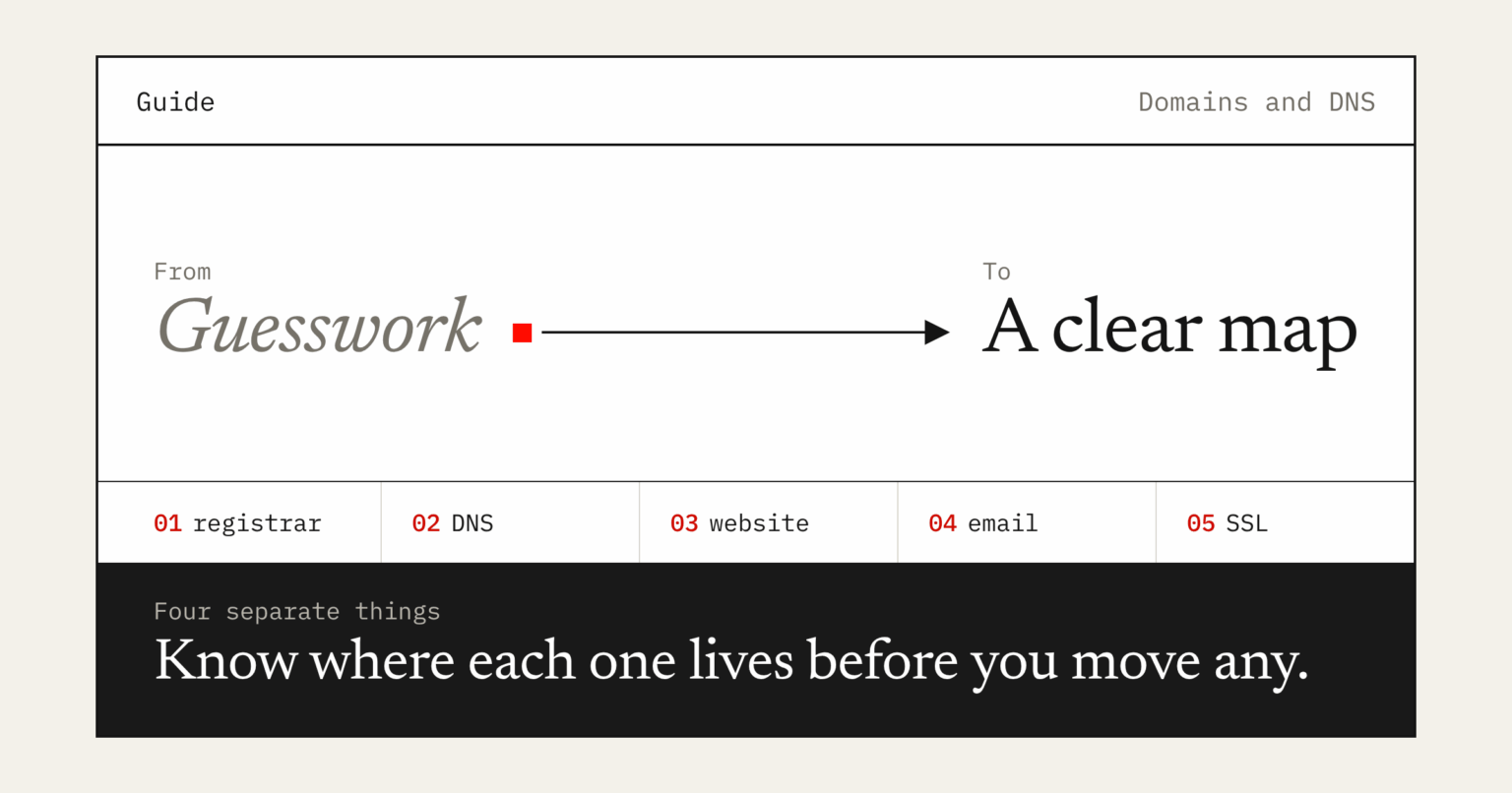
Four Separate Things
These are frequently bought together and thought of as one. They are separate, and each can be with a different company.
| Service | What it does | If it lapses or is misconfigured |
|---|---|---|
| Domain registration | Your right to use the name, renewed periodically. | Everything stops, and the name can eventually be lost. |
| DNS hosting | The directory that tells the internet where your website and mail are. | Website and email become unreachable. |
| Website hosting | The server that holds the website. | The website is down. Email may be unaffected. |
| Email hosting | The service that holds mailboxes. | Email stops. The website may be unaffected. |
The Records That Matter
- A and CNAME records point your domain and its subdomains to the servers that hold your website.
- MX records say where email for the domain should be delivered.
- TXT records carry verification and mail-authentication settings such as SPF, DKIM and DMARC.
- Nameserver records say which DNS hosting service holds all of the above.
Why Changes Are Not Instant
Networks around the world remember DNS answers for a set time before asking again. So when a record is changed, some visitors see the new setting within minutes and others a good deal later. In practice most changes are visible within hours, and it can take longer in some cases.
The remembering time can be shortened in advance of a planned change, which is why a well-planned migration adjusts it a day or two beforehand.
Two Ways to Make a Change
Change individual records. Only the record that needs to move is edited, for example the one pointing to the website. Everything else stays as it is. This is the safer route for most migrations.
Change the nameservers. The whole directory moves to a different DNS service. Every record must be copied to the new service first, or whatever was left behind stops working. This is how email is most often broken during a website move, as described in our website hosting migration checklist.
Moving the Domain Itself
Transferring a domain registration from one registrar to another is a separate process. It normally involves unlocking the domain, obtaining an authorization code and waiting several days. It is rarely necessary for a migration, and it is best not attempted in the same week as one.
Make Sure Your Organisation Controls Its Domain
- The domain should be registered in the organisation’s name, not a former employee’s or a supplier’s.
- The registrar account should use an email address the organisation controls and monitors.
- At least two trusted people should know where the login is kept.
- Renewal should be automatic, with a payment method that will not expire unnoticed.
- The renewal date should be in someone’s calendar regardless.
If you discover that a third party holds your domain, raise it calmly and in writing, and ask for it to be moved into an account you control. Most suppliers will cooperate.
Where This Fits in a Migration
DNS is the final step of a business email migration, a hosting move or an application move. The preparation is what makes that step uneventful. Our application migration checklist lists DNS among the items to confirm before any date is agreed.
Frequently Asked Questions
Who should hold the login to our domain?
The organisation itself. A supplier can be given access to make changes, but ownership and the main login should stay with you.
Can a DNS change be undone?
Yes. The previous values can be restored, though the reversal also takes time to spread. Record the old settings before changing anything.
What happens if the domain expires?
Website and email stop working. There is usually a period in which it can be renewed, sometimes at extra cost. After that the name may become available to others.
Do we need to move our domain to change hosting?
No. The registration can stay where it is. Only the records need to change.
What to Remember
- Registration, DNS, website hosting and email hosting are four separate things.
- DNS changes spread over time and can be prepared for.
- Changing single records is safer than moving nameservers.
- Do not transfer a domain in the same week as a migration.
- Your organisation should own and control its domain.
How Y5MEDIA Handles Domains and DNS
Domains, DNS and certificates are part of every move on our Migration Services page. Existing records are documented before any change, so the previous settings can be restored.
Migration Services
Sites, mailboxes, databases and applications moved with staging, backup and a planned cutover.
Learn more →Backup Solutions
Automated, tested backups before and after any change to your systems.
Learn more →Our Process
How an engagement runs, from first conversation to handover.
Learn more →Not Sure Who Controls Your Domain?
Tell us your domain name and what you know about where it is registered. We will help you map the four services and confirm what needs to change, and what must not, before a migration.
Call or WhatsApp +91 7902024242, email support@y5media.com, or use the contact page.