
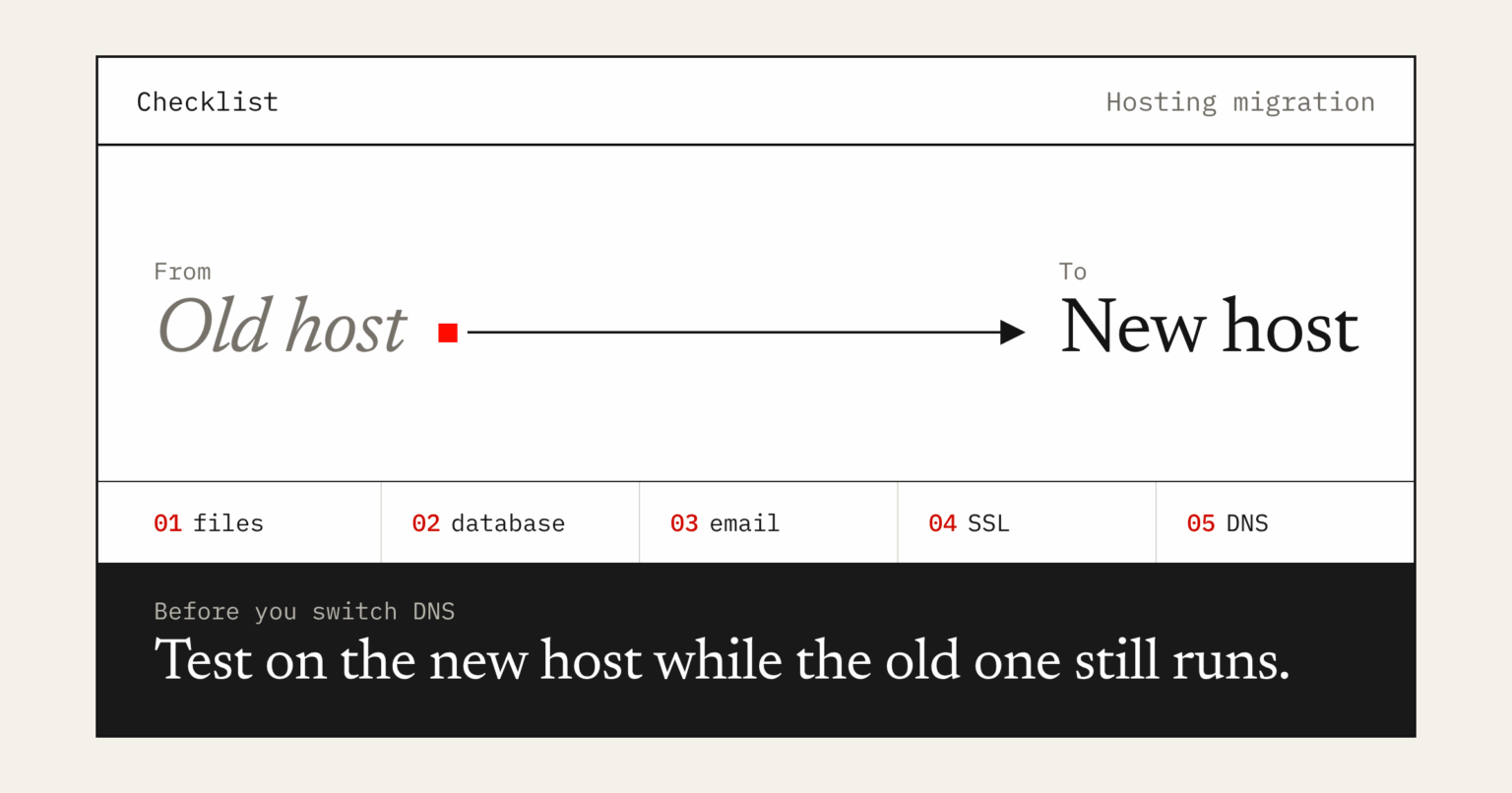
Moving a website to a new hosting provider sounds like copying files from one place to another. Most of the time that is nearly all it is. The trouble comes from the part that is not: the email nobody remembered was on the same account, the scheduled task that ran quietly every night, the certificate that did not follow the site.
This website hosting migration checklist sets out twelve steps to confirm before and after you switch hosts. It is written for business owners and managers, with enough detail to hold a useful conversation with whoever does the work.
The Hosting Migration Checklist
| # | Step | Why it matters |
|---|---|---|
| 1 | List everything on the old account | Websites, databases, email accounts, subdomains, scheduled tasks and redirects. |
| 2 | Confirm domain and DNS access | Nothing can be switched without it. |
| 3 | Take a full backup | Files and databases, downloaded and checked, not only left on the old server. |
| 4 | Check the new host’s requirements | Software versions, storage, limits and anything your site depends on. |
| 5 | Copy the site to the new host | While the old one keeps serving visitors. |
| 6 | Test on the new host privately | Through a temporary address, before any visitor is sent there. |
| 7 | Plan the email | Decide where mail will live, and copy the mail records before anything changes. |
| 8 | Pause content changes | Anything added to the old site after the copy must be carried over or it is lost. |
| 9 | Switch DNS at a quiet time | Visitors move across gradually as the change spreads. |
| 10 | Confirm the SSL certificate | The padlock must work on the new host, or browsers will warn visitors. |
| 11 | Test what visitors use | Forms, search, logins, payments and the emails the site sends. |
| 12 | Keep the old hosting for a period | As a fallback, and in case something was missed. |
The Mistake That Takes Email Down
Many small businesses have their email on the same account as their website without realising it. When the domain is pointed at the new host in one step, the mail settings go with it, and email stops arriving.
The fix is simple if it is done beforehand: find out where mail is handled today, and make sure the mail records are in place at the new location before the switch. Our guide to business email migration covers this in detail.
Testing Before Visitors See Anything
A site can be checked on the new host while the public still sees the old one. Use that time properly: open every main page, submit each form, log in as each kind of user and complete a purchase if you sell online. Compare the two versions side by side. Problems found now cost minutes. The same problems found after the switch cost customers.
After the Switch
- Check the site from a phone on mobile data, not only from the office network.
- Send a test through every form and confirm the email arrives.
- Watch for error pages and broken images over the first few days.
- Confirm that backups are running on the new host.
- Cancel the old hosting only after an agreed period, and only after downloading a final copy.
If search visibility matters to you, read website migration without losing SEO. A change of host alone should not affect rankings, but a change of addresses or structure can.
What a Checklist Cannot Promise
No honest provider will guarantee zero downtime for every site before looking at it. What careful preparation does is keep any interruption short and planned. Our case study WordPress Migration Under Pressure describes what happens when preparation time is not available.
Frequently Asked Questions
Will our website go offline during a hosting migration?
Usually visitors see either the old site or the new one while the change spreads, so there is often no visible gap. That depends on the site, which is why it is tested first.
How long does the DNS change take?
It spreads over time. Most visitors see the new host within hours, and it can take longer for some networks.
Do we need to tell our customers?
Not normally. If the site takes orders or bookings, choose a quiet time and consider a short notice.
Can we move the website and leave email where it is?
Yes. The two can be handled separately, as long as the mail records are kept in place.
What to Remember
- List everything on the old account before moving anything.
- Find out whether email shares the hosting.
- Test privately on the new host first.
- Switch at a quiet time and check from outside the office.
- Keep the old hosting as a fallback for an agreed period.
How Y5MEDIA Moves Websites
Our Migration Services page sets out the sequence we follow: audit, backup, staging build, testing, planned cutover and monitoring, with the old environment left intact throughout.
Migration Services
Sites, mailboxes, databases and applications moved with staging, backup and a planned cutover.
Learn more →Backup Solutions
Automated, tested backups before and after any change to your systems.
Learn more →Our Process
How an engagement runs, from first conversation to handover.
Learn more →Changing Hosting Provider?
Tell us where the site is hosted now, whether email shares the account and when you would like to switch. We will check what is on the old account before anything moves.
Call or WhatsApp +91 7902024242, email support@y5media.com, or use the contact page.