
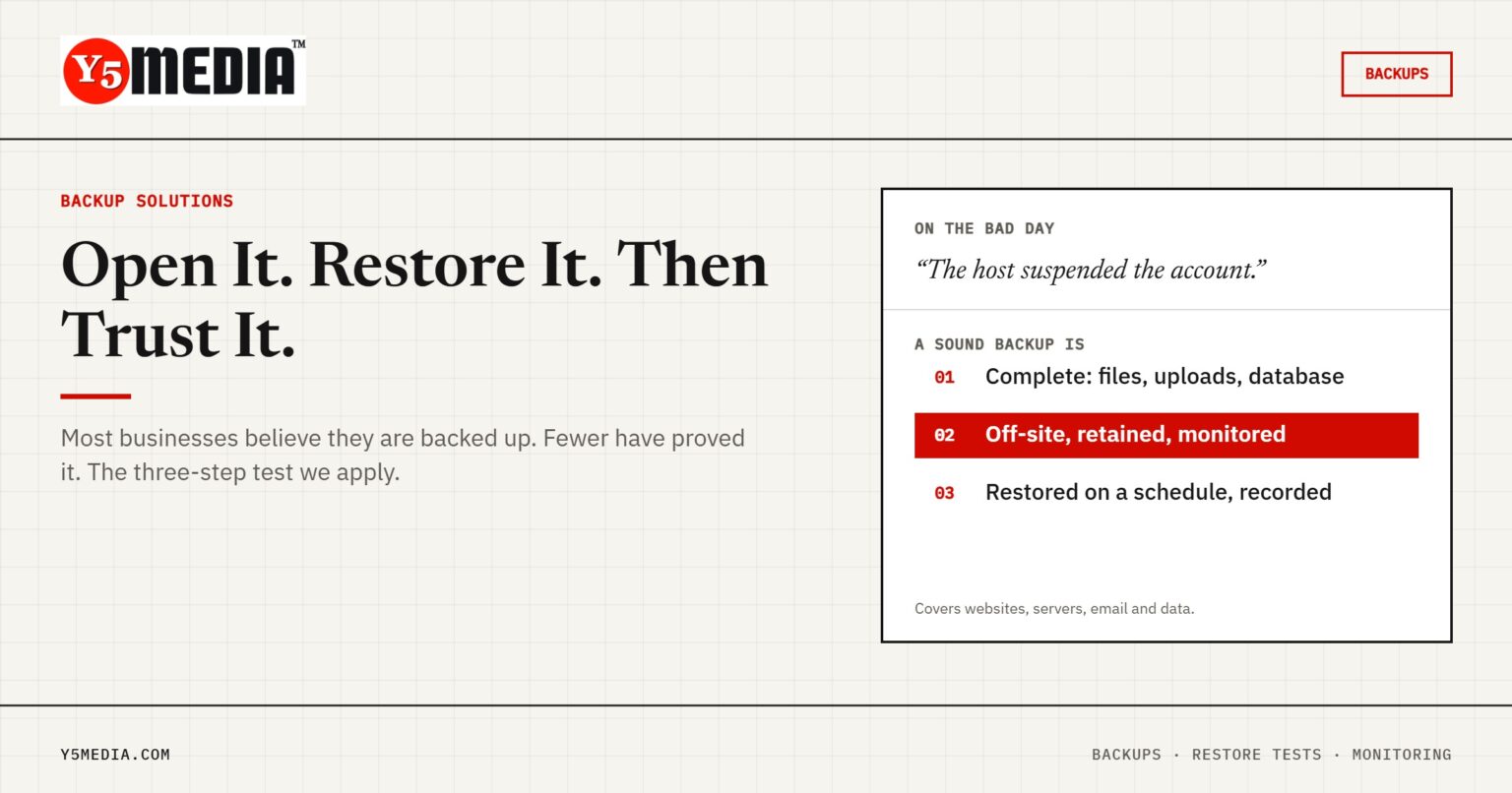
A backup that has never been restored is not a backup. It is a hope with a file name. Most businesses believe they are backed up. Fewer have opened the backup, checked that the uploads folder and the database are both there, and restored it somewhere to prove it works. The difference becomes clear on the day a host suspends an account, a plugin update breaks a site, a laptop is lost or ransomware arrives.
This article is the backup test we apply for clients, the common gaps we find, and what Y5MEDIA’s backup solutions cover for websites, servers, email and business data.
The gaps we find most often
- Files without the database, or the database without the uploads folder. The site cannot be rebuilt from half.
- Backups on the same server as the thing being backed up. When the server goes, both go.
- Backups that stopped months ago because a plugin failed, a disk filled or a subscription lapsed, and nobody was notified.
- Retention of one copy. If the corruption happened last week, last night’s backup has it too.
- Email not included. Mail is assumed to be safe because it is “in the cloud”; deleted items and compromised accounts prove otherwise.
- Nobody knows how to restore. The backup exists; the procedure does not.
What a sound backup setup looks like
- Automated on a schedule that matches how fast the data changes: daily for most sites, more often for stores and systems.
- Off-site, in a different provider or region from the live system.
- Complete: files, uploads, database, configuration, and email where it applies.
- Retained across multiple points in time, so you can go back further than yesterday.
- Monitored, with someone notified when a backup fails, not just when it succeeds.
- Tested by actually restoring, on a schedule, with the result recorded.
- Documented, so the restore procedure does not live in one person’s head.
What Y5MEDIA’s backup solutions cover
Websites (WordPress and otherwise), Linux and Windows servers, Microsoft 365 and Google Workspace email and files, and business databases. We set up automated off-site backups, define retention, monitor for failures, and run scheduled restore tests with a written record. For clients on managed IT, this is part of the service; for others, it is a standalone engagement with a written scope.
What we will not promise
No backup system makes data loss impossible. What we can promise is that your backups exist, are complete, are somewhere else, are tested, and that someone is watching them. On the bad day, that is the difference between an afternoon and a catastrophe.
Frequently Asked Questions
Our host says they back us up. Is that enough?
Sometimes, but check: how often, how long is retention, is it off-site, can you restore it yourself, and what happens if the account is suspended? Many host backups fail at least one of these.
How often should we back up?
Daily for most websites; more often for online stores, booking systems and anything transactional. Email and files continuously or daily depending on the platform.
Do you test restores?
Yes, on a schedule, by actually restoring to a test environment, with the result recorded. A backup is not considered working until it has been restored.
Is email really at risk in the cloud?
Cloud providers keep the service running; they do not protect you from deleted mailboxes, retention limits or a compromised account. A separate backup does.
What does it cost?
It depends on what is covered and how much data there is. We quote in writing after an assessment, and we will say if your current setup is already adequate.
Open It. Restore It. Then Trust It.
Ask for a backup review. We will check what you have, restore it to prove it, and tell you the gaps in plain terms. Email support@y5media.com or message us on WhatsApp.