
Nobody notices a smooth email migration. Everybody notices the one where a week of client messages disappeared. Moving business email between providers, from an old web host to Microsoft 365 or Google Workspace, from one workspace to another, or as part of a website move, touches the one system a business cannot do without for an afternoon. It is routine when planned and painful when improvised.
This article explains what a mailbox migration involves, where it goes wrong, and how Y5MEDIA’s website and email migration service handles it, including for non-WordPress sites and databases.
What a mailbox migration actually moves
- Messages, folders and attachments for every mailbox, including archives and shared boxes.
- Contacts and calendars where the source system holds them.
- Aliases, groups and forwarding rules that staff rely on without knowing they exist.
- Signatures, auto-replies and filters that otherwise vanish silently.
- DNS records: MX, SPF, DKIM and DMARC, so mail arrives at the new system and is not marked as spam.
Where it goes wrong
- Switching MX records before mailboxes are ready, so mail bounces or lands in the old system.
- Forgetting SPF and DKIM, so the new system’s mail is treated as suspicious.
- Migrating the inbox but not the archive, discovered three weeks later.
- Devices and clients still pointing at the old server.
- Nobody owning the passwords and admin access when the cutover is due.
How Y5MEDIA runs it
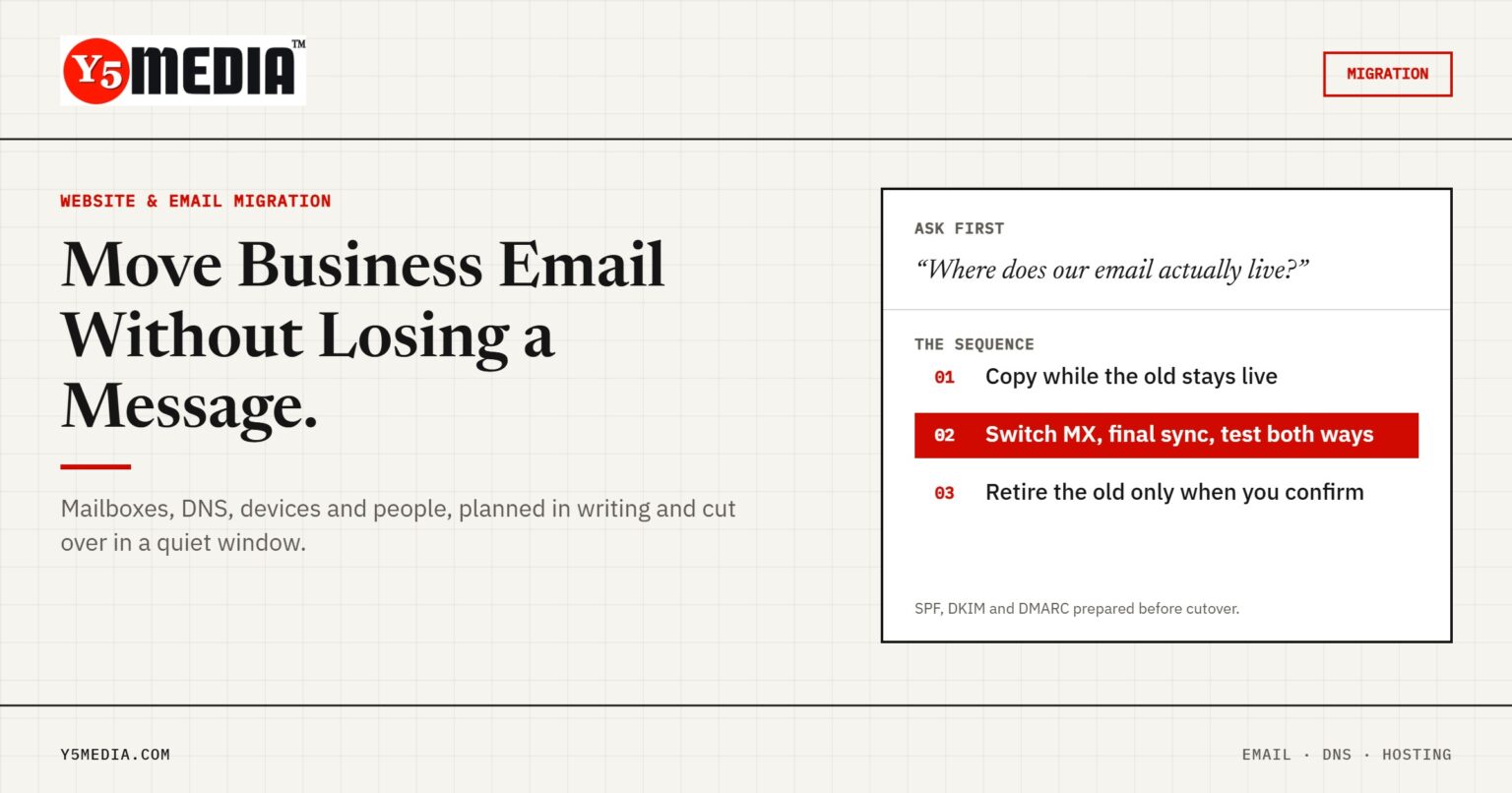
- Assessment. Where mail lives, how many mailboxes, their size, what depends on them, and who has admin access. In writing, with a plan and a price.
- Preparation. New accounts created, DNS records prepared with lowered TTL, SPF/DKIM/DMARC drafted.
- Staged copy. Historical mail copied while the old system stays live, so nothing is lost if the schedule slips.
- Cutover in a quiet window. MX switched, a final sync of recent messages, delivery tested in both directions.
- Devices and people. Phones and desktop clients reconfigured; staff told exactly what changes and what does not.
- Verification and handover. Every mailbox checked, records documented, the old system kept until you confirm.
Websites, databases and non-WordPress sites
The same service covers moving websites that are not WordPress, databases between servers, and whole hosting accounts between providers. The discipline is identical: assess first, plan in writing, copy while the old stays live, cut over in a quiet window, verify, then retire the old. For WordPress-specific moves we have a dedicated migration service with staging, redirects and 14-day monitoring.
What we will not promise
Zero downtime is not something anyone controls once DNS and third-party providers are involved; we plan for a short, scheduled interruption and usually avoid it. We will not move mail without verified access, and we will not retire the old system until you have confirmed the new one.
Frequently Asked Questions
Will we lose any email?
The staged copy and final sync are designed so that nothing is lost, and the old system is kept until you confirm. The risk comes from improvised cutovers, which is what the plan prevents.
Can you move us to Microsoft 365 or Google Workspace?
Yes, from an old web host, another provider or between the two. Licensing is yours; setup, migration and DNS are ours.
Can email move without touching the website?
Usually, if they are on different systems. If both live on the same host, we plan them together so one does not break the other.
How long does it take?
Small businesses are often done within days once access is in place; larger mailbox sets take longer because of the volume to copy. The plan gives a timeline for your case.
What access do you need?
Admin access to the current and new email systems and to DNS, shared securely after the assessment, never through a public form.
Move Email Without Losing a Message
Tell us where your email and website live today and where you want them, and we will send a written plan. Email support@y5media.com or message us on WhatsApp.