
A common request: “We just need our application moved to the new server.”
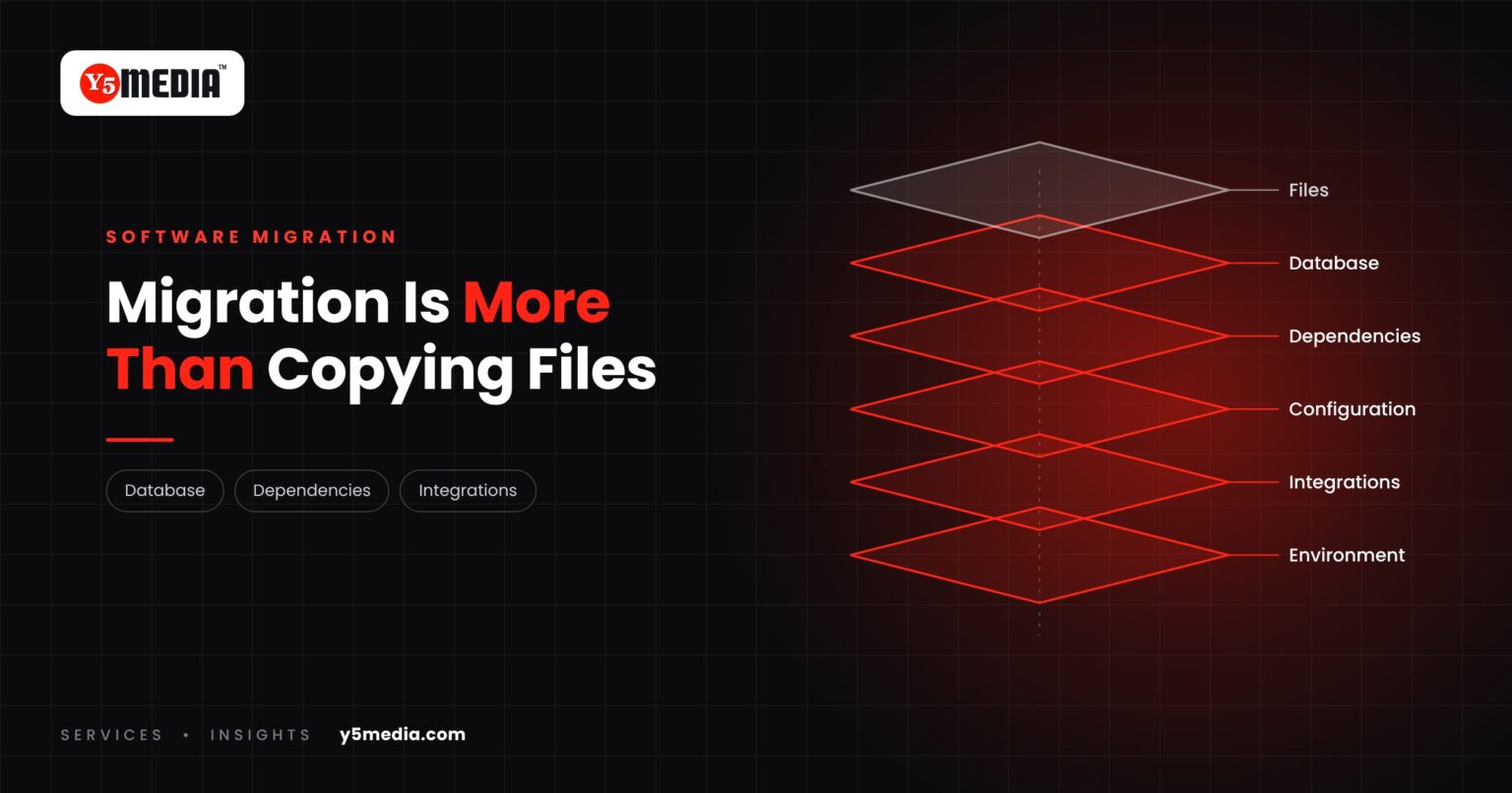
It sounds like a copy-and-paste task. In practice, the files are one layer out of many, and usually the simplest. A software migration is a technical project, and this guide explains what it really involves.
What Actually Has to Move
- Application: the code itself, in a version that matches the new environment.
- Database: structure, data, users and permissions.
- Dependencies: the libraries and runtime versions the application expects.
- Configuration: connection settings, file paths, scheduled jobs, environment variables.
- Environment: operating system, web server and security settings on the new host.
- Integrations: payment gateways, email, messaging services and other systems that connect in.
What Has to Happen Around the Move
- Backup: a complete, verified copy before anything changes.
- Testing: the application checked in the new environment before users see it.
- Deployment: a planned switch at a time that suits the business.
- Validation: confirmation afterwards that data, logins and functions behave as before.
Why No Two Migrations Are the Same
Complexity depends on the system being moved:
- the programming language and its version
- the database and how much data it holds
- whether the source code is available
- the old and new hosting environments
- third-party integrations
- security requirements
A recent, well-documented application can move in an orderly way. An older system with missing documentation needs investigation first. Both are possible. They are not the same project.
The Sensible First Step
Before a date is set, someone should look at what is actually running. Many migration problems come from a component nobody knew was there. Our application migration checklist lists the eleven things to confirm, and database migration planning covers the data in detail.
Frequently Asked Questions
Will there be downtime?
It depends on the system and the method. A migration can be planned around business continuity requirements, with testing and validation before the production switch, but nobody should promise zero downtime before examining the application.
Can any application be moved to a new server?
Most can, but the effort varies widely. An application with missing source code, unsupported dependencies or undocumented integrations may need investigation or partial rebuilding first.
How long does a software migration take?
There is no honest general answer. The time depends on architecture, data volume, dependencies and how well the system is documented. An assessment gives you a realistic estimate for your case.
What to Remember
- Files are one layer of a migration and usually the simplest.
- Application, database, dependencies, configuration, environment and integrations all have to be accounted for.
- Backup, testing, planned deployment and validation surround the move.
- Complexity depends on the system; no two migrations are the same.
- Assess what is running before setting a date.
How Y5MEDIA Plans a Migration
Our Migration Services follow the same sequence every time: audit what exists, back everything up, build and test on a staging copy, then cut over in a planned window with the old environment still intact.
For business applications and databases, the first step is always an assessment of what is actually running.
Migration Services
Sites, mailboxes, databases and applications moved with staging, backup and a planned cutover.
Learn more →Backup Solutions
Automated, tested backups before and after any change to your systems.
Learn more →ERP Modernisation Case Study
How outdated school and college ERP systems are modernised or migrated with data carried across.
Learn more →Planning a Software Migration?
Tell us what needs moving and where it runs today. We will tell you what is involved and where the risks are before any date is agreed.