
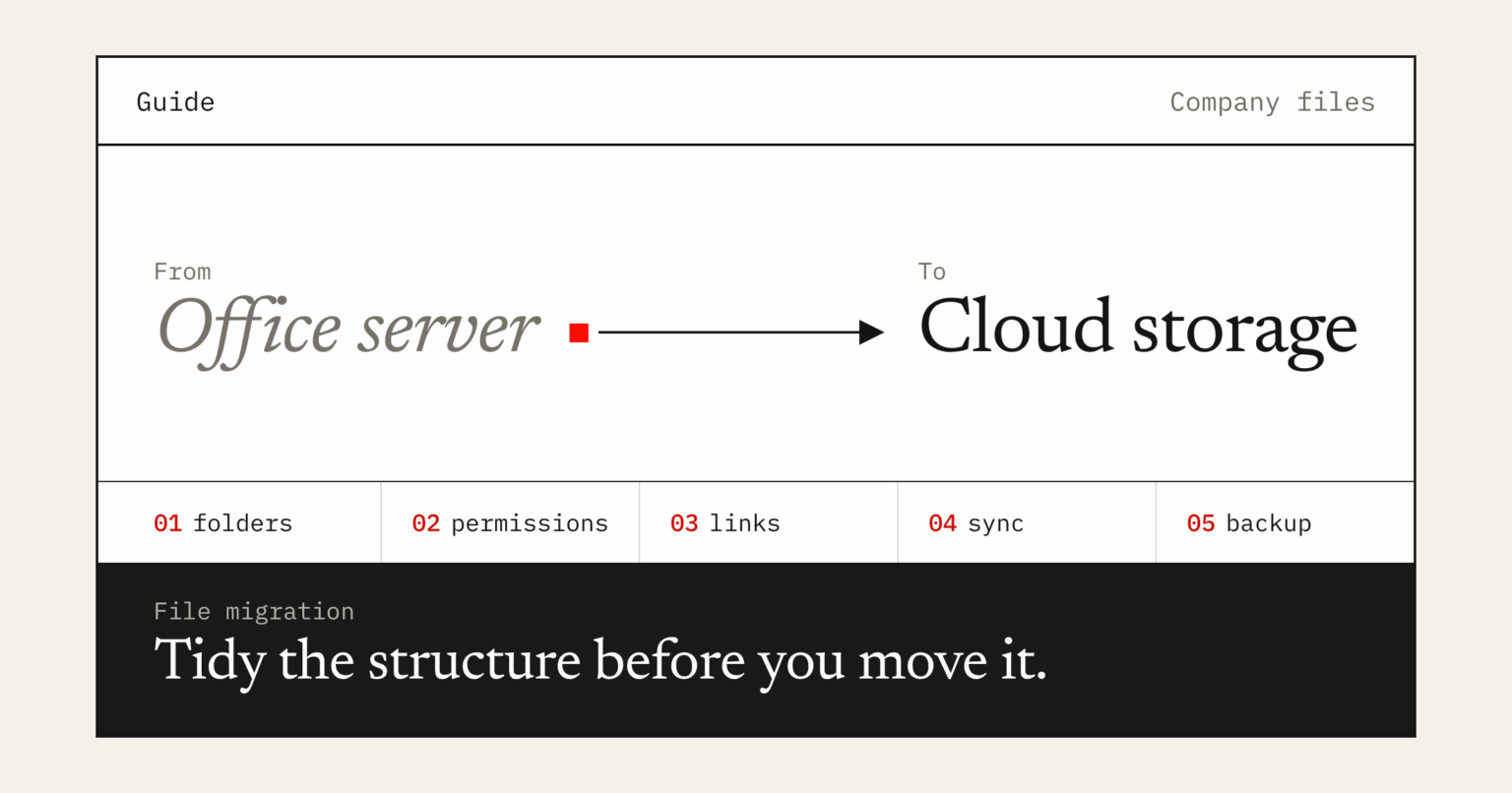
The office file server is often the oldest machine in the building. It sits in a corner holding fifteen years of quotations, drawings, scans and folders named “New Folder (2)”, and everybody knows that if it stopped tomorrow the business would be in serious difficulty.
Moving those files to cloud storage solves several problems at once: access from anywhere, no ageing hardware, sharing without email attachments. A file server to cloud migration also carries every bad habit across unless the structure is put in order first. This guide explains how to do it properly.
What Actually Changes
| On the office server | In cloud storage |
|---|---|
| Files are reached through a drive letter on the office network. | Files are reached through a browser, an app or a synchronised folder, from anywhere. |
| Access is controlled by folder permissions set by whoever manages the server. | Access is controlled by sharing, which staff can often change themselves. |
| A deleted file is gone unless a backup exists. | Deleted files and earlier versions can usually be recovered for a limited time. |
| The business owns and maintains the hardware. | The provider maintains it, for a recurring fee. |
Tidy the Structure Before You Move It
Copying the server as it stands is the quickest way to recreate the mess somewhere more expensive. Before moving anything:
- Agree a top-level structure. By department, by client or by year. One scheme, used consistently.
- Archive what is finished. Closed projects and old financial years can move to an archive area or stay on a retained copy.
- Remove duplicates and personal files. There will be more than anyone expects.
- Shorten deep folder paths. Some services limit the length of a file’s full path and reject certain characters in names.
- Decide naming rules. Especially for documents that go through several versions.
Permissions and Ownership
This is where most problems come from. Server permissions do not translate exactly into cloud sharing, so they are normally rebuilt, not copied. Decide who should see each top-level area and apply access there, not file by file.
Ownership matters too. In some services, a file kept in a person’s own space belongs to that person’s account, and leaves with them. Company files should live in shared, organisation-owned areas for that reason.
What Should Not Simply Be Moved
- Live database files. Data files used by accounting or other software can be damaged if they are kept in a synchronised folder. Check with the software’s provider.
- Very large working files. Video, design and engineering files may need a different approach on slower connections.
- Software that expects a drive letter. Some older applications look for files at a fixed network location.
Rolling It Out
- Start the upload early. The first copy of years of files can take days, depending on the connection.
- Move one department first and learn from it.
- Make the old server read-only on the day each team switches, so that nobody saves to the wrong place.
- Give each person a short guide: where things are now, how to share, how to recover a deleted file.
- Keep the old server, switched off or read-only, for an agreed period.
You Still Need a Backup
Cloud storage protects against a failed disk. It does not protect against a file overwritten by mistake months ago, a compromised account or a deletion nobody noticed in time. An independent backup is still needed, as explained in backup before migration: the 3-2-1 rule. If your email is moving in the same project, see business email migration.
Frequently Asked Questions
How long does a file server to cloud migration take?
Preparation usually takes longer than the copy. The upload depends on the volume of data and the speed of the connection.
Can staff still work without internet?
Most services allow selected folders to be kept available offline and synchronised when the connection returns.
Are files in cloud storage secure?
The main risks are weak passwords and careless sharing, both within your control. Individual logins, two-step sign-in and clear sharing rules address most of them. No service is absolutely secure.
Do we have to move everything?
No. Many businesses move current work and keep older material as an archive.
What to Remember
- Tidy the folder structure before the move, not after.
- Permissions are rebuilt, not copied.
- Keep company files in organisation-owned shared areas.
- Check live database files and older software before moving them.
- Cloud storage is not a substitute for a backup.
How Y5MEDIA Can Help
Our Migration Services page sets out how we plan a move: audit what exists, back it up, build and test, then switch at a planned time with the old environment left intact.
Migration Services
Sites, mailboxes, databases and applications moved with staging, backup and a planned cutover.
Learn more →Backup Solutions
Automated, tested backups before and after any change to your systems.
Learn more →Our Process
How an engagement runs, from first conversation to handover.
Learn more →Planning to Retire the Office File Server?
Tell us roughly how much data you hold, how many people use it and where you would like it to live. We will look at the structure and permissions before anything is copied.
Call or WhatsApp +91 7902024242, email support@y5media.com, or use the contact page.