
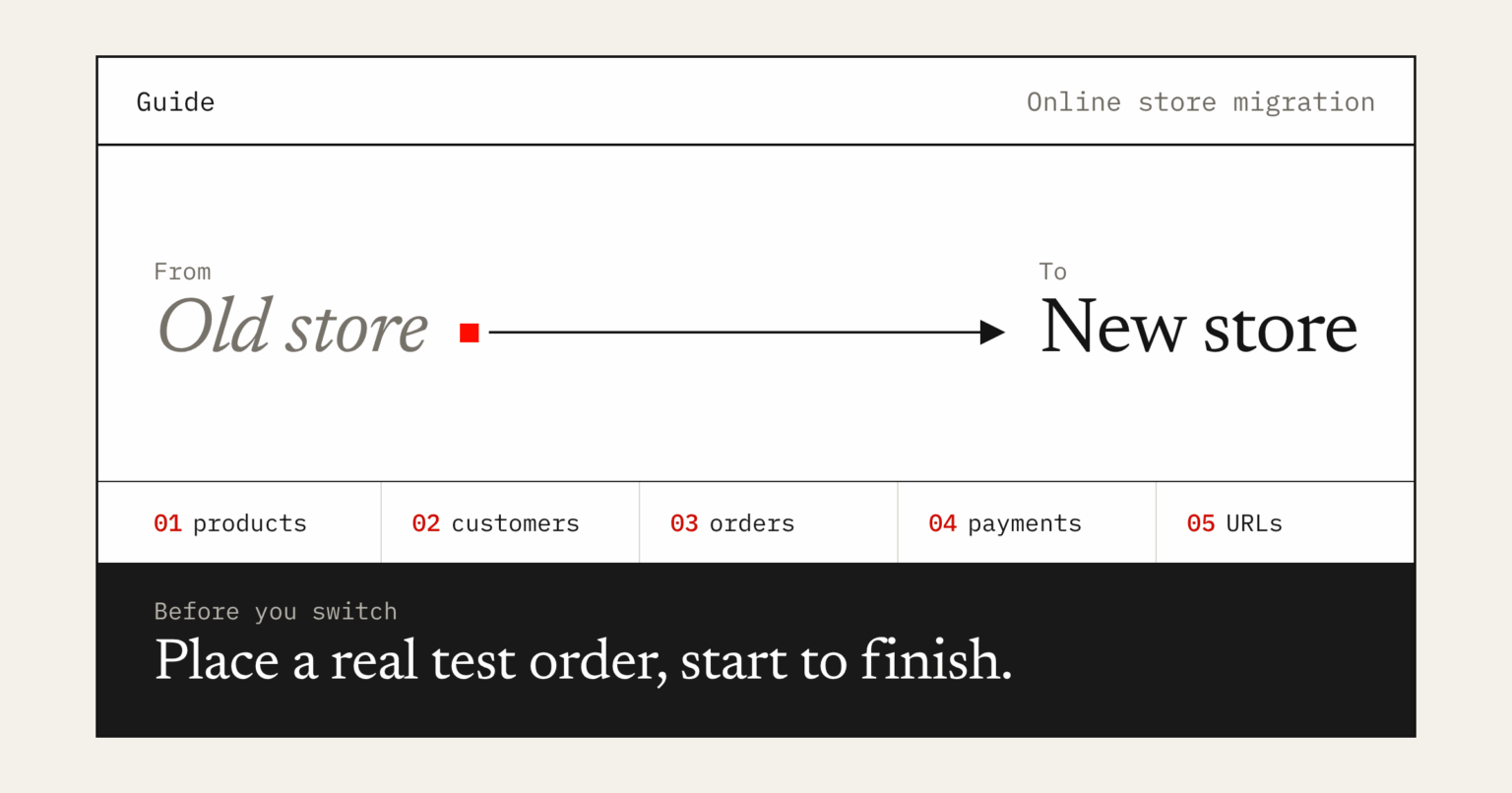
An online store is a website with money moving through it. When it is migrated to a new platform or a new host, the usual risks of a website move are joined by harder ones: an order placed during the switch, a customer who cannot log in, a payment that succeeds while the order does not appear.
This guide to online store migration explains what has to move, what cannot simply be copied, and how to switch without losing orders. It applies whether you are changing platform, changing host or rebuilding the store.
What Has to Move
| Data | What to watch |
|---|---|
| Products | Variants, prices, stock codes, images and categories. Variants are where most import errors appear. |
| Customers | Accounts and addresses usually move. Passwords often cannot be carried between platforms, so customers may need to reset them. |
| Order history | Needed for service, returns and accounts. Decide how many years to bring across. |
| Stock levels | Must be correct at the moment of the switch, not as of last week’s export. |
| Discounts and coupons | Active codes customers already hold. |
| Reviews | Often stored by a separate tool and easily left behind. |
| Page addresses | Every old product and category address needs to lead somewhere on the new store. |
The Order Freeze
Orders placed on the old store after the final data copy will not exist on the new one. So a switch needs a short, planned window in which the old store stops taking orders, the last data is brought across and the new store opens.
- Choose the quietest hours your sales history shows.
- Avoid sale periods, festivals and the days after a marketing campaign.
- Show a brief notice during the window instead of an error page.
- Agree who decides to go ahead, and who decides to postpone.
Payments, Delivery and Tax
These settings are rarely copied. They are set up again on the new store and must be tested with real transactions:
- Payment gateway connection, in live mode, including refunds.
- Delivery zones, rates and any courier connection.
- Tax settings and invoice format.
- The emails customers receive at each stage of an order.
- Stock updates if the store is linked to accounting or ERP software.
Protecting Search Traffic
Product and category pages that rank in search results bring customers at no cost. If their addresses change and nothing redirects the old ones, that traffic is lost. Map old addresses to new ones before the switch and test a sample afterwards. More in website migration without losing SEO.
Tests Before and After
- Before. Place complete test orders on the new store with each payment method, each delivery option and a discount code.
- Before. Compare product counts, a sample of prices and stock figures with the old store.
- After. Place one real order straight away and follow it through to the confirmation email.
- After. Watch the first day’s orders closely, and check that payments received match orders recorded.
- After. Keep the old store available privately for reference for an agreed period.
No provider can honestly promise that a store migration will be free of problems. What preparation does is keep them small and visible. For the underlying server and domain steps, see the website hosting migration checklist and our guide to domains and DNS during a migration.
Frequently Asked Questions
Will customers have to create new accounts?
Usually not. Accounts are moved, though customers may be asked to set a new password the first time they log in.
How long is the store closed during the switch?
That depends on the amount of data and the platforms involved. The aim is a short window at the quietest time, agreed beforehand.
Can order history be migrated?
In most cases, yes, at least in summary. How much detail moves depends on the old and new platforms.
What is the most common problem after a store migration?
Missing redirects and untested payment or email settings are among the most frequent. Both can be caught with tests before the switch.
What to Remember
- Products, customers, orders, stock and addresses all have to move.
- Plan a short order freeze at the quietest time.
- Payment, delivery and tax settings are rebuilt and must be tested live.
- Redirect every old product and category address.
- Place a real order immediately after the switch.
How Y5MEDIA Moves Online Stores
E-commerce stores are one of the six kinds of move on our Migration Services page: staging build, test orders, a planned switch and monitoring afterwards.
Migration Services
Sites, mailboxes, databases and applications moved with staging, backup and a planned cutover.
Learn more →Backup Solutions
Automated, tested backups before and after any change to your systems.
Learn more →Our Process
How an engagement runs, from first conversation to handover.
Learn more →Planning to Move Your Online Store?
Tell us which platform you use today, roughly how many products and orders you have and when your quiet period is. We will plan the data, the order freeze and the tests before a date is set.
Call or WhatsApp +91 7902024242, email support@y5media.com, or use the contact page.