
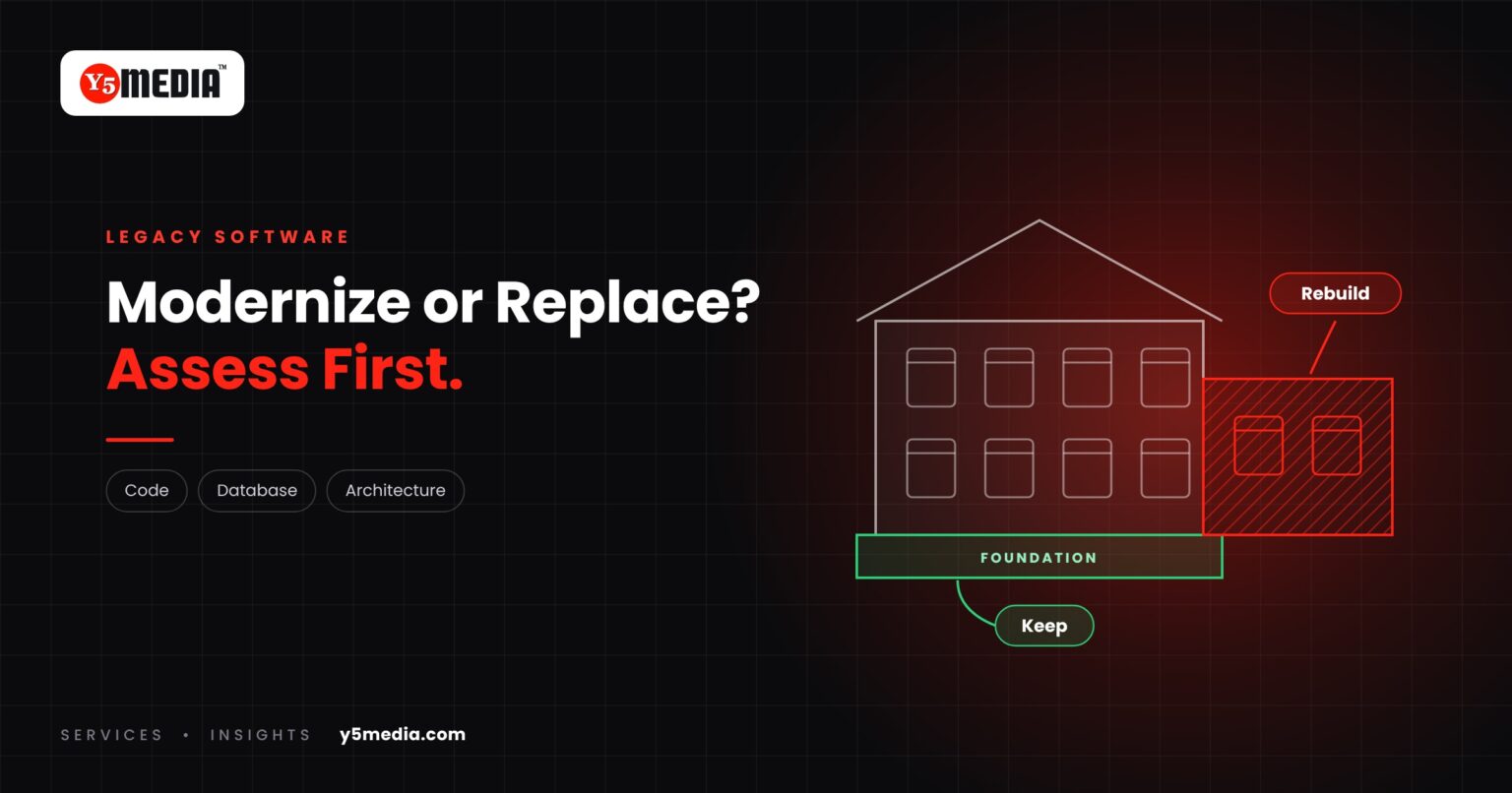
When software starts to feel old, the instinct is to replace it. New platform, clean start, problem solved.
It is rarely that simple. Software that has run a business for years contains something valuable: the rules, exceptions and calculations the business actually works by. Much of that was never written down anywhere else. Legacy software modernization starts from what can be preserved.
Replacement and Modernization Are Different Projects
- Replacement starts again. Everything is re-specified, rebuilt or bought, and all data is moved.
- Modernization keeps what is sound and changes what is holding you back. That might be the interface, the database, the hosting, or one module at a time.
Neither is automatically better. The right choice depends on the condition of what you have.
What an Assessment Looks At
- Source code: is it available, readable and complete?
- Database: how is the data structured, and how clean is it?
- Architecture: can parts be changed without breaking the rest?
- Dependencies: which libraries, licences or platforms does it rely on, and are they still supported?
- User requirements: what do people need now that the system cannot do?
- Migration path: if it has to move, what is the safest sequence?
A fuller list is in our guide to software assessment before rebuilding.
Three Possible Outcomes
- The core is sound. Modernize around it.
- Parts are sound. Keep those, rebuild the rest in phases.
- The foundation cannot support what the business needs. Replace it, and carry the data and business logic across deliberately.
Why “Replace Everything” Is Risky as a Starting Point
A full replacement has to rediscover every rule the old system enforces: the pricing exception, the approval step, the report finance depends on. If nobody documents them first, they surface after go-live as missing features.
An assessment usually takes far less effort than the project it informs. It produces one of three answers: modernize, rebuild in phases, or replace. Any of the three is fine. Choosing without the assessment is the risk.
Frequently Asked Questions
How old does software have to be to count as legacy?
Age is not the test. Software is legacy when it is hard to change, depends on unsupported technology, or is understood by too few people. A five-year-old system can be legacy; a fifteen-year-old one can be perfectly maintainable.
Is modernization always cheaper than replacement?
No. It depends on the condition of the existing system. Where the code and data are sound, modernization can preserve a great deal. Where the foundation is weak, replacement may be the sounder investment.
What do we need to provide for an assessment?
Access to the application and its database, whatever source code and documentation exist, hosting details, and time with the people who use the system every day.
What to Remember
- Old software carries business rules that exist nowhere else.
- Replacement and modernization are different projects with different risks.
- An assessment reviews code, database, architecture, dependencies and user needs.
- It leads to one of three outcomes: modernize, rebuild in phases, or replace.
- Not every system can be modernized, and only evidence can show which.
How Y5MEDIA Handles Legacy Systems
Before recommending anything, we look at what exists. Our published case study on school and college ERP modernisation and migration shows the approach on real work in education.
For what modernization can consist of once the assessment is done, read keep what works, replace what doesn’t.
ERP Modernisation Case Study
How outdated school and college ERP systems are modernised or migrated with data carried across.
Learn more →Migration Services
Sites, mailboxes, databases and applications moved with staging, backup and a planned cutover.
Learn more →Our Process
How an engagement runs, from first conversation to handover.
Learn more →Not Sure Whether to Modernize or Replace?
Before replacing your software, understand what can be preserved. Tell us what the system does, how old it is and what is holding you back.