
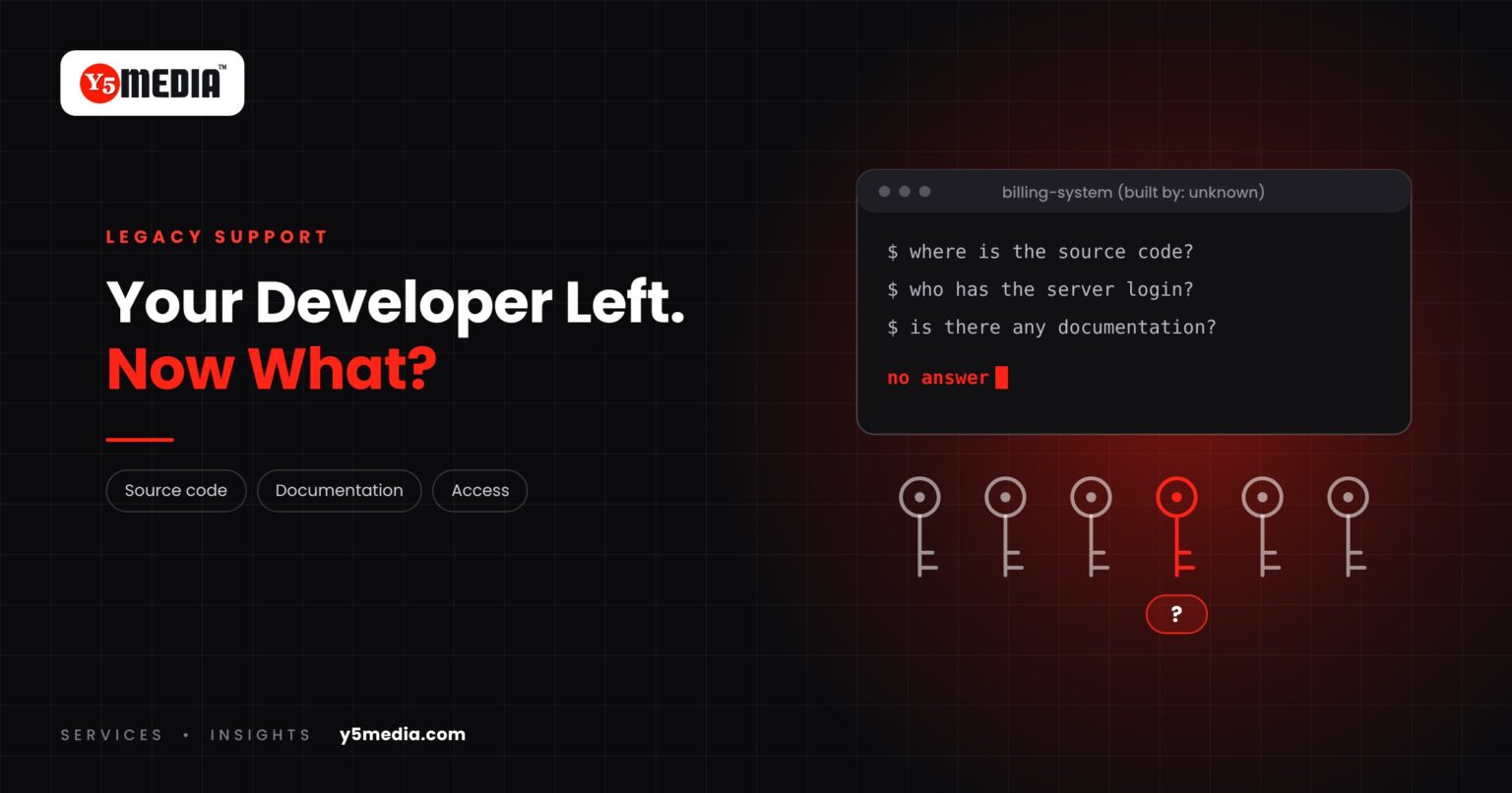
The software works. The person or firm that built it is no longer reachable. And one day something needs to change.
This is a common situation for businesses running custom-built systems, and it is manageable. Getting legacy application support in place starts with finding out what you actually hold.
The Questions That Suddenly Matter
- Where is the source code? Do you hold it, or only the running application?
- Is there documentation? Any description of how the system is structured?
- Who understands the database? What the tables mean and how they relate?
- How is it deployed? Which server, which accounts, whose login?
- What does it depend on? Licences, libraries and services that may need renewing.
- Who owns the accounts? Hosting, domain and third-party services are sometimes registered in the developer’s name.
If you cannot answer these today, you are not alone, and it does not mean the software is lost.
What Not to Do
- Do not let anyone make changes directly on the live system to “see what happens”.
- Do not assume it must be rebuilt from nothing.
- Do not wait for a failure to find out what you have.
What a Technical Assessment Establishes
Someone with the right experience examines what exists and reports back in plain terms:
- What you hold: code, database, credentials, backups.
- What is missing and whether it can be recovered or reconstructed.
- The condition of the system: maintainable, fragile, or at risk.
- Realistic options: maintain as is, document and stabilise, modernize, or replace.
The outcome depends on what is found. If source code is unavailable, the options narrow, and it is better to learn that now than during an outage. See what a software assessment covers for the full list.
Reducing the Risk Next Time
Key-person risk applies to software as much as to staff. Whoever maintains the system next, ask for three things at handover: the complete source code, written documentation of what was built, and every credential in your own name.
Frequently Asked Questions
Can another developer take over software they did not write?
Often, yes. It depends on whether the source code is available, how readable it is and how much is documented. An assessment answers that for your system before anyone commits to maintaining it.
What if we do not have the source code?
The options narrow. Depending on the technology, some of it may be recoverable, or the system may need to be documented from its behaviour and rebuilt in stages. This has to be judged case by case.
The hosting account is in the developer’s name. What should we do?
Treat it as a priority. Take a full backup first, then plan a move to accounts you control. Our Migration Services page covers moving off a former developer’s account.
What to Remember
- A system without its original developer is a risk, not a lost cause.
- Six questions tell you where you stand: code, documentation, database, deployment, dependencies, accounts.
- Never experiment on the live system.
- An assessment sets out what you hold, what is missing and what is realistic.
- Back up now and confirm who controls hosting and domain accounts.
How Y5MEDIA Helps With Inherited Software
We can take over work that someone else built. On WordPress Development projects we audit, secure and document inherited sites, and our Migration Services cover moving off a former developer’s account.
For business applications, we begin with an assessment and tell you plainly what it shows.
WordPress Development
Custom functionality and integrations, built and documented so others can maintain them.
Learn more →Migration Services
Sites, mailboxes, databases and applications moved with staging, backup and a planned cutover.
Learn more →Backup Solutions
Automated, tested backups before and after any change to your systems.
Learn more →Inherited Software With No Handover?
Tell us what the system does and what you currently hold. We will help you establish what you have before anything breaks.