
A website on shared hosting is a tenant in a large building. The rent is low, the landlord looks after the structure, and most days nothing goes wrong. Then the site grows, or a neighbour’s site misbehaves, or a piece of software needs a setting the building does not allow, and someone suggests moving to a VPS.
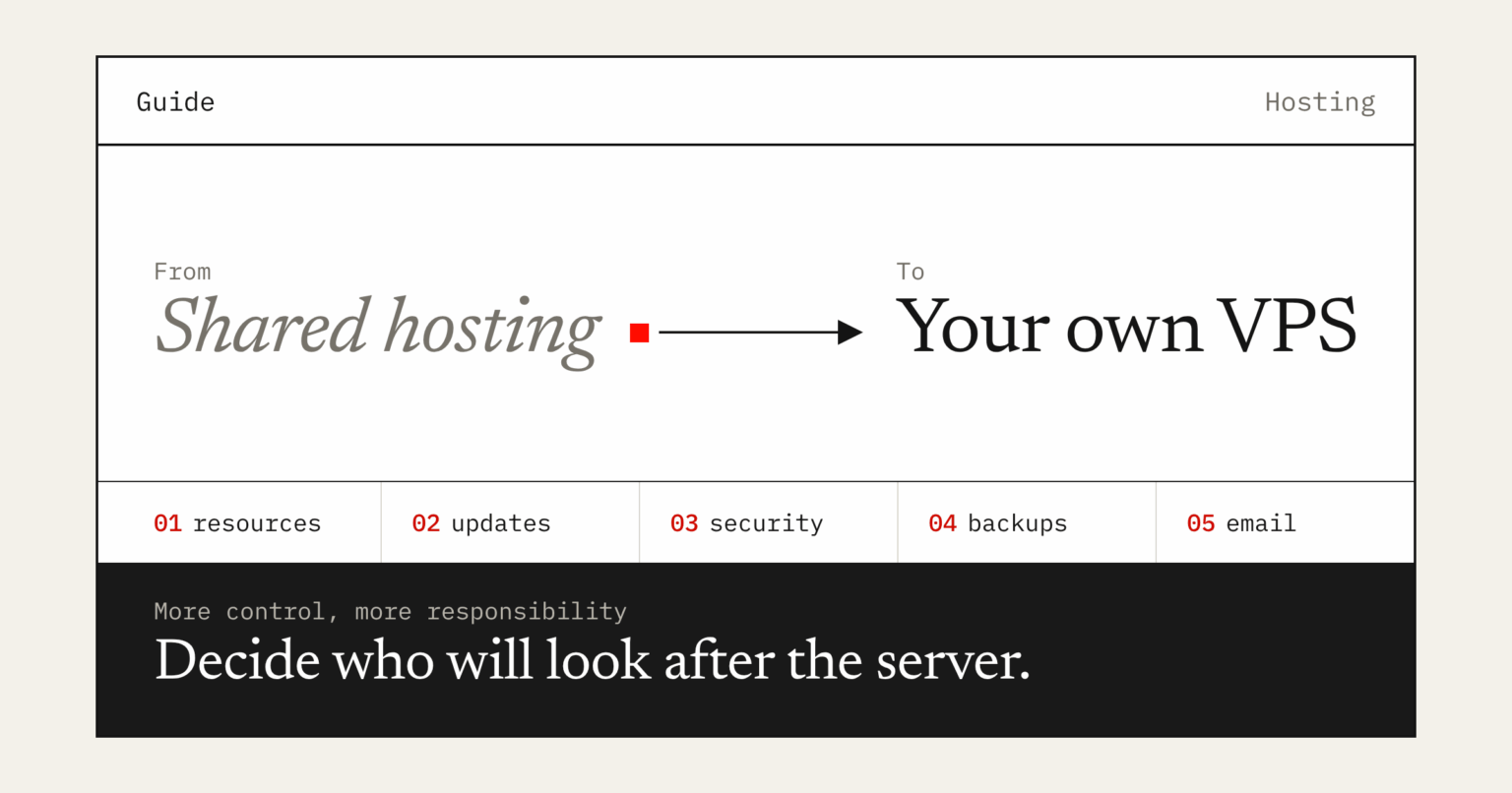
Moving from shared hosting to VPS gives a business more control and more responsibility in equal measure. This guide explains what changes, when the move is worth making, and what has to be decided before it happens.
The Real Difference
| Question | Shared hosting | VPS |
|---|---|---|
| Resources | Shared with many other sites on the same server. | A set allocation reserved for you. |
| Control | Limited to what the control panel allows. | Full control over software and settings. |
| Maintenance | Done by the hosting provider. | Done by you, or by whoever you appoint, unless the plan is managed. |
| Security | Largely the provider’s job at server level. | Largely your job at server level. |
| Usually included. | Often not included, and best handled by a separate mail service. |
Signs You Have Outgrown Shared Hosting
- The site slows down or shows errors at busy times, and the host points to resource limits.
- Your application needs a software version or setting that the host will not provide.
- You run several sites or a custom web application that needs predictable performance.
- Other sites on the same server have affected yours, in speed or in email reputation.
- You need closer control over security, logs or backups than the plan allows.
If none of these apply, a small business website is usually well served by good shared hosting. A VPS is not an upgrade in every case. It is a different arrangement.
What Someone Must Now Look After
This is the part most often underestimated. On an unmanaged VPS, nobody applies updates unless you arrange it.
- Operating system and software updates, applied regularly.
- Firewall rules and secure login settings.
- Backups, stored away from the server and tested.
- Monitoring, so that a full disk or a stopped service is noticed before customers notice.
- Certificates, scheduled tasks and logs.
The Steps of the Move
- Measure. Note the current site’s size, traffic pattern and software versions.
- Prepare the server. Install matching software versions and secure it before any data arrives.
- Plan the email. Decide where mailboxes will live, since they will probably not move to the VPS.
- Copy and test. Build the site on the VPS and check it privately.
- Switch. Change the DNS records at a quiet time, and keep the old hosting as a fallback.
- Set up the routine. Updates, backups and monitoring from the first day, not once there is a problem.
The website hosting migration checklist covers the copy and switch in detail, and business email migration covers the mailboxes.
Matching Versions Matters
A new server will usually have newer software than an old shared account. That is good for security and occasionally bad for an older website, which may depend on a version that is no longer the default. Check compatibility before the move, as described in our WordPress migration checklist, and avoid changing versions and servers on the same day.
What It Will Not Fix
A VPS gives a slow site more room. It does not repair a site that is slow because of heavy pages, unoptimised images or poorly written code. Find out why the site is slow before paying for a larger server.
Frequently Asked Questions
Is a VPS always faster than shared hosting?
Not automatically. It provides reserved resources, and speed still depends on how the server and the site are set up.
What is the difference between managed and unmanaged VPS?
With a managed plan the provider handles updates and server maintenance to an agreed extent. With an unmanaged one, that work is yours.
Will our email move to the VPS?
It can, though running a mail server well is demanding. Most businesses use a separate hosted mail service.
Is a VPS more secure?
It is more isolated from other customers. Whether it is more secure depends entirely on how it is maintained. No server is absolutely secure.
What to Remember
- A VPS gives control and reserved resources, and hands you the maintenance.
- Move when you have a real limit to overcome, not for its own sake.
- Decide who maintains the server before you buy it.
- Plan email separately.
- Find the cause of a slow site before adding hardware.
How Y5MEDIA Can Help
Hosting and server moves are covered on our Migration Services page. If nobody on your side will maintain the server afterwards, Premium Managed IT explains how we look after servers remotely.
Migration Services
Sites, mailboxes, databases and applications moved with staging, backup and a planned cutover.
Learn more →Premium Managed IT
Managed IT, cybersecurity and data privacy support, delivered remotely.
Learn more →Backup Solutions
Automated, tested backups before and after any change to your systems.
Learn more →Thinking of Moving to a VPS?
Tell us what you host today, what limits you are running into and who would maintain a server. We will tell you plainly whether a VPS is the answer or whether the cause lies elsewhere.
Call or WhatsApp +91 7902024242, email support@y5media.com, or use the contact page.