
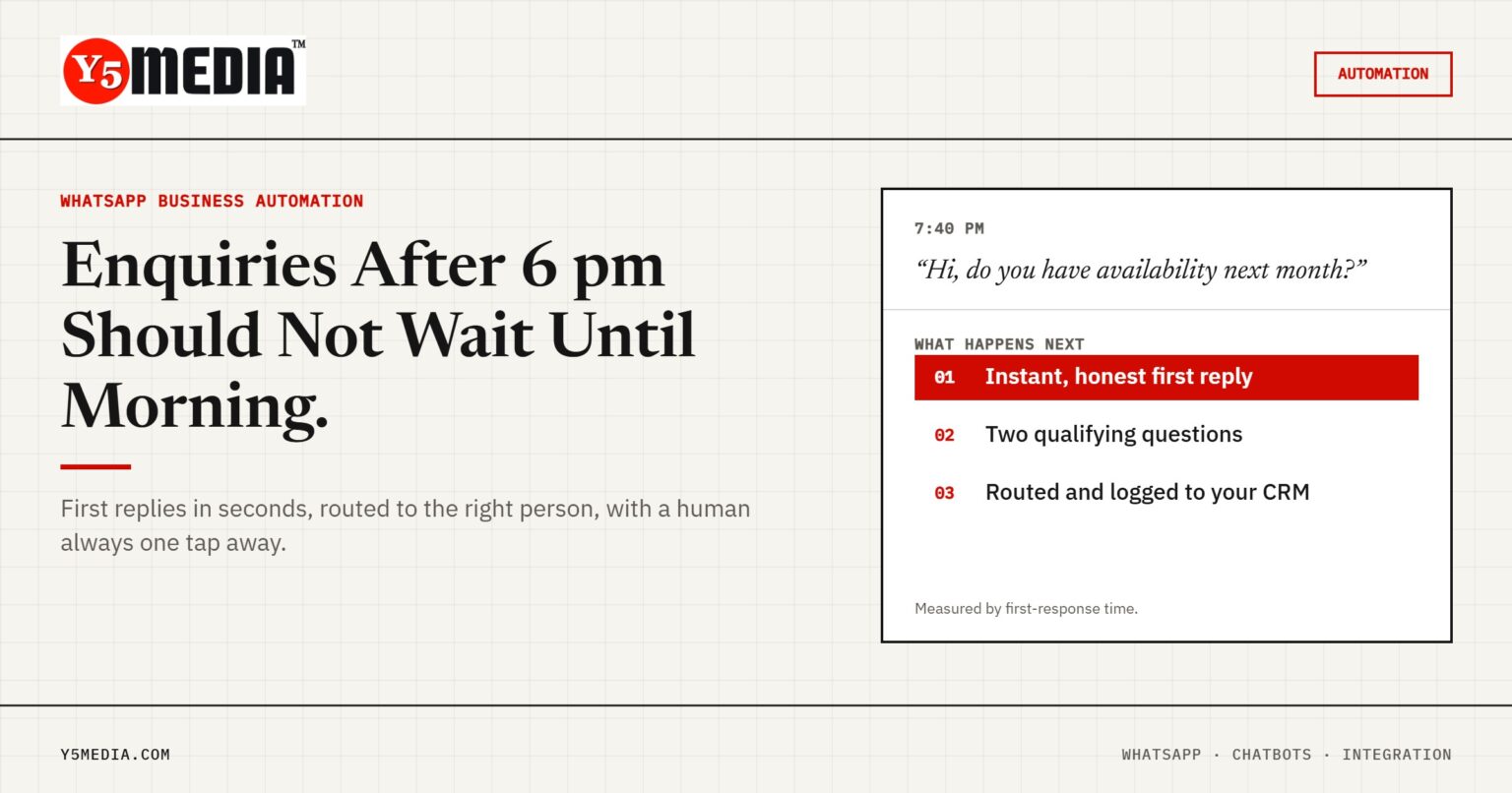
The enquiry arrives at 7:40 pm. The person who answers enquiries has gone home. By the time they reply the next morning, the buyer has spoken to two other suppliers. Nothing in your sales report will record this. The lead simply becomes “unresponsive”.
WhatsApp Business automation is the most practical fix we know for this problem in India and the Gulf, because WhatsApp is where your buyers already are. This article explains what it does, what it should never do, and how we set it up so that your first reply is fast without your business sounding like a machine.
What good WhatsApp automation does
- Answers in seconds, at any hour. A courteous first reply that confirms the enquiry was received, asks the two or three questions that qualify it, and sets a clear expectation of when a person will respond.
- Routes to the right person. Admissions to admissions, service to service, a named sales person for a named territory. No more forwarding screenshots.
- Follows up without being asked. A reminder if a quote has not been answered, a nudge before a deadline, a thank-you after a visit. Scheduled, not forgotten.
- Connects to your systems. Enquiries logged to your CRM or sheet, bookings written to a calendar, order status pulled from your software. Integration is where most of the time saving lives.
- Hands over cleanly. The moment a conversation needs a human, a human gets it, with the context already captured.
What it should never do
Pretend to be a person. Trap a customer in a menu with no exit. Send marketing to people who did not ask for it. Ignore the platform’s rules on templates and opt-in. We build within the WhatsApp Business platform’s policies, with clear “talk to a person” paths, because the goal is faster service, not a wall.
How Y5MEDIA sets it up
- Map the enquiries. We read a month of your real conversations and group them: the questions, the hours, the hand-offs, the drop-offs.
- Design the flows. Short, in plain language, in the languages your customers write in. Every flow has an exit to a person.
- Build and integrate. WhatsApp Business API setup, templates approved, connections to your CRM, sheets, calendar or software.
- Test with your team. Staff try to break it before customers see it.
- Measure. First-response time, enquiries handled out of hours, hand-off rate, and what happened to the leads. Reported monthly, adjusted as needed.
Who this is for
Schools and colleges during admissions season. Clinics and hospitals handling appointment requests. Real estate teams fielding site-visit enquiries. B2B firms whose quotes go cold between the first message and the follow-up. Any business where the phone rings after the office closes.
Frequently Asked Questions
Do we need the WhatsApp Business API?
For automation at any real volume, yes. We handle the setup and template approval as part of the project.
Will customers know they are talking to automation?
Yes, and they should. The first reply is clearly automated and always offers a path to a person. That honesty keeps trust intact.
Can it work in local languages?
Yes. Flows are written in the languages your customers use, and routing can depend on the language they write in.
What does it integrate with?
Common CRMs, Google Sheets and Workspace, calendars, and custom software through APIs. If your system has an interface, it can usually be connected; if not, we will say so during mapping.
How long does setup take?
A straightforward enquiry-handling flow with CRM logging is typically a few weeks including template approval. Deeper integrations take longer and are scoped in writing first.
Answer in Seconds, Not the Next Morning
Send us a month of your enquiry pattern and we will show you what automation would handle, what it would hand to people, and what it would cost. Email support@y5media.com or message us on WhatsApp.