
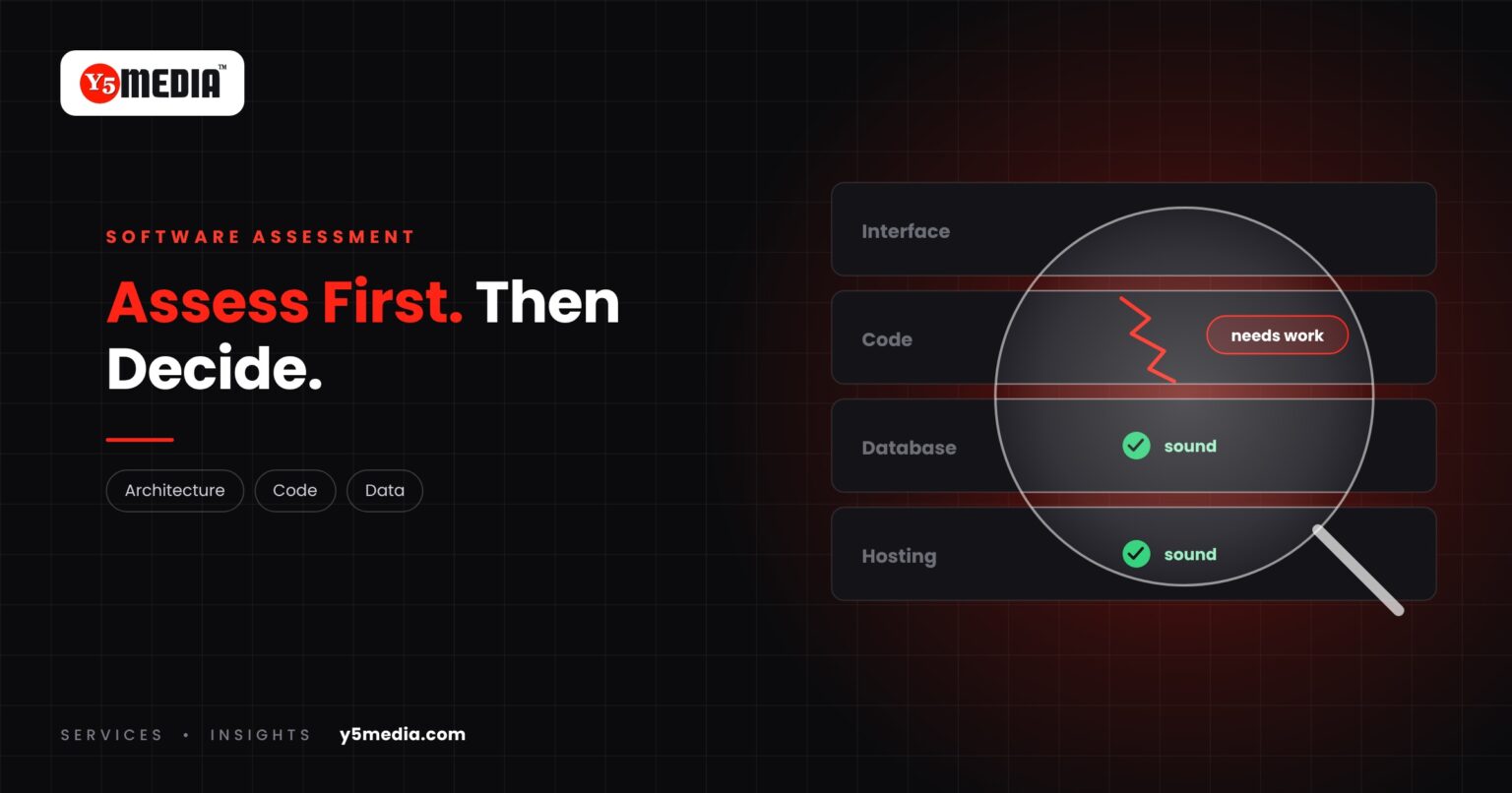
Nobody renovates a building without a survey. Software projects are often started with less.
A business decides its system needs rebuilding, asks for a quote and receives a number. That number was produced without anyone opening the existing system. A software assessment replaces that guess with evidence.
What a Software Assessment Can Examine
- Architecture: how the system is put together, and which parts depend on which.
- Codebase: language, version, structure and how readable the code is.
- Database: design, data volume, data quality.
- Hosting: where it runs and how that environment is configured.
- Dependencies: libraries, frameworks and licences, and whether they are still supported.
- Performance: where the system slows down and why.
- Security considerations: outdated components, access controls, exposed services.
- Integrations: what the system connects to and how.
- User workflows: what people actually do in it each day, including the unofficial steps.
- Documentation: what exists, and what lives only in someone’s memory.
What You Should Receive
A useful assessment ends in a plain-language document a business owner can act on:
- What the system is and how it works.
- What condition it is in.
- Which risks need attention, in priority order.
- The realistic options, with the trade-offs of each.
What It Changes
With that document, a quote for further work is based on what is there. You can compare proposals on equal terms. And you may find the problem is smaller than feared, or different from what you assumed.
What to Prepare
- Access to the running application and its database.
- Whatever source code and documentation exist.
- Hosting, domain and third-party account details.
- A list of what users find slow, missing or unreliable.
- Time with the people who use the system daily.
An assessment is not a commitment to rebuild. Sometimes its conclusion is “leave it alone and fix these three things”. Where it does point to change, see modernize or replace for how the choice is made.
Frequently Asked Questions
Is an assessment the same as a security audit?
No. An assessment looks at security considerations as one of ten areas, alongside architecture, code, data and workflows. A formal security audit or penetration test is a separate, specialised exercise.
Does an assessment commit us to a project?
No. Its purpose is to give you an accurate picture and a set of options. You can act on it with any provider, or decide to change nothing.
What if we do not have the source code?
The assessment can still cover the database, hosting, workflows and what can be observed of the application. It will also establish whether the code can be recovered and what that means for your options.
What to Remember
- A rebuild quoted without an assessment is a guess with a price attached.
- An assessment covers architecture, code, database, hosting, dependencies, performance, security considerations, integrations, workflows and documentation.
- The output should be a plain-language document with prioritised risks and options.
- It lets you compare proposals on equal terms.
- It is not a commitment to rebuild.
How Y5MEDIA Runs an Assessment
We look at the system and at the way people use it, then report back in plain language: what it is, what state it is in, which risks matter and what the realistic options are.
If the original developer is no longer available, start with what to do when your developer is gone.
Our Process
How an engagement runs, from first conversation to handover.
Learn more →ERP Modernisation Case Study
How outdated school and college ERP systems are modernised or migrated with data carried across.
Learn more →Migration Services
Sites, mailboxes, databases and applications moved with staging, backup and a planned cutover.
Learn more →Want to Know What You Actually Have?
Tell us about the system: what it does, where it runs and what worries you. We will scope an assessment around your situation.