
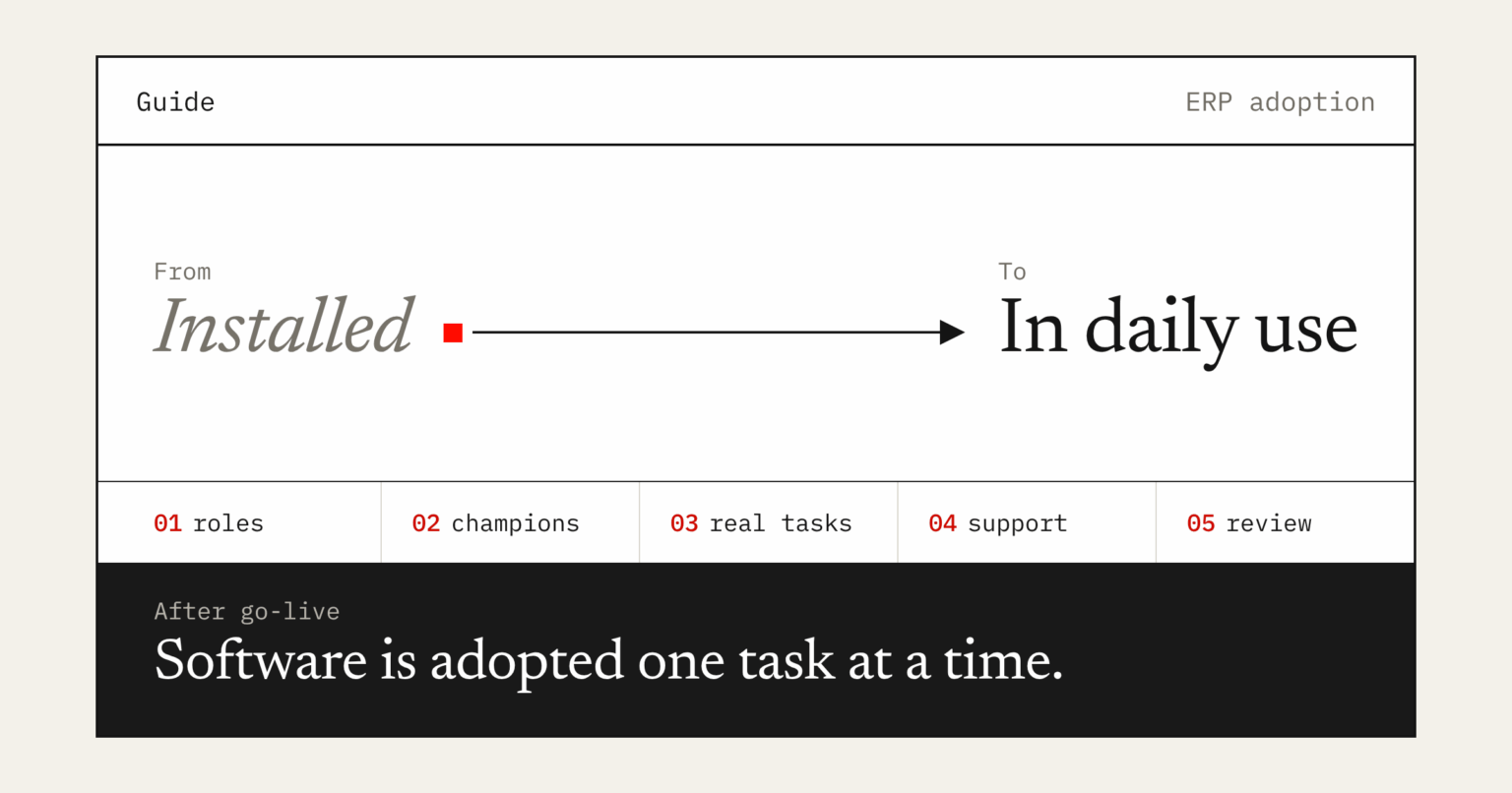
An ERP can be installed in a week and ignored for a year. The software works, the data is there, and the office still runs on the old register and a shared spreadsheet. When that happens the problem is seldom the system. It is that nobody was shown how to do their own job on it.
This guide covers ERP training for staff: how to prepare people for a new system so that it is in daily use, not merely installed. It applies to businesses, schools and colleges alike.
Why Adoption Stalls
- Training was one long session covering everything, and most of it was forgotten.
- People were shown features, not their own daily tasks.
- Nobody inside the organisation could answer a simple question the next morning.
- The old method was still available, so people went back to it.
- Management asked for reports the old way, which told everyone what really mattered.
Train by Role, Not by Module
A fee clerk, a storekeeper and an accountant use different parts of the same system. Each needs to know their own five or six tasks thoroughly, and very little else at first.
| Role | Needs to do confidently |
|---|---|
| Front office or counter staff | Create a record, raise a bill or receipt, look up a balance, correct a mistake. |
| Accounts | Post and reconcile entries, follow up outstanding amounts, close a period. |
| Stores or operations | Receive, issue and transfer stock, and check quantities. |
| Teachers and academic staff | Mark attendance, enter marks, view their own classes. |
| Management | Open the reports they rely on without asking someone to prepare them. |
Appoint One or Two Champions
Choose people who are respected by colleagues and comfortable with computers, and train them more deeply than everyone else. They become the first point of contact for small questions, which is where most frustration starts. A champion in the next room is worth more than a helpline.
Practise on Real Tasks
People learn a system by doing their own work on it. Before go-live, let staff complete real tasks with test data: yesterday’s receipts, last week’s purchase, a class attendance sheet. Short sessions repeated over several days work better than one long day.
The First Weeks After Go-Live
- Expect more questions in the first fortnight than at any other time, and plan for someone to answer them quickly.
- Collect the questions. The same five will come up repeatedly and deserve a short refresher.
- Agree a date on which parallel registers and spreadsheets are retired, and keep to it.
- Ask management to request reports from the new system only.
Transition assistance is part of Y5MEDIA Premium ERP Migration, within the agreed service scope. The most effective support still comes from inside the organisation, which is why champions matter.
How to Tell Whether It Is Working
You do not need statistics. Three questions are enough: are daily entries made in the system on the same day, do the reports management uses come directly from it, and have the old registers stopped being updated? Three yes answers mean the system has been adopted. Anything less shows where to put the next hour of training.
If you are still deciding when to make the change, see when to switch school ERP software for timing, and 12 questions to ask your ERP vendor for what to ask about training.
Frequently Asked Questions
How long does ERP training take?
It depends on the number of roles and how different the new system is. Several short sessions per role, followed by support in the first weeks, is more effective than a single long course.
Our staff are not comfortable with computers. Will this work?
Usually, yes, when training is limited to each person’s own tasks and there is someone nearby to ask. Confidence comes from repetition.
Should we run the old and new systems side by side?
A short overlap can help with checking, but an open-ended one keeps people on the old method. Set an end date.
What about staff who join later?
Keep the one-page role guides current and make a champion responsible for introducing new colleagues to the system.
What to Remember
- An installed system is not an adopted system.
- Train each role on its own tasks, in short sessions.
- Appoint champions inside the organisation.
- Retire the old registers on an agreed date.
- Judge success by daily use, not by attendance at training.
How Y5MEDIA Can Help
ERP Software Migration Services includes help for staff and administrators during the transition, within the agreed service scope.
ERP Software Migration
Free data migration within agreed scope, a monthly subscription and customization quoted by requirement.
Learn more →School and College ERP Migration
Why migration feels risky, and the five-step process that makes it manageable.
Learn more →Custom Software Development
Modules, integrations and workflows built around how your organisation actually works.
Learn more →Worried Your Team Will Not Take to a New ERP?
Tell us how your office works today and who would use the system. We will assess your existing software and include staff preparation in the migration plan from the start.
Free data migration, subject to compatibility and agreed scope. Affordable customization. Predictable monthly subscription options.
Call or WhatsApp +91 7902024242, email support@y5media.com, or use the contact page.