
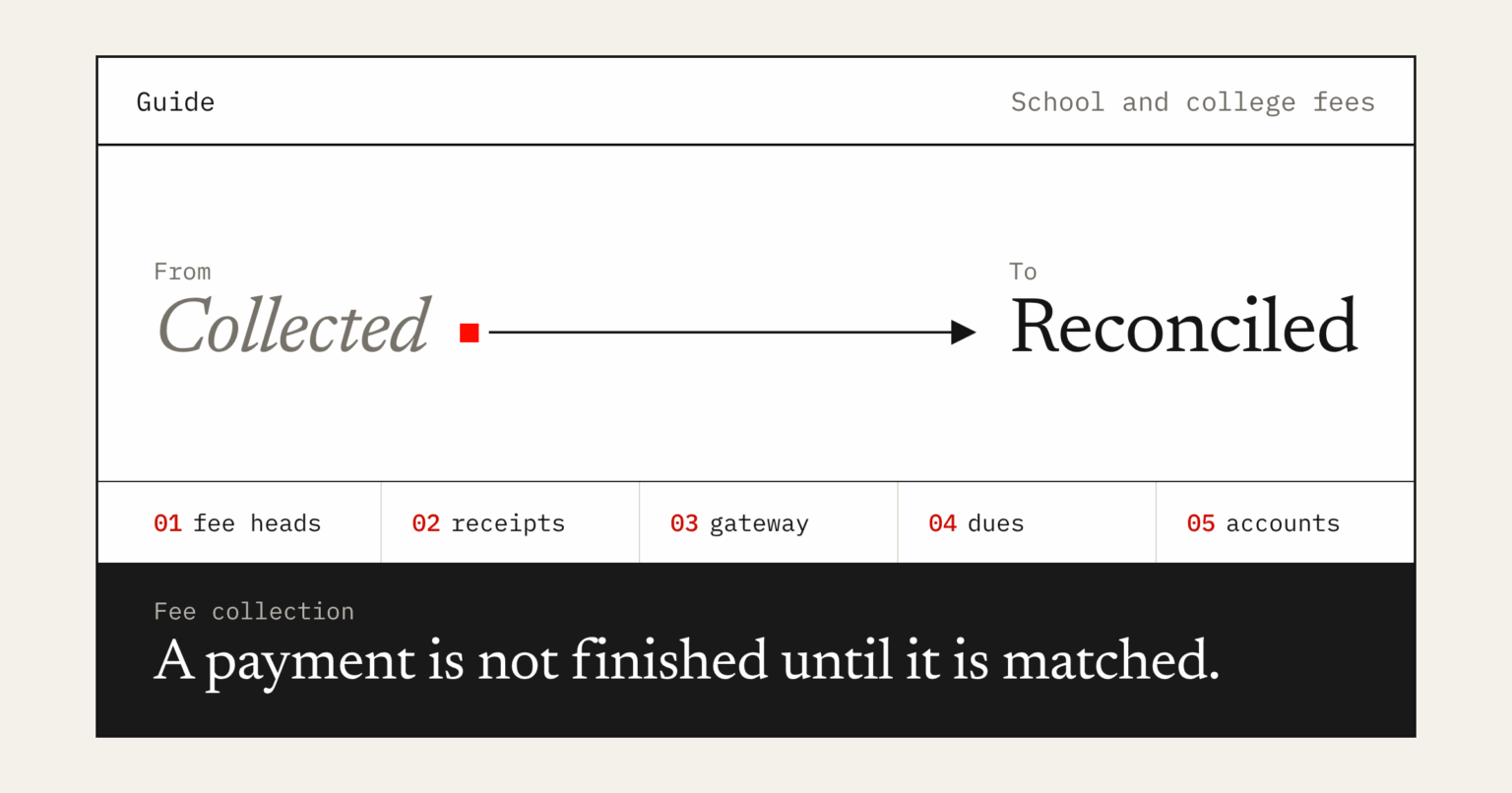
Fee collection is where a school or college ERP earns its keep, or fails to. Admissions happen once a year and examinations a few times, but fees are collected, recorded, chased and reconciled all year round. When that part of the system is weak, the office feels it every single day.
This guide sets out what an ERP should handle around online fee payment for schools and colleges, so that managements can judge their present system or compare alternatives. It describes capabilities to look for. What any particular software supports has to be confirmed with its provider.
What a School ERP Should Handle
| Capability | What to check |
|---|---|
| Fee structure | Class-wise and course-wise fees, multiple fee heads, instalments and due dates, without a customization for each change. |
| Concessions and scholarships | Applied per student, with a record of who approved them. |
| Receipts | Issued immediately, numbered in sequence, and easy to reprint or cancel with a trail. |
| Part payments and advances | Accepted and allocated correctly against the right heads. |
| Online payment | Parents can pay from a phone, and a successful payment is posted to the student’s account without manual entry. |
| Dues and reminders | An accurate outstanding list at any moment, and reminders that go to the right parents. |
| Reports | Daily collection, head-wise collection and class-wise dues, produced by the office without help. |
| Accounts | Fee collections flow into the accounts, so the two do not have to be matched by hand. |
Reconciliation Matters More Than the Payment Button
Adding a “Pay Now” button is the easy part. The real work begins after the parent has paid. Payment gateways usually settle money to the institution’s bank account later, often in a batch and after deducting their charges. So three records have to agree: what the ERP says was paid, what the gateway says it collected, and what reached the bank.
A system that handles this well lets the office match the three quickly. One that does not leaves an accountant with a spreadsheet at the end of every month.
Problems Worth Asking About
- Paid but not posted. The parent’s money has left their account and the student still shows as due.
- Paid twice. A parent retries after a slow screen and both payments succeed.
- Refunds and reversals. How they are recorded, and whether the receipt trail stays intact.
- Wrong head. A payment is credited to tuition when it was meant for transport.
- Mid-year changes. A student changes section, course or transport route after fees are set.
Every system meets these situations. What separates them is whether the office can resolve one in minutes or has to raise a request and wait.
What Parents Notice
For parents the experience is simple: can they see what is due, pay it without visiting the office, and get a receipt at once? When those three things work, calls to the office fall. When they do not, online payment only moves the queue from the counter to the telephone.
Fee Data During an ERP Migration
Fees are the most sensitive part of any school or college ERP software migration. Outstanding balances on the new system must match the old one on the day of the switch, instalment by instalment. Concessions must carry over, and receipts already issued must remain traceable.
That is why fee balances appear on our school ERP data migration checklist, and why the go-live date is best kept away from fee deadlines, as explained in when to switch school ERP software.
Frequently Asked Questions
Is online fee payment safe for schools and colleges?
With a standard gateway integration, card and bank details are handled by the payment gateway and are not stored in the school’s ERP. The institution’s part is to choose a reputable gateway and control who can access fee records.
Who pays the gateway charges?
That is decided between the institution and the gateway provider, and practice varies. Whatever is agreed, the ERP should record the charge clearly so that reconciliation still works.
Can we keep cash and cheque collection alongside online payment?
Yes. Most institutions do. The ERP should record every mode in one place so that the outstanding list is always correct.
Will fee history be lost if we change ERP software?
A planned migration aims to carry over balances and keep past receipts traceable. How much detailed history moves depends on what your current system can export.
What to Remember
- Fees are the daily test of a school or college ERP.
- Check structure, receipts, part payments, dues, reports and accounts.
- Reconciliation is harder than taking the payment, and matters more.
- Ask how failed, duplicate and reversed payments are handled.
- In a migration, balances must match on the day of the switch.
How Y5MEDIA Can Help
If fee collection is where your present system struggles, an assessment will show whether the cause is the software, the setup or the process. ERP Software Migration Services explains how we review an existing system.
ERP Software Migration
Free data migration within agreed scope, a monthly subscription and customization quoted by requirement.
Learn more →School and College ERP Migration
Why migration feels risky, and the five-step process that makes it manageable.
Learn more →Education ERP Case Study
A real project: one connected ERP ecosystem across 100+ institutions.
Learn more →Is Fee Collection the Weak Point of Your ERP?
Tell us how fees are collected and reconciled today and where the office loses time. We will assess your existing system and tell you plainly what could be improved and what a move would involve.
Free data migration, subject to compatibility and agreed scope. Affordable customization. Predictable monthly subscription options.
Call or WhatsApp +91 7902024242, email support@y5media.com, or use the contact page.