
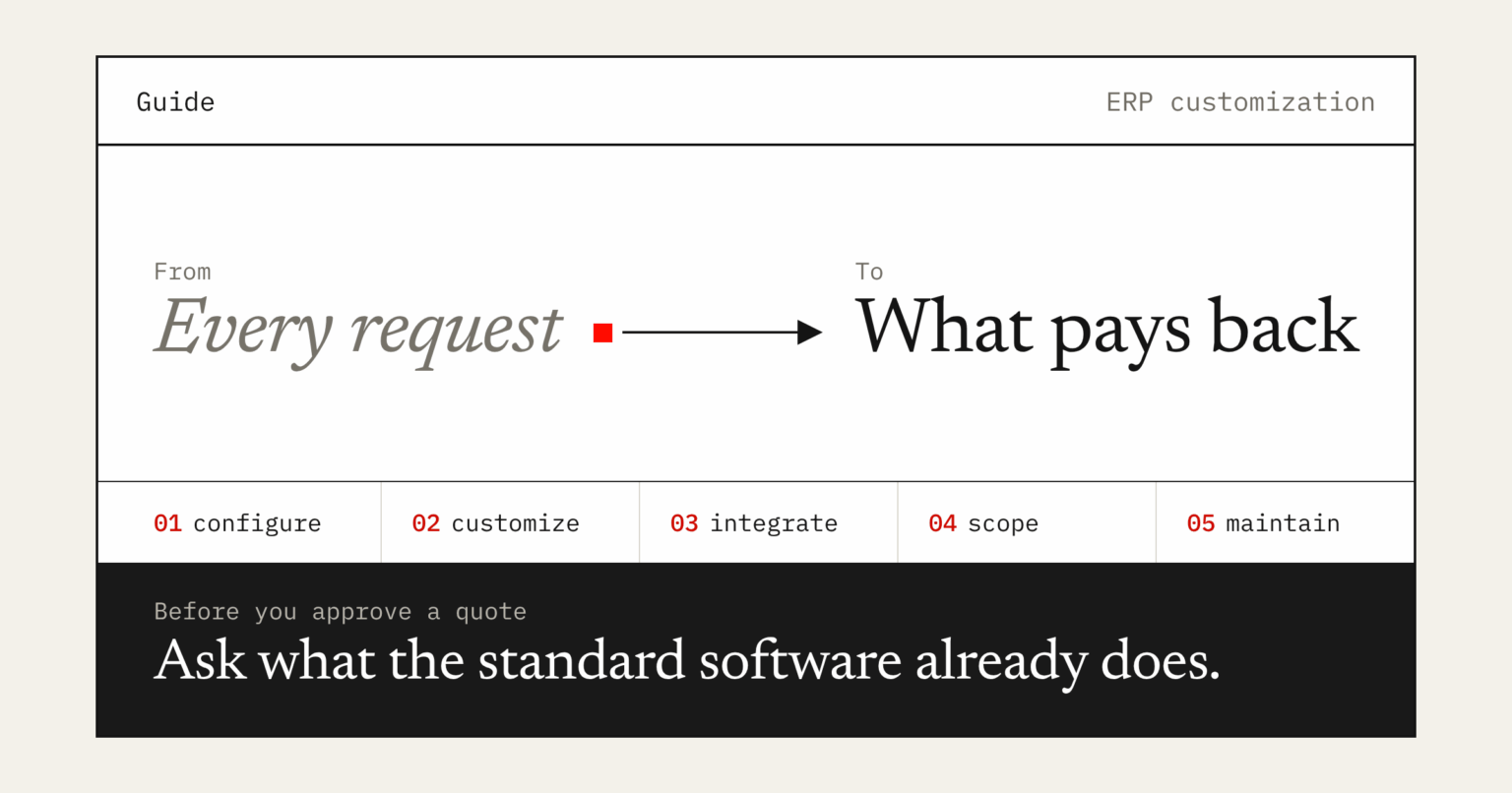
Customization is where ERP budgets quietly grow. Each request sounds reasonable on its own: one more field, one more report, one screen that works the way the old one did. A year later the organisation is paying to maintain a system nobody else has, and upgrades have become difficult.
None of this means customization is wrong. Done for the right reasons, ERP customization is what makes software fit the way you work. This guide explains how to tell the two apart. It contains no price figures, because honest figures depend on scope.
Three Words That Are Often Confused
| Term | What it means | Typical effect on cost |
|---|---|---|
| Configuration | Using the software’s own settings: fields, formats, approval steps, user roles. | Usually part of setup, and it survives upgrades. |
| Customization | Changing or adding to what the software does through new development. | Quoted separately, and may need maintenance. |
| Integration | Connecting the ERP to another system such as a payment gateway, a device or an online store. | Quoted separately, and depends on the other system too. |
The first question to ask about any request is which of the three it is. A surprising number of “customizations” turn out to be configuration.
Customization That Is Worth Paying For
- It reflects how you compete. A pricing rule, a service process or a workflow that customers value and competitors do not offer.
- It meets a requirement you cannot avoid. A statutory format, a board or university requirement, or a condition set by a major customer.
- It removes daily manual work. A step several people repeat every day is a strong candidate.
- It prevents errors that cost money. A check that stops a wrong entry before it is made.
Customization to Question
- Rebuilding the old screen out of habit. Familiarity is not a requirement. Training is usually cheaper.
- A report the standard reports already cover. Ask to see the nearest standard report first.
- One person’s preference. If only one user wants it, look harder at the reason.
- A process that should change instead. Software built around a poor process preserves the poor process.
- Something needed “just in case”. Build it when the case arrives.
How to Scope a Request
Disputes about customization are nearly always disputes about scope. A few habits prevent most of them:
- Describe the outcome you need, not the screen you imagine.
- Ask for a written scope stating what is included and what is not.
- Agree how you will test it and what counts as finished.
- Ask what happens to the customization when the software is upgraded.
- Ask who maintains it, and on what terms.
Our articles on build vs buy and custom software built around your workflow look at the same decision from a wider angle.
Customization During a Migration
A change of ERP is the best moment to review old customizations, because every one has to be justified again. Some will be standard features in the new software. Some will no longer be needed. A few will still matter and should be planned and quoted properly.
In Y5MEDIA Premium ERP Migration, customization is quoted separately according to what you actually require. It is not bundled into the subscription, and we would sooner tell you a request is unnecessary than quote for it.
Frequently Asked Questions
Is ERP customization always expensive?
No. Cost follows scope. A small, well-defined change is very different from a new module, which is why a written scope matters.
Will customizations break when the software is upgraded?
They can. It depends on how they were built, so ask the question before the work is done, not after an upgrade.
How do we know whether something is configuration or customization?
Ask the provider to show you where the setting is. If it can be done from the software’s own settings, it is configuration.
Should we customize the software or change our process?
Decide case by case. If the process is a real strength, protect it. If it exists only because the old software worked that way, change it.
What to Remember
- Configuration, customization and integration are different things with different costs.
- Pay for what protects an advantage, meets a requirement or removes daily work.
- Question habit, preference and “just in case”.
- Insist on a written scope and an upgrade answer.
- A migration is the right time to review every old customization.
How Y5MEDIA Can Help
Where a requirement falls outside standard software, Custom Software Development covers how we scope and build it. ERP Software Migration Services sets out what is part of the subscription and what is quoted separately.
ERP Software Migration
Free data migration within agreed scope, a monthly subscription and customization quoted by requirement.
Learn more →Custom Software Development
Modules, integrations and workflows built around how your organisation actually works.
Learn more →Backup Solutions
Automated, tested backups before and after any change to your systems.
Learn more →Reviewing a Customization Quote?
Tell us what you need the software to do and what you have been quoted for. We will assess your existing system and tell you which requests look like configuration, which need development and which you may not need at all.
Free data migration, subject to compatibility and agreed scope. Affordable customization. Predictable monthly subscription options.
Call or WhatsApp +91 7902024242, email support@y5media.com, or use the contact page.