
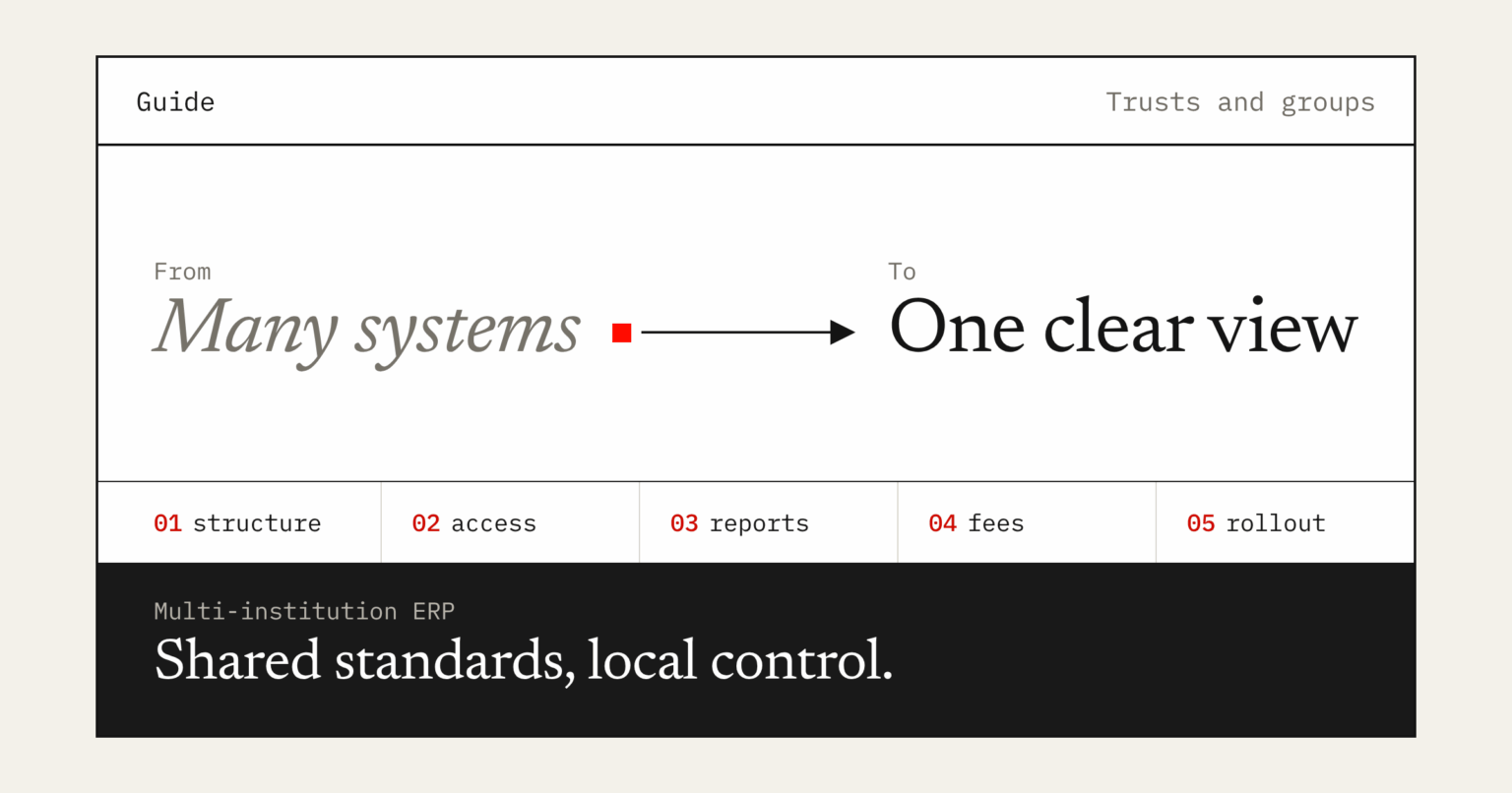
A trust or management running several schools and colleges usually inherits its software one institution at a time. One campus bought a system years ago, another built its own, a third still works from registers. Each functions after a fashion. What the management cannot do is see all of them together.
This guide looks at ERP for multiple schools and colleges under one management: whether to keep separate systems or move to a shared one, what to standardise, and how to roll out a change without disrupting every campus at once.
Separate Systems or One Shared Platform?
| Question | Separate systems | One shared platform |
|---|---|---|
| Group-level view | Assembled by hand from each institution’s reports. | Available directly, in the same format for all. |
| Local flexibility | High. Each institution does as it wishes. | Depends on how the platform is set up. Needs deliberate design. |
| Vendors and contracts | Several to manage and renew. | One relationship. |
| Staff transfers | Retraining each time. | The same system everywhere. |
| Risk of change | Low in the short term, because nothing changes. | Higher at the start, and manageable with a phased rollout. |
Neither is right for every group. Two or three institutions with little in common may be better left alone. A group that needs consolidated fee, admission and staff information every month will keep paying for the lack of it.
What to Standardise
- Naming. Fee heads, classes, courses and designations called the same thing everywhere.
- Student and staff identifiers. One numbering pattern across the group.
- Core reports. Strength, collection, dues and attendance in one agreed format.
- User roles. A principal, an accountant and a clerk have the same permissions in every institution.
- Academic and financial calendars. At least the period boundaries used for reporting.
What to Leave Local
Standardising everything is as unhelpful as standardising nothing. Fee amounts, timetables, local circulars, transport routes and the daily rhythm of each campus should stay with the institution. A good setup separates the shared structure from the local content.
Access Levels
A shared platform must be clear about who sees what. Staff of one institution should see only their own institution’s records. Management representatives may need a group view, and often a read-only one. This has to be designed and tested, since student and fee records are sensitive. Our Data Protection and Confidentiality Commitment sets out how we approach client data.
Rolling It Out in Phases
- 1. Assess every institution. What each uses now, what data it holds and what it cannot work without.
- 2. Agree the standards. Before any software is configured.
- 3. Start with one institution. Preferably a willing one of typical size.
- 4. Learn and adjust. Fix what the first rollout revealed.
- 5. Extend in groups. Timed around each institution’s calendar, not on a single date for all.
A phased approach takes longer than a single switch and is far less likely to disrupt the whole group at once. No rollout is risk-free, and timelines can only be estimated after the assessment.
A Real Project
Our case study 100+ Institutions. One Connected ERP Ecosystem. describes a connected ERP rolled out across a decentralised group of education institutions over several years. For a single institution’s view of changing systems, see our guide to school and college ERP software migration.
Frequently Asked Questions
Do all our institutions have to move at the same time?
No, and in most cases they should not. A phased rollout lets each institution switch in its own quiet period.
Can schools and colleges share one ERP?
Often, yes, where the software supports both structures. Differences such as semesters, courses and examination patterns have to be assessed first.
Will each institution lose its independence?
Not if the setup separates shared standards from local decisions. The aim is comparable information, not central control of daily work.
What if one institution’s current system cannot export its data?
That institution is planned separately. Options depend on the system and may include a different export route or keeping older records as an archive.
What to Remember
- Separate systems are simple to keep and hard to see across.
- Standardise what the management compares. Leave the rest local.
- Access levels need deliberate design and testing.
- Roll out one institution first, then in groups.
- Assess every institution before agreeing any standard.
How Y5MEDIA Can Help
For a trust or management with several institutions, the assessment can look at them together. ERP Software Migration Services explains the offer and how a move is planned.
ERP Software Migration
Free data migration within agreed scope, a monthly subscription and customization quoted by requirement.
Learn more →Education ERP Case Study
A real project: one connected ERP ecosystem across 100+ institutions.
Learn more →School and College ERP Migration
Why migration feels risky, and the five-step process that makes it manageable.
Learn more →Running Several Institutions on Different Systems?
Tell us how many institutions you manage and what each uses today. We will assess them together and outline what could be standardised, what should stay local and how a phased rollout might look.
Free data migration, subject to compatibility and agreed scope. Affordable customization. Predictable monthly subscription options.
Call or WhatsApp +91 7902024242, email support@y5media.com, or use the contact page.