
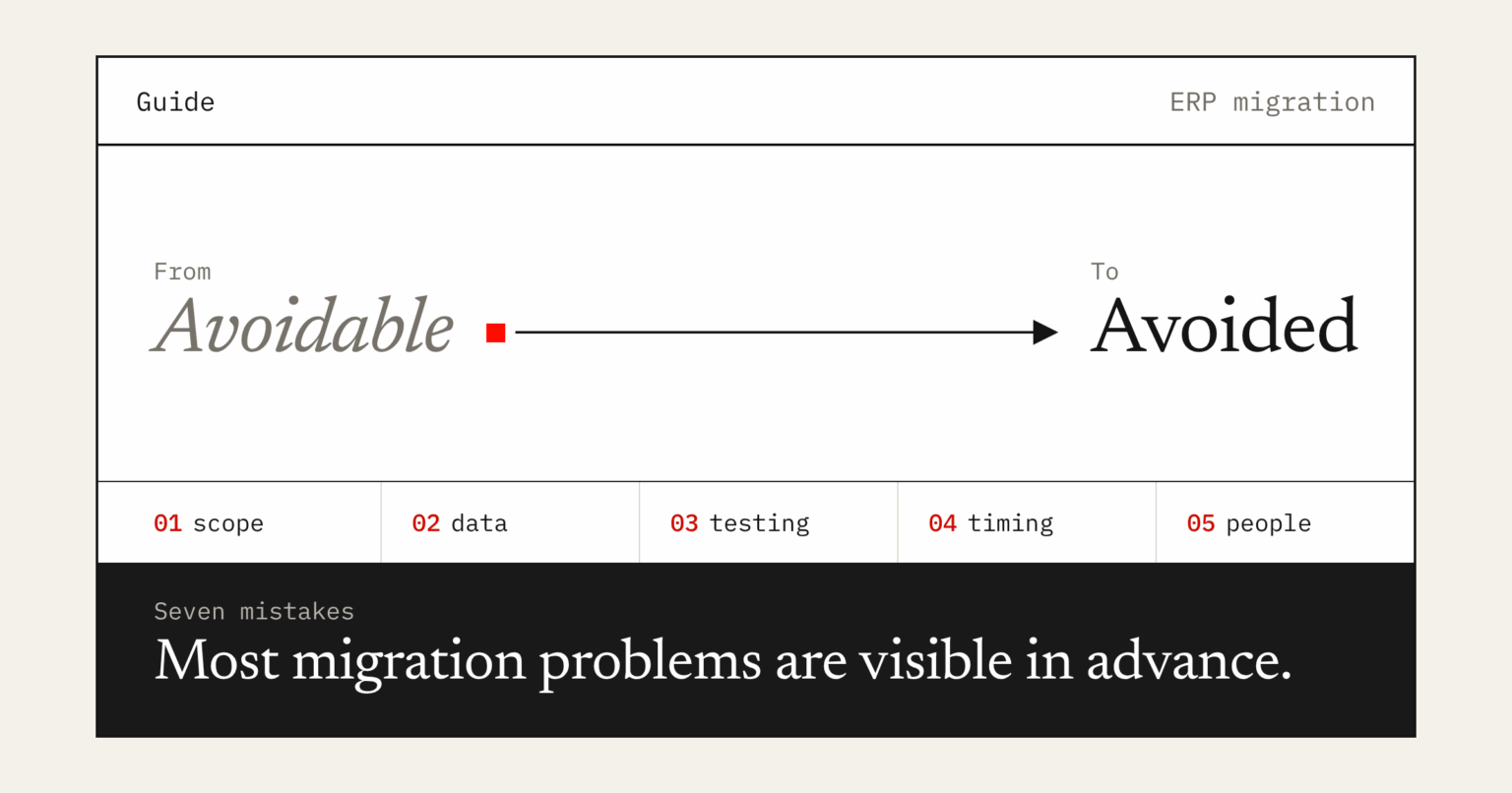
When an ERP migration goes badly, the explanation afterwards is nearly always the same: “we did not expect that”. Yet the problems that hurt most are rarely surprises. They are ordinary, well-known mistakes that were visible weeks earlier to anyone who looked.
These are seven common ERP migration mistakes, what each leads to, and what to do instead. They apply equally to a business, a school or a college.
1. Choosing on the Demonstration Alone
What happens. The software looks excellent in a prepared demonstration. Three months later the office discovers it cannot do something they do every day.
Instead. List the processes you cannot work without and ask to see each one performed, with data that resembles your own. Our 12 questions to ask your ERP vendor work just as well for a new provider.
2. Moving Dirty Data
What happens. Duplicates, missing fields and old test entries are copied faithfully into the new system, and the first reports are wrong.
Instead. Clean before or during the migration, and decide what will be migrated, archived or left behind.
3. Leaving the Scope Vague
What happens. Each side assumes something different about what is included. The disagreement surfaces at the worst possible moment.
Instead. Get a written scope: what moves, what needs customization, what is quoted separately and what is not included at all. See ERP customization: what to pay for and what to question.
4. Letting Only the Technical Team Test
What happens. The data loads without errors, so the migration is declared successful. Then the accountant finds the balances do not match.
Instead. Have the people who know the records check them: counts, totals, a sample of individual accounts and the reports they use most.
5. Going Live at the Wrong Time
What happens. The switch lands on a month-end, a fee deadline or the busiest week of the season, and normal pressure becomes a crisis.
Instead. Prepare at any time, and go live in a quiet window. See when to switch school ERP software for institutions, and ERP migration for retailers, distributors and manufacturers for cut-over dates in business.
6. Forgetting the People
What happens. The system works and nobody uses it. Parallel registers continue, and a year later the organisation has two sets of records.
Instead. Train by role, appoint internal champions and set a date for retiring the old method. More in ERP training for staff.
7. Switching Off the Old System Too Soon
What happens. A question arises about last year’s records and the only place to look no longer exists.
Instead. Take a verified backup, keep the old system available for reference for an agreed period, and have a rollback plan where technically feasible. The ERP go-live checklist covers the final week.
A Mistake in the Other Direction
There is an eighth mistake that deserves a mention: never moving at all. An organisation that stays with unsuitable software for years because migration feels risky is also paying a price, only less visibly. The purpose of this list is to show that the risks are known and manageable, not to suggest that staying is always the safer choice.
No provider can honestly promise a migration without difficulty. What can be promised is a process: assess, plan, prepare, test and transition. That is how Y5MEDIA Premium ERP Migration is organised.
Frequently Asked Questions
What is the most common ERP migration mistake?
Unclear scope is among the most common. Many later disputes trace back to something that was assumed and never written down.
Can a failed migration be reversed?
Sometimes, if a rollback was planned and the old system is intact. That is why the backup and the rollback decision belong in the plan from the start.
How much testing is enough?
Enough for the people who rely on the records to say they trust them. Counts, totals and a sample of real accounts are the minimum.
Do small organisations need all of this?
The steps are the same. They are simply quicker when there is less data and fewer users.
What to Remember
- Most migration problems are visible in advance.
- See your own processes demonstrated before you choose.
- Clean the data and write down the scope.
- Let record owners test, and go live in a quiet window.
- Train people, and keep the old system until you no longer need it.
How Y5MEDIA Can Help
ERP Software Migration Services sets out our offer for organisations leaving another ERP vendor, starting with an assessment of the existing system.
ERP Software Migration
Free data migration within agreed scope, a monthly subscription and customization quoted by requirement.
Learn more →Custom Software Development
Modules, integrations and workflows built around how your organisation actually works.
Learn more →Backup Solutions
Automated, tested backups before and after any change to your systems.
Learn more →Want to Avoid These Mistakes in Your Own Migration?
Tell us which ERP you use today and what worries you most about changing. We will assess the system, the data and your requirements before anything is committed.
Free data migration, subject to compatibility and agreed scope. Affordable customization. Predictable monthly subscription options.
Call or WhatsApp +91 7902024242, email support@y5media.com, or use the contact page.