
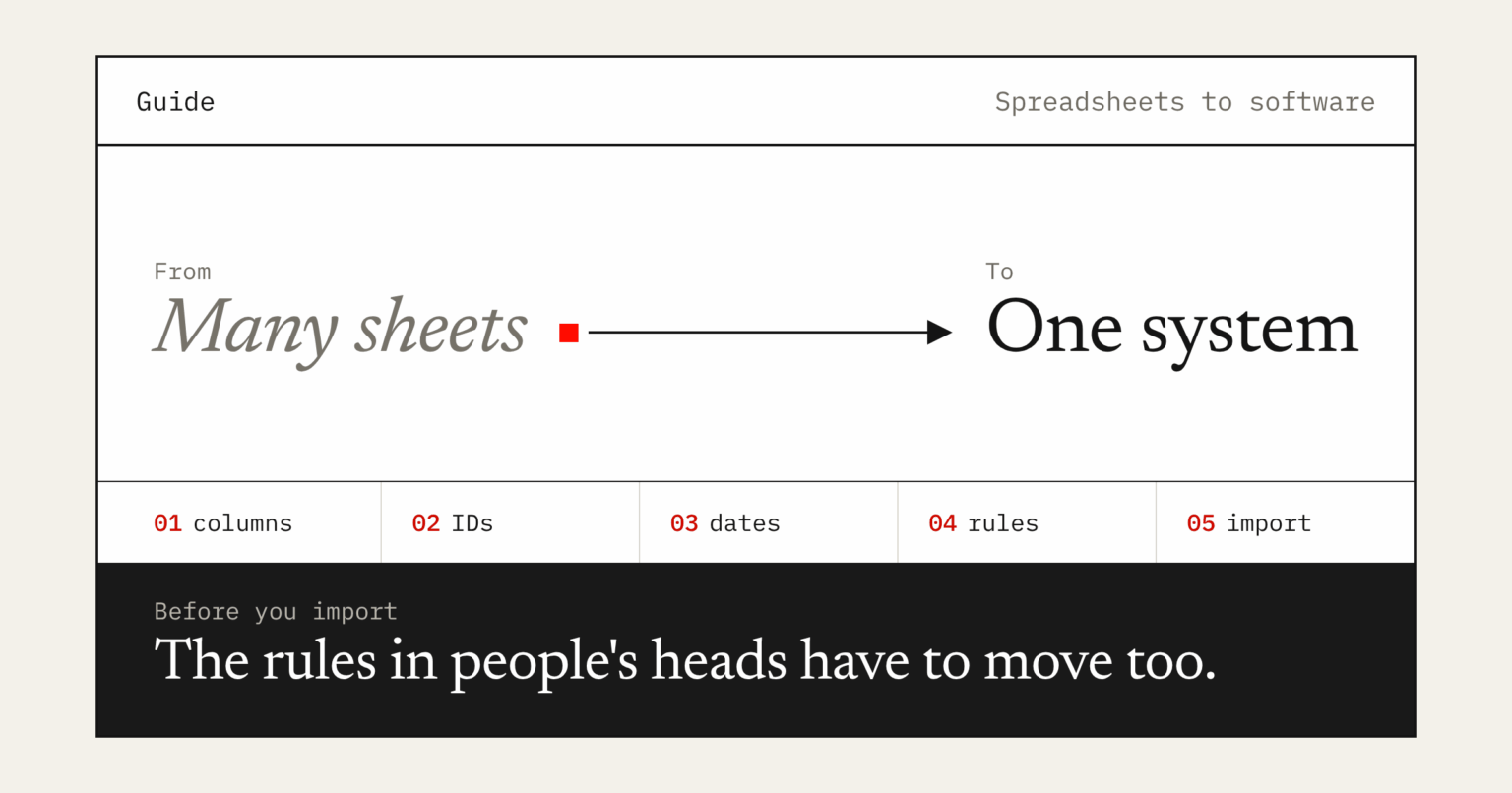
Most businesses run on spreadsheets for longer than they should, because spreadsheets are very good until the day they are not. The customer list becomes three customer lists. Two people edit the same file. A formula is overwritten in March and nobody notices until the annual figures look odd.
When the decision is finally made to move to proper software, the spreadsheets have to go with you. This guide explains how to migrate Excel data into a system without importing years of inconsistency along with it.
Why Spreadsheet Data Is Harder Than It Looks
A spreadsheet accepts anything. A date can be typed five different ways. A phone number can share a cell with a name. A blank row can mean “same as above”. People read these without difficulty. Software does not.
A system expects each record on one row, each kind of information in its own column, and every value in a predictable format. The gap between the two is the real work of the migration.
Preparing a Sheet for Import
| Problem | What to do |
|---|---|
| Merged cells and sub-headings | Unmerge and fill in, so that every row stands alone. |
| Several facts in one cell | Split into separate columns: name, phone and city, not one address blob. |
| Inconsistent dates and numbers | Convert to one format, and check that dates are real dates and not text. |
| The same thing spelled several ways | Standardise names of customers, products, cities and categories. |
| No unique identifier | Give every customer, item or record a code that never changes. |
| Totals and blank rows inside the data | Remove them. Software calculates totals itself. |
| Several versions of the file | Agree which one is the truth before anything is imported. |
The Hidden Rules Have to Move Too
A long-used spreadsheet contains more than data. It contains decisions:
- Formulas that work out a discount, a commission or a due date.
- Colours that mean “paid”, “urgent” or “do not call”.
- Comments in the margins that everyone has learned to check.
- Habits, such as never invoicing a certain customer before the fifth of the month.
None of this imports. Each rule has to be identified and either set up in the new software or dropped deliberately. Sit with the person who maintains the sheet and ask them to explain it column by column. That conversation is usually the most valuable hour of the project.
Import in Stages
- Start with a sample. Import twenty or thirty records and look at them in the new system.
- Fix the source, not the result. Correct the spreadsheet and import again, so the process is repeatable.
- Bring master records first. Customers, suppliers and items before the transactions that refer to them.
- Decide how much history to bring. Open items and balances are essential. Older detail can often stay in the spreadsheet as an archive.
- Check totals. Counts and sums in the system should match the sheet.
Avoid Running Both Forever
A short overlap, where the spreadsheet is kept alongside the new system to compare results, is sensible. An open-ended one is how businesses end up maintaining two sets of records. Agree a date after which the spreadsheet is read-only, and keep to it.
Is Software the Right Answer?
Not always. A spreadsheet used by one person for a simple list may be perfectly adequate. The case for a system grows when several people need the same data, when errors cost money or when the business can no longer answer simple questions quickly. Our articles on when generic software stops fitting and build vs buy cover that decision, and data cleaning before migration goes further into preparing records.
Frequently Asked Questions
Can spreadsheet data be imported directly?
Most systems accept spreadsheet or CSV files, provided the data is arranged the way the system expects. The preparation is where the time goes.
What happens to our formulas?
They do not transfer. The calculations they perform are set up again in the new software, or replaced by its own reports.
Should we clean the data before or after importing?
Before, wherever possible. Corrections made in the source can be repeated, and errors are easier to see in a sheet than in a system.
How much old data should we bring?
Bring what you use. Keep the rest as an archive you can open when needed.
What to Remember
- Spreadsheets tolerate inconsistency. Software does not.
- One record per row, one fact per column, one format per column.
- Formulas, colours and habits are business rules that must be captured.
- Import a sample first, and fix the source.
- Set a date after which the spreadsheet is read-only.
How Y5MEDIA Can Help
If no standard product fits the way your spreadsheets work, Custom Software Development explains how we assess a requirement first. Moving the data is covered by Migration Services.
Migration Services
Sites, mailboxes, databases and applications moved with staging, backup and a planned cutover.
Learn more →Custom Software Development
Modules, integrations and workflows built around how your organisation actually works.
Learn more →Our Process
How an engagement runs, from first conversation to handover.
Learn more →Outgrown Your Spreadsheets?
Tell us what the spreadsheets are used for, who maintains them and what goes wrong. We will look at the data and the rules behind it before recommending anything.
Call or WhatsApp +91 7902024242, email support@y5media.com, or use the contact page.