
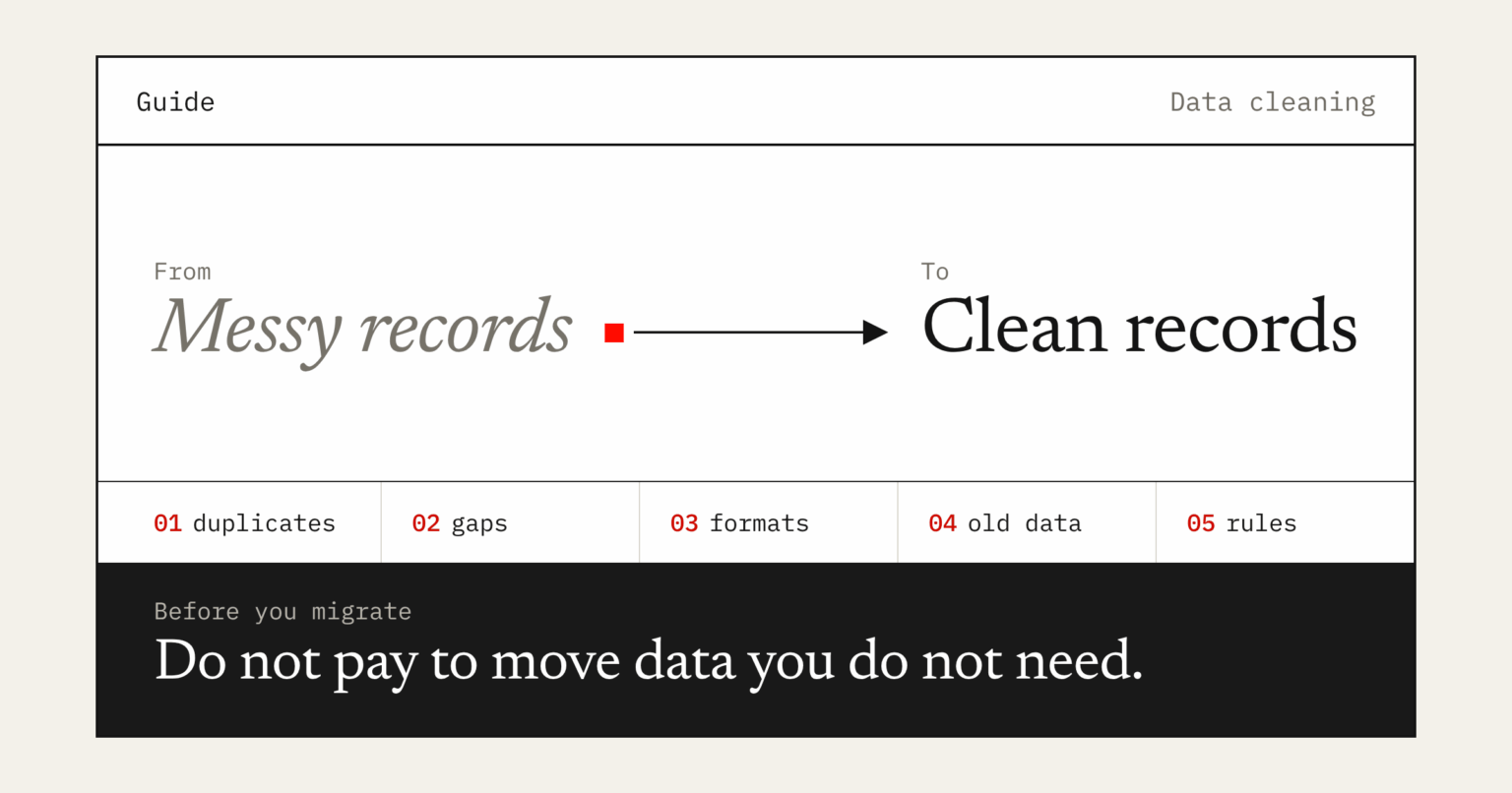
A new system loaded with old, untidy data is an old system with a new screen. The duplicates are still there, the half-filled records are still there, and the reports are wrong in exactly the ways they were wrong before. The only difference is that the business has now paid to move the problem.
Data cleaning before migration is unglamorous work that decides whether the new system is trusted in its first month. This guide explains what to fix, what to archive and what to leave behind.
Six Kinds of Untidy Data
| Kind | Example | Usual treatment |
|---|---|---|
| Duplicates | The same customer entered three times with slightly different names. | Merge, keeping the history of each. |
| Incomplete records | Contacts with no phone number, items with no price. | Complete the ones in use. Archive the rest. |
| Inconsistent formats | Dates, phone numbers and place names written several ways. | Standardise to one format. |
| Out-of-date records | Customers who closed years ago, discontinued products. | Archive or mark inactive. |
| Orphaned records | Transactions that refer to a customer or item that no longer exists. | Investigate, then repair or archive. |
| Test and dummy entries | “Test customer”, “ABC”, entries made while learning the system. | Leave behind. |
A Practical Cleaning Process
1. Measure first
Count the records and estimate how many fall into each category above. A rough count turns an uneasy feeling into a task of known size.
2. Agree the rules
Decide what counts as a duplicate, which fields are essential and how old a record must be before it is archived. Write the rules down, so that the same decision is made the same way each time.
3. Fix at the source where you can
Corrections made in the old system before export are visible to the people who know the data, and they survive a repeated export. Corrections made on the way across are quicker and harder to check.
4. Sort into three groups
Migrate what the business uses. Archive what must be kept and will not be edited. Leave behind what nobody can explain.
5. Measure again
Compare the counts before and after. The difference should be explainable record by record, at least in summary.
Who Decides
Whether two records are the same customer is a business question, not a technical one. So is whether a five-year-old enquiry is worth keeping. The people who know the customers, the stock or the students should make these decisions. The technical team’s role is to provide the lists and apply the rules.
Cleaning done without them tends to go wrong in one of two ways: nothing is removed because nobody dares, or something important is removed because it looked like clutter.
Knowing When to Stop
Perfect data does not exist, and the search for it has delayed many migrations. Clean what affects daily work and the reports people rely on. Accept that some minor inconsistencies will travel across and can be corrected later in the new system, where tools for it are often better.
- Records used every day: clean thoroughly.
- Records used occasionally: fix obvious errors.
- Records never used: archive without cleaning.
Before Anything Is Deleted
Take a full backup of the original data before cleaning begins, and keep it. Decisions made during cleaning are sometimes regretted, and an untouched copy is the only way to reverse them. Check too whether any records must be retained for legal or accounting reasons before they are archived or removed. Your accountant or adviser can confirm that.
Related guides: backup before migration, from spreadsheets to software, CRM migration and database migration: protecting business data.
Frequently Asked Questions
Should data be cleaned before or after migration?
Before, for anything that affects daily work. It is easier to see problems in a system people know than in one they are still learning.
How long does data cleaning take?
It depends on the volume and condition of the data. Measuring first is what makes an estimate possible.
Can cleaning be automated?
Formats can be standardised and likely duplicates identified automatically. The decision to merge or archive usually needs a person.
What if we remove something we later need?
That is why the original backup and the archive are kept. Nothing should be deleted outright until the new system has been in use for an agreed period.
What to Remember
- Untidy data makes a new system untrustworthy from the first report.
- Measure, agree rules, fix at source, sort, measure again.
- Migrate, archive or leave behind.
- Business people decide. Technical people apply.
- Back up the original before cleaning, and know when to stop.
How Y5MEDIA Can Help
Every move on our Migration Services page begins with an audit of what exists. That audit is where duplicates, gaps and obsolete records are counted before a plan is agreed.
Migration Services
Sites, mailboxes, databases and applications moved with staging, backup and a planned cutover.
Learn more →Custom Software Development
Modules, integrations and workflows built around how your organisation actually works.
Learn more →Backup Solutions
Automated, tested backups before and after any change to your systems.
Learn more →Worried About the State of Your Data?
Tell us which system holds the data and what you already know is wrong with it. We will measure it, propose cleaning rules and show you what is worth moving.
Call or WhatsApp +91 7902024242, email support@y5media.com, or use the contact page.