
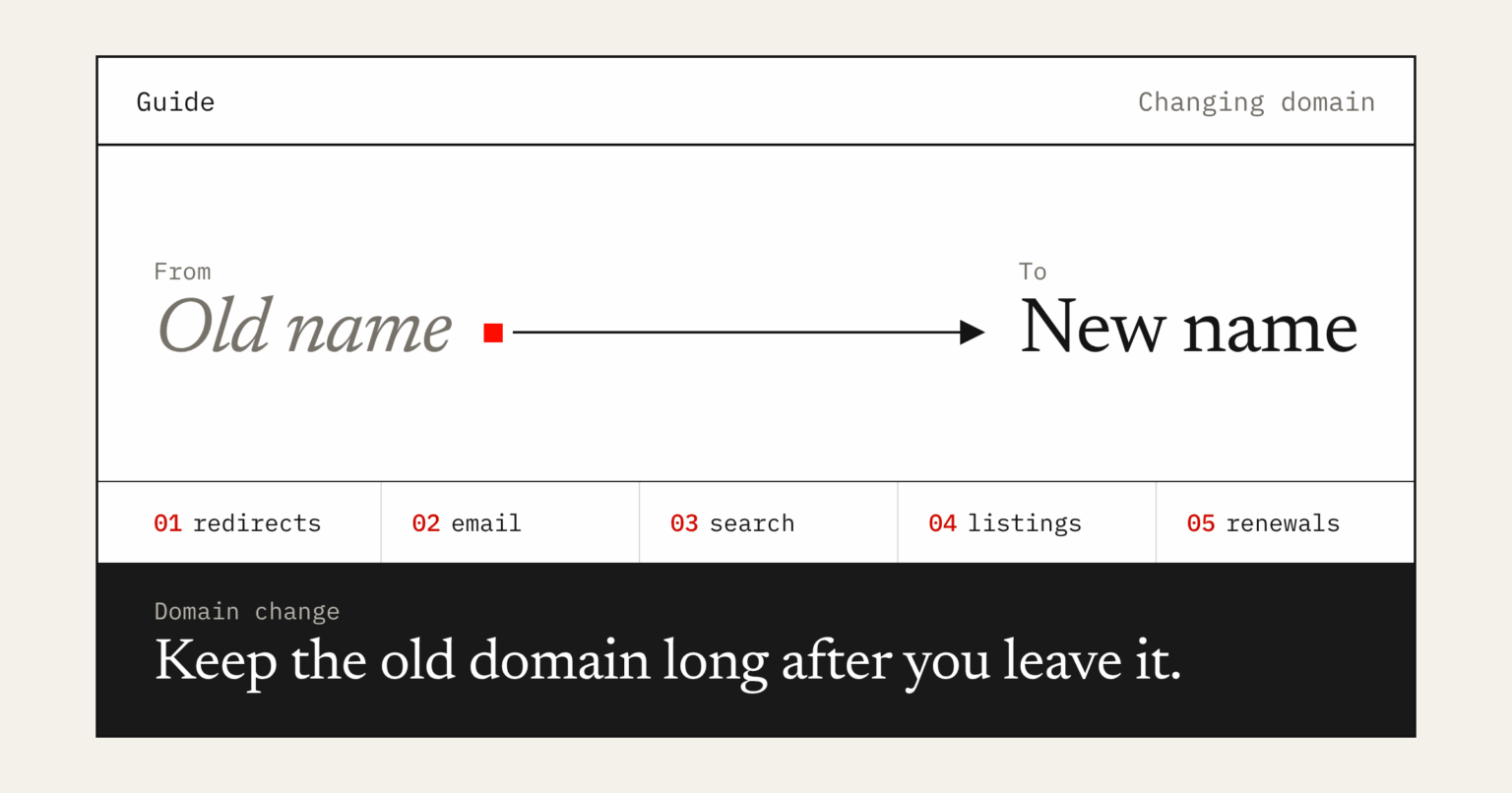
A business changes its name, merges with another, or finally obtains the domain it always wanted. The new address goes on the letterhead, and then someone asks what happens to the old one. The honest answer is that the old domain will go on working for you for years, if the change is handled properly.
Changing your domain name is one of the few website changes that affects search visibility, email and every printed item at the same time. This guide sets out the order to do things in.
What a Domain Change Affects
| Area | What needs doing |
|---|---|
| Website addresses | Every old page must lead to its equivalent on the new domain. |
| Email addresses | New addresses are created, and the old ones keep receiving mail. |
| Search engines | They need to be told about the move, and given time to follow it. |
| Listings and profiles | Business listings, social profiles, directories and partner sites all show the old address. |
| Security certificate | Both the old and new domains need a valid certificate so that redirects work without warnings. |
| Connected services | Payment gateways, analytics, forms and advertising accounts are often tied to the domain. |
Redirects: Page to Page, Not Everything to the Home Page
The single most important step is a permanent redirect from each old address to the matching new one. A visitor who follows an old link to a product page should arrive at that product, not at the home page. Search engines treat page-to-page redirects as a move. They tend to treat a blanket redirect to the home page as pages that have disappeared.
Our article on website migration without losing SEO covers redirect mapping in more detail.
Email: Keep the Old Addresses Working
Customers, suppliers, banks and government portals all hold your old email addresses, and many will keep using them. Set the old addresses up as aliases of the new ones so that mail sent to either arrives in the same mailbox. Reply from the new address and people’s address books will update themselves over time.
Telling Search Engines
Once redirects are in place, register the new domain with the search engines’ webmaster tools and use the change-of-address facility where one is offered. Submit the new sitemap. Then allow time. Rankings commonly fluctuate for some weeks after a domain change even when everything is done correctly, and no provider can guarantee that they will return to exactly where they were.
Everywhere Your Old Address Appears
- Business listings and map profiles.
- Social media profiles and advertising accounts.
- Directories, association memberships and partner websites.
- Email signatures, invoices, letterheads and packaging.
- Printed material and signage, as stocks are replaced.
Work through these in order of how many people see them. Links from other websites that you can have updated are worth the effort, since they then point directly to the new domain.
Keep the Old Domain, for Years
The old domain must stay registered, with redirects and email aliases in place. If it lapses, the redirects stop, old links break and mail to old addresses bounces. Worse, someone else can register the name and receive whatever is still sent there. Renewal costs little compared with that risk.
Make sure both domains are held in an account your organisation controls, as described in our guide to domains and DNS during a migration.
A Sensible Order
- Prepare the new domain, certificate and email addresses.
- Map every old address to its new one.
- Switch the site and turn on redirects at a quiet time.
- Tell search engines, then update listings and profiles.
- Monitor for broken links and missed mail over the following weeks.
Frequently Asked Questions
Will we lose our search rankings?
Some movement is normal. With page-to-page redirects and the search engines informed, most sites recover, though this cannot be guaranteed.
How long should the old domain be kept?
For years, not months. Many organisations keep a former domain indefinitely.
Can we change the domain and redesign the site together?
It is possible, and it makes problems harder to diagnose. Where there is a choice, do one, let it settle, then do the other.
Do we have to change everyone’s email at once?
No. With aliases in place, old and new addresses both work, and the change can be gradual.
What to Remember
- Redirect each old page to its matching new page.
- Keep old email addresses working as aliases.
- Tell search engines, and expect some weeks of fluctuation.
- Update listings, profiles and printed material in order of reach.
- Never let the old domain lapse.
How Y5MEDIA Handles Domain Changes
Domains, DNS and certificates are part of the moves on our Migration Services page. Redirects are mapped and tested before the switch, and existing records are documented first.
Migration Services
Sites, mailboxes, databases and applications moved with staging, backup and a planned cutover.
Learn more →Backup Solutions
Automated, tested backups before and after any change to your systems.
Learn more →Our Process
How an engagement runs, from first conversation to handover.
Learn more →Planning to Change Your Domain Name?
Tell us the old and new domain names and what runs on the old one: website, email, anything else. We will map what has to be redirected, kept and updated.
Call or WhatsApp +91 7902024242, email support@y5media.com, or use the contact page.