
The switch went well. The new system is running, the team is relieved and attention moves to other things. This is the most dangerous point in a migration, because nearly everything that can still go wrong does so quietly over the following weeks: a backup that was never set up, a temporary login nobody removed, an old service that keeps billing for a year.
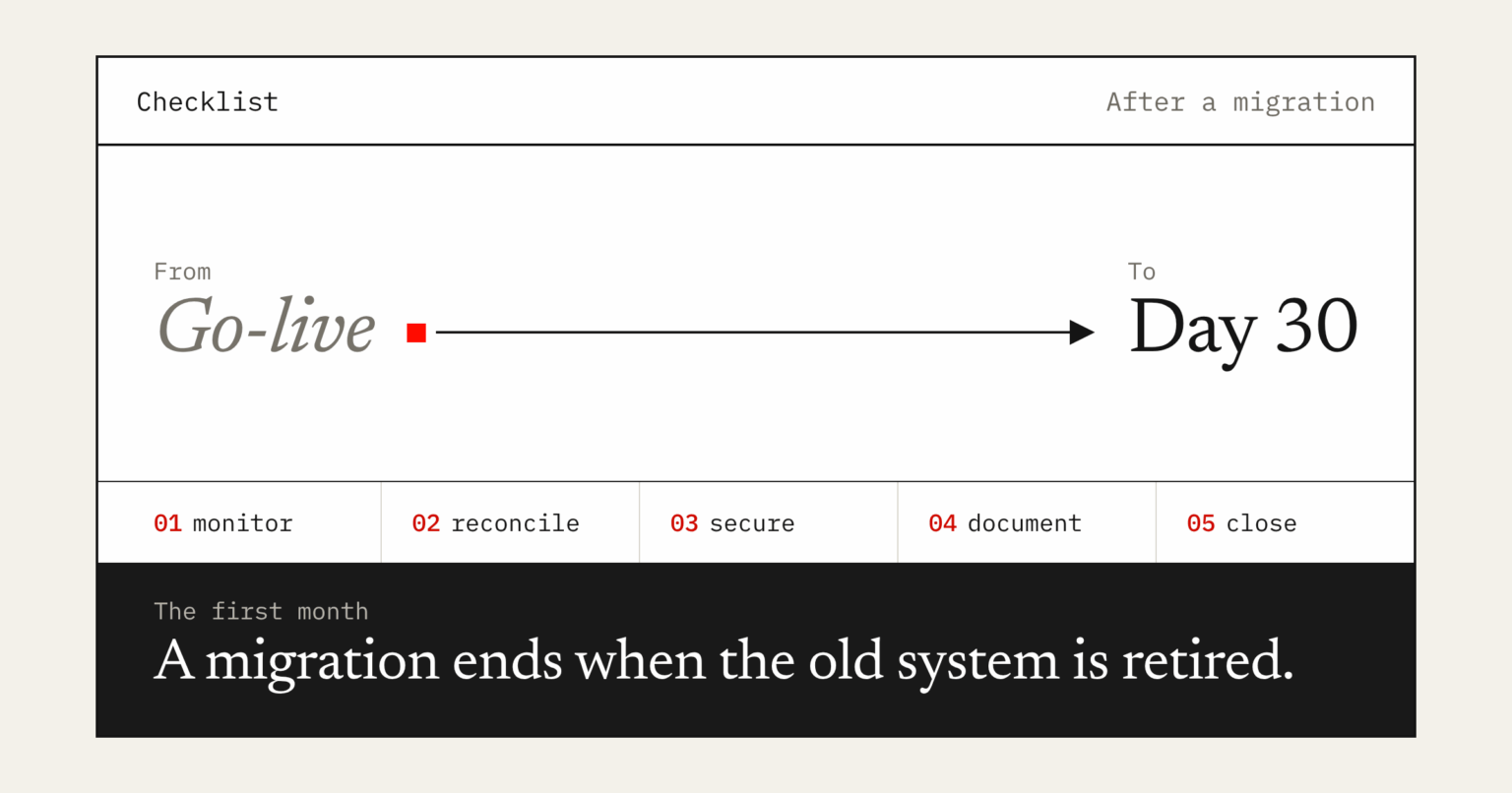
This post-migration checklist covers the first thirty days after a move, whether of a website, a mail system or a business application. A migration is finished when the old system has been retired properly, not when the new one is switched on.
Day One
- Confirm that the essential functions work for real users, not only for the people who built it.
- Check from outside the office: another network, a phone on mobile data.
- Take a backup of the new system and confirm that it completed.
- Start a simple log of every question and problem reported.
- Make sure everyone knows who to contact.
The First Week
| Area | What to check |
|---|---|
| Monitoring | Errors, failed logins, slow pages and anything the system itself reports. |
| Data | Compare counts and totals with the old system for the same date. |
| Automatic jobs | Scheduled reports, reminders, imports and emails that should have run. |
| Email delivery | Messages sent by the system are arriving, and not in spam folders. |
| Backups | Running on schedule and stored away from the live system. |
| Users | The same few questions will recur. Answer them once, in writing. |
Weeks Two to Four
Reconcile a full cycle
The real test of migrated data is the first complete cycle of work: a month-end, a billing run, a term’s fee collection. Compare the results with what the old system would have produced and investigate any difference, however small.
Tidy up access
Migrations create temporary access: accounts for the people doing the work, passwords shared to get through a busy night, permissions widened “for now”. Remove the accounts, change the passwords and restore the permissions. This step is skipped more often than any other.
Remove temporary copies
Export files, test databases and downloads on personal computers all contain real data. Delete them deliberately once they are no longer needed.
Update the documentation
Record where the system now lives, who has access, how it is backed up and who to call. Write it for the person who will need it in two years and was not involved.
Day Thirty: Close It Properly
- Take a final copy of the old system and confirm it can be opened.
- Decide how long that copy is kept, and where.
- Cancel old services so that hosting, licences and subscriptions stop billing.
- Keep anything that must continue, such as an old domain with redirects in place.
- Review what was learned while it is fresh: what took longer than expected, and what would be done differently.
Do not cancel the old system before the rollback window has closed and a full cycle has been reconciled. The reasoning is set out in why every move needs a rollback plan.
What “Finished” Means
A migration can be called complete when four things are true: the new system has run a full cycle correctly, backups are proven, temporary access and copies have been removed, and the old system has been archived and retired. Until then it is still in progress, whatever the project plan says.
Related checklists: the ERP go-live checklist for the week before a switch, the website hosting migration checklist, and backup before migration.
Frequently Asked Questions
How long should we monitor closely after a migration?
At least until one full cycle of normal work has been completed and checked. For most systems that is about a month.
When can the old system be switched off?
After the new one has run correctly through a full cycle and a final copy of the old one has been taken and tested.
Problems are appearing two weeks later. Is that normal?
Yes. Many issues show only when a less frequent task is run for the first time. That is why the log is kept for the whole month.
Who is responsible after go-live?
Agree this before the switch. A named owner for the first thirty days prevents problems falling between the project team and daily operations.
What to Remember
- A migration ends when the old system is retired, not when the new one starts.
- Confirm backups and monitoring in the first week.
- Reconcile one full cycle of real work.
- Remove temporary access, shared passwords and stray copies.
- Cancel old services only after a final, tested copy.
How Y5MEDIA Finishes a Migration
Monitoring after the switch is the final step of the sequence on our Migration Services page. Backup Solutions covers backups on the new environment from the first day.
Migration Services
Sites, mailboxes, databases and applications moved with staging, backup and a planned cutover.
Learn more →Backup Solutions
Automated, tested backups before and after any change to your systems.
Learn more →Our Process
How an engagement runs, from first conversation to handover.
Learn more →Recently Migrated and Not Sure It Was Finished Properly?
Tell us what was moved and when. We will check backups, access, data and the old services still running, and tell you plainly what remains to be closed.
Call or WhatsApp +91 7902024242, email support@y5media.com, or use the contact page.