
Nobody plans a migration expecting it to fail. That is exactly why the question “what do we do if this does not work?” tends to be asked for the first time at two in the morning, by tired people, with the old system already switched off.
A migration rollback plan answers that question in advance. It is a short document, it costs little to prepare, and it is the difference between a bad night and a bad month. This guide explains what goes in one.
What a Rollback Plan Is
It is an agreed way of returning to the old system if the switch goes wrong, written down before the switch begins. It is not a sign of doubt in the people doing the work. Pilots brief for diversions on every flight for the same reason.
The Five Parts
| Part | The question it answers |
|---|---|
| Triggers | What, specifically, would make us go back? For example: orders cannot be placed, balances do not match, staff cannot log in. |
| Decision owner | Who makes the call? One named person, reachable during the switch. |
| Deadline | By when must the decision be made, after which going back is no longer practical? |
| Steps | Exactly what is done, in what order, and by whom, to restore the old system. |
| Message | What staff and customers are told, and who tells them. |
The Point of No Return
Every migration has a moment after which rolling back loses something. Once people start entering new orders, receipts or records in the new system, returning to the old one means that work has to be re-entered or abandoned. The longer the new system runs, the more there is to lose.
So a rollback is realistic only within a limited window. A good plan states that window honestly. Whether a rollback is technically feasible at all depends on the systems involved, and that should be established during planning, not assumed.
What Makes a Rollback Possible
- The old system is left intact. Not cancelled, not overwritten, not repurposed.
- A verified backup exists. Taken after the final freeze. See backup before migration.
- Previous settings are recorded. DNS records, connection details and configuration as they were.
- Changes are reversible. Steps that cannot be undone are left until the new system is confirmed.
- The steps have been walked through. At least on paper, ideally in a rehearsal.
Roll Back or Fix Forward?
Not every problem justifies going back. A report in the wrong format can be corrected on the new system the next day. An inability to take payments cannot wait. The triggers in the plan should separate the two: faults that stop essential work call for a rollback, and everything else goes on a list to fix.
Writing the list of essential functions is useful even if the rollback is never used, because it is also the list of things to test first.
How It Applies in Practice
- Website or hosting move. The old hosting stays live and the previous DNS values are kept, so visitors can be pointed back. See the website hosting migration checklist.
- Email move. The old mailboxes are kept for an overlap, and mail records can be restored. See business email migration.
- Application or ERP move. The old system is kept read-only, and the deadline falls before new transactions accumulate. See the ERP go-live checklist.
What a Rollback Plan Cannot Do
It does not make a migration risk-free, and it cannot recover work entered after the point of no return. It limits the damage of a failed switch to a delay. That is a modest promise and a valuable one. Choosing how to switch also affects how easy a rollback is, as explained in choosing a migration cutover strategy.
Frequently Asked Questions
Is a rollback plan needed for a small website?
Yes, though it may be three lines long: keep the old hosting, note the old DNS values, decide who makes the call.
Who should own the rollback decision?
Someone with authority over the business impact, not only the technical work, and who is available throughout the switch.
How long should the old system be kept?
At least until the rollback window has closed and the new system has completed a normal cycle of work. Longer for reference.
Does rolling back mean the project has failed?
No. It means the switch is postponed with the business intact. The cause is fixed and the switch is attempted again.
What to Remember
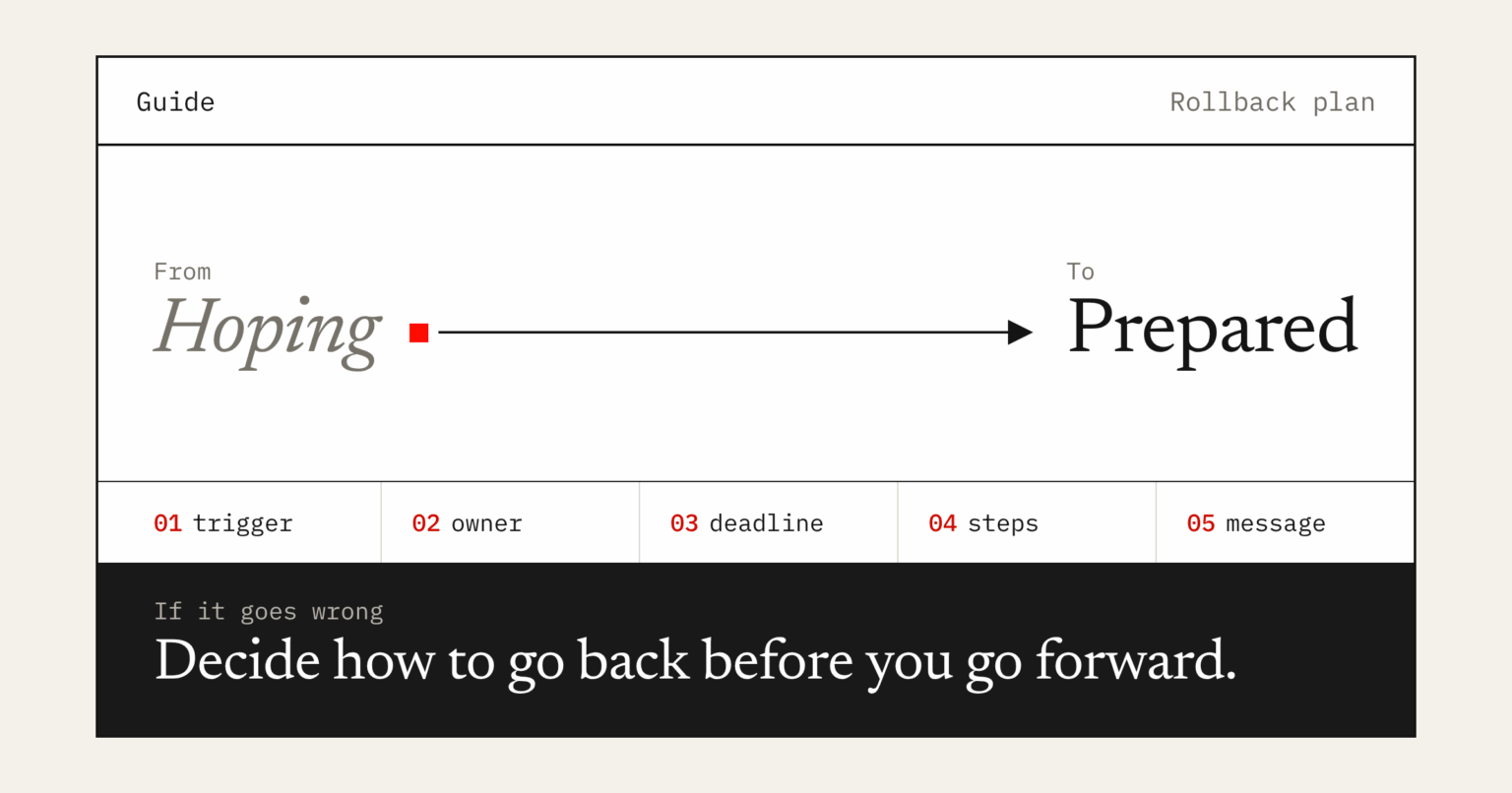
- Decide how to go back before you go forward.
- A plan has triggers, an owner, a deadline, steps and a message.
- Rollback is realistic only before new work accumulates.
- Keep the old system intact and the old settings recorded.
- Separate faults that need a rollback from faults that can be fixed later.
How Y5MEDIA Plans for Rollback
On our Migration Services page, nothing irreversible happens before the new environment has been tested, and the old one is left intact throughout the move.
Migration Services
Sites, mailboxes, databases and applications moved with staging, backup and a planned cutover.
Learn more →Backup Solutions
Automated, tested backups before and after any change to your systems.
Learn more →Our Process
How an engagement runs, from first conversation to handover.
Learn more →Want a Migration With a Way Back?
Tell us what you plan to move and what the business cannot be without for a day. We will build the rollback triggers, deadline and steps into the plan from the start.
Call or WhatsApp +91 7902024242, email support@y5media.com, or use the contact page.