
Every migration plan contains the line “take a backup”. It is usually the shortest line in the plan and the one given least thought. Then something goes wrong, the backup is opened for the first time, and it turns out to be last month’s, or half the size it should be, or stored on the very server that has just failed.
A backup before migration is the one step that makes every other mistake recoverable. This guide explains the 3-2-1 rule in plain terms and what a pre-migration backup should actually contain.
The 3-2-1 Rule
The rule is old, simple and still sound:
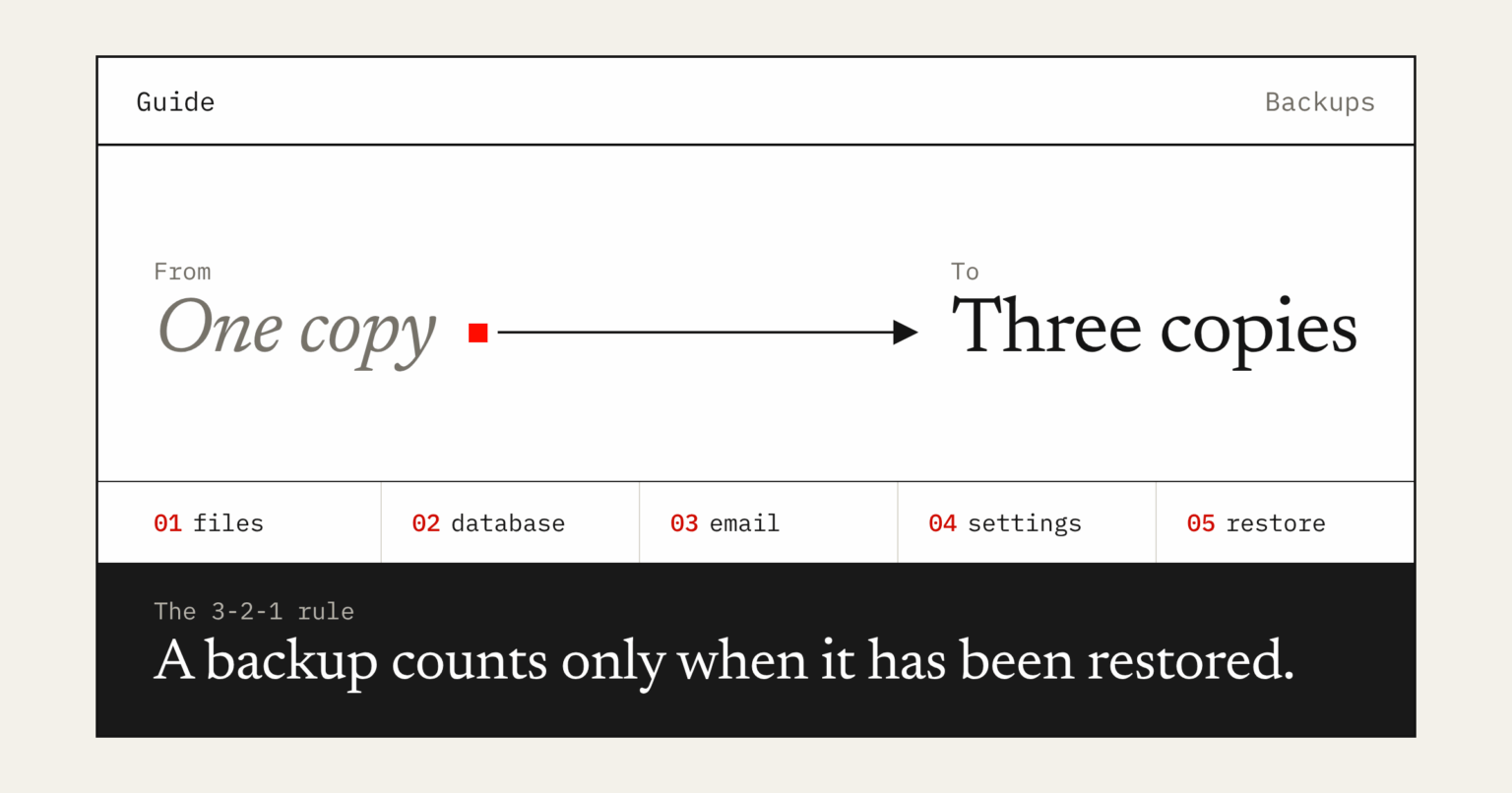
- Three copies of your data: the live one and two backups.
- Two different kinds of storage, so that one failure cannot destroy both backups.
- One copy somewhere else, away from the office or the server the data lives on.
It exists because backups fail in the same ways as the things they protect. A copy on the same disk dies with the disk. A copy in the same building is lost to the same fire, theft or power surge. A copy on the same hosting account disappears if the account is suspended or compromised.
What a Pre-Migration Backup Should Contain
| Item | Often forgotten |
|---|---|
| Files | Uploaded documents and images, which are frequently stored apart from the application itself. |
| Databases | Every database the system uses, not only the main one. |
| Mailboxes held on the same hosting account as the website. | |
| Configuration | Settings files, scheduled tasks, redirects and server rules. |
| DNS records | A written copy of every record as it stands before any change. |
| Credentials and licences | Stored securely, so the system can be rebuilt if needed. |
A Snapshot on the Same Server Is Not Enough
Many hosting providers offer automatic backups or snapshots. They are useful and worth having. They are also usually kept by the same provider, under the same account. If that account is the thing you lose access to, the backups go with it. Before a migration, download a copy to storage you control.
Test It, or It Does Not Count
An untested backup is an assumption. Testing does not have to be elaborate:
- Check the size. A backup far smaller than the live system is missing something.
- Open the archive and confirm that the files inside are readable.
- Restore the database to a test location and count the records.
- For anything critical, restore the whole system somewhere private and open it.
A full test restore is the only real proof. It also tells you how long a restore takes, which is worth knowing before you need one in a hurry.
Timing: Two Backups, Not One
Take a full backup when planning starts, so that work can be rehearsed against it. Then take a final one after changes have been frozen, immediately before the switch. The second is the one a rollback depends on, as explained in why every move needs a rollback plan.
How Long to Keep It
Do not delete the pre-migration backup when the new system goes live. Problems with migrated data often appear weeks later, at the first month-end or the first time an old record is needed. Keep it for an agreed period, stored securely, and delete it deliberately when that period ends. Backups contain the same personal and business data as the live system and deserve the same care.
For what follows the switch, see the post-migration checklist. Backup Solutions explains how we set up automated, tested backups as an ongoing service.
Frequently Asked Questions
Our host takes daily backups. Is that sufficient?
It is a good start. Add an independent copy that does not depend on the same account, and test that it can be restored.
How often should a business back up?
Often enough that losing everything since the last backup would be tolerable. For most active systems that means daily, and more often for systems that take orders or payments.
Where should the off-site copy be kept?
With a different provider or in a different location from the live system, protected by its own login.
Does a backup guarantee nothing will be lost in a migration?
No. It guarantees there is something to go back to. Anything entered after the backup was taken is not in it, which is why changes are frozen before the final copy.
What to Remember
- Three copies, two kinds of storage, one elsewhere.
- Back up files, databases, email, configuration and DNS records.
- A snapshot with the same provider is not an independent copy.
- A backup counts only when a restore has been tested.
- Keep the pre-migration backup for an agreed period after go-live.
How Y5MEDIA Handles Backups
Backup comes second in the sequence on our Migration Services page, straight after the audit. Backup Solutions covers automated, tested backups as an ongoing service.
Migration Services
Sites, mailboxes, databases and applications moved with staging, backup and a planned cutover.
Learn more →Backup Solutions
Automated, tested backups before and after any change to your systems.
Learn more →Our Process
How an engagement runs, from first conversation to handover.
Learn more →Not Sure Your Backups Would Restore?
Tell us what you run and how it is backed up today. We will check what is covered, what is missing and whether a restore has ever been tested, before anything is moved.
Call or WhatsApp +91 7902024242, email support@y5media.com, or use the contact page.